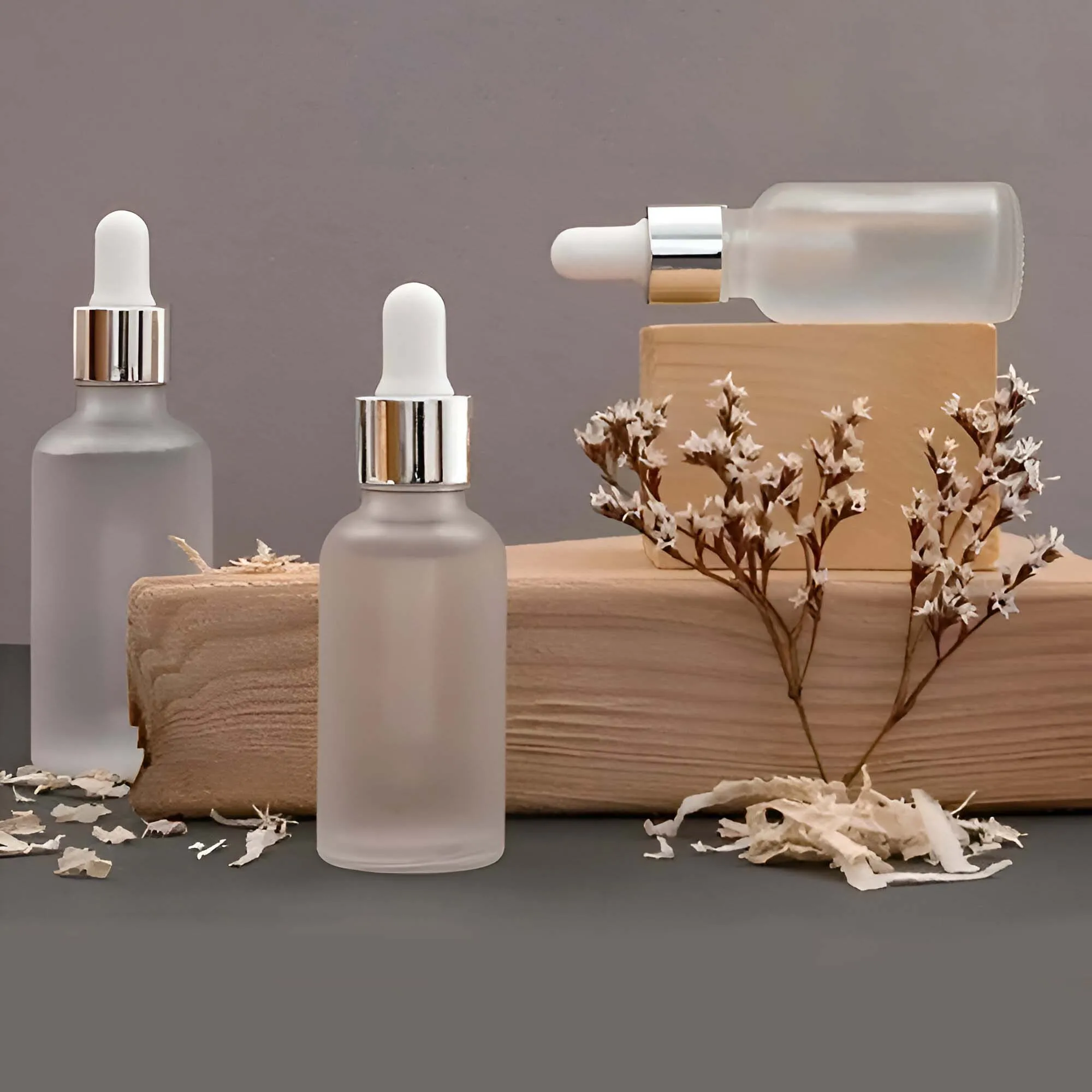
 Serum Bottles
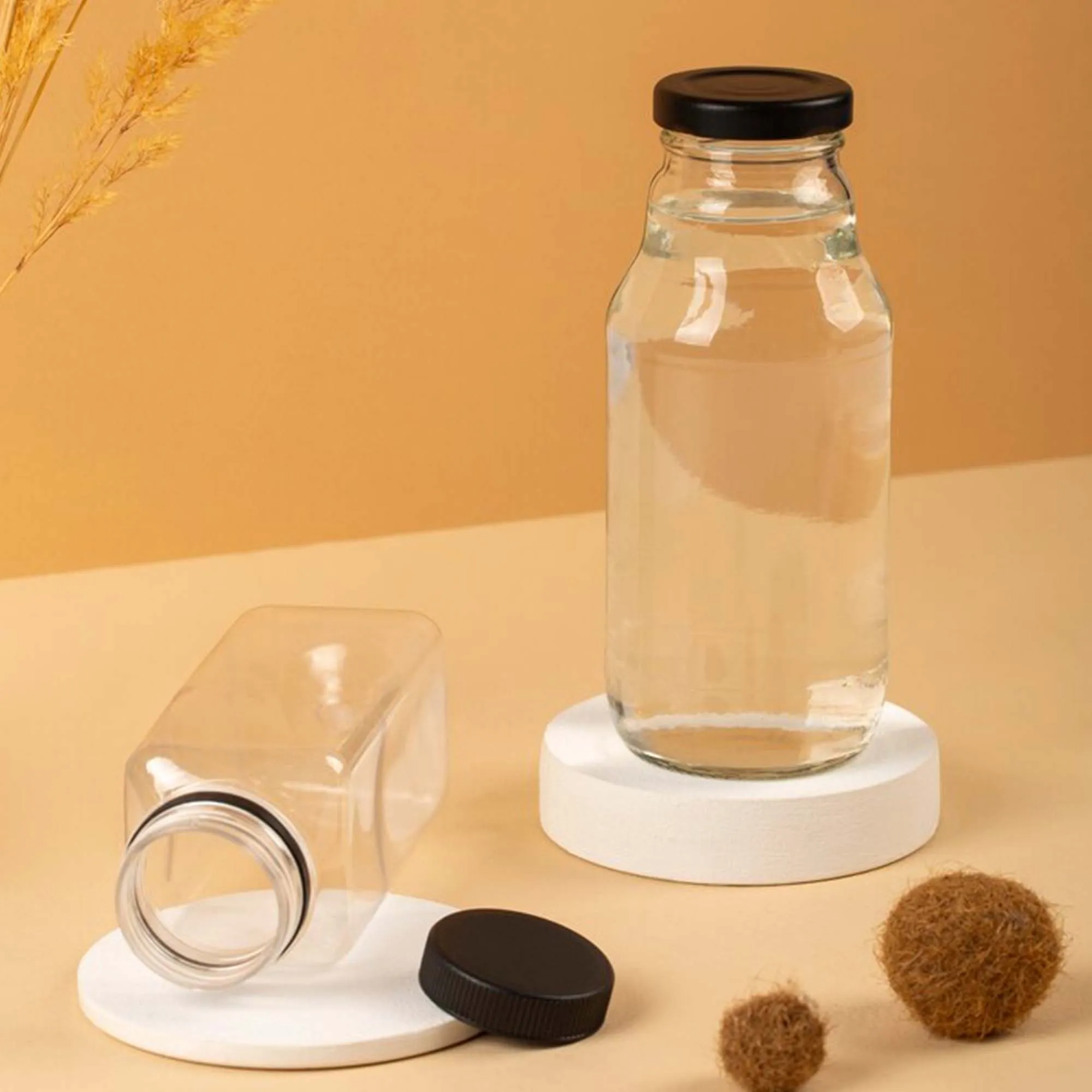 Clear Glass Bottles
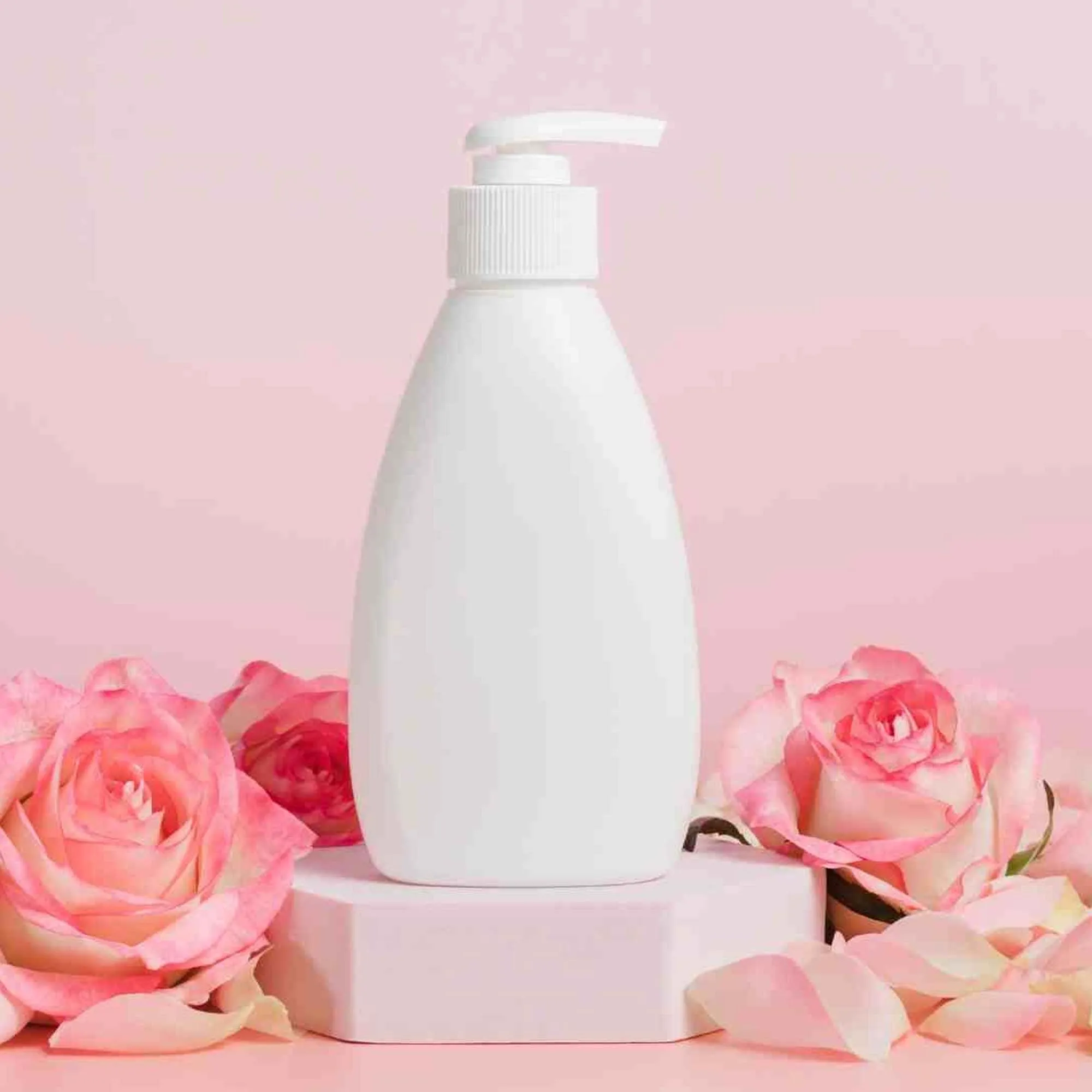 Lotion Bottles
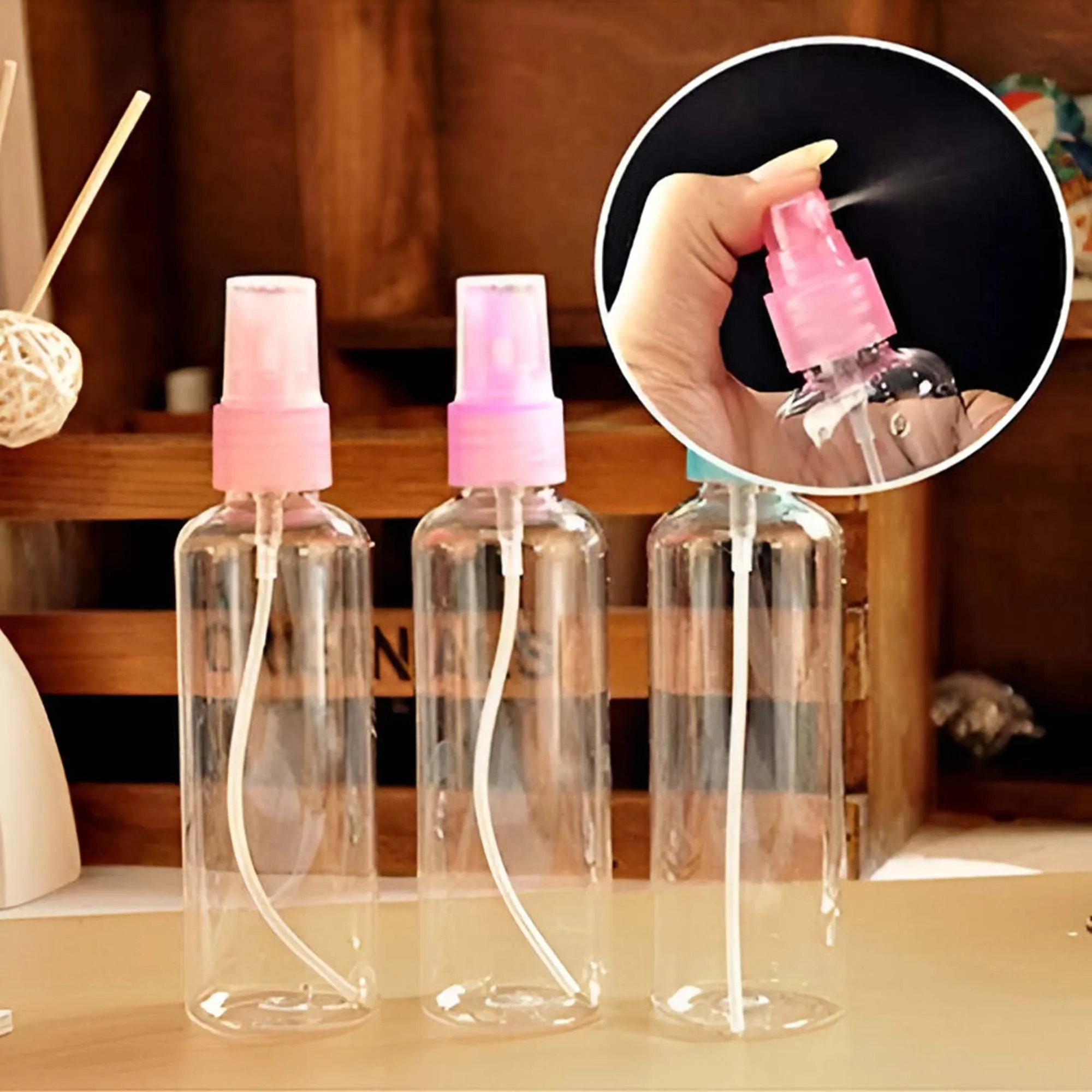 Plastic Bottles
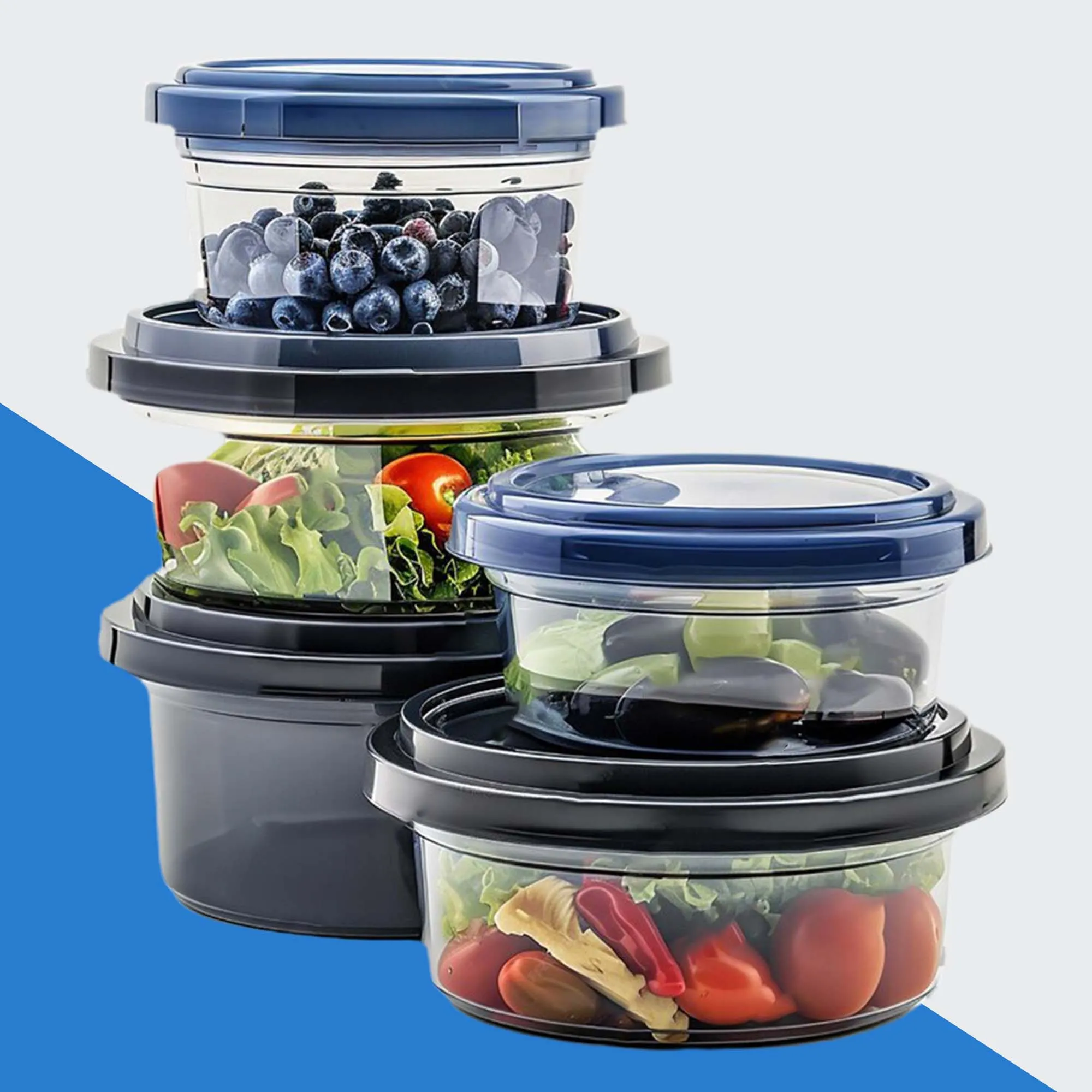 Food Storage Containers
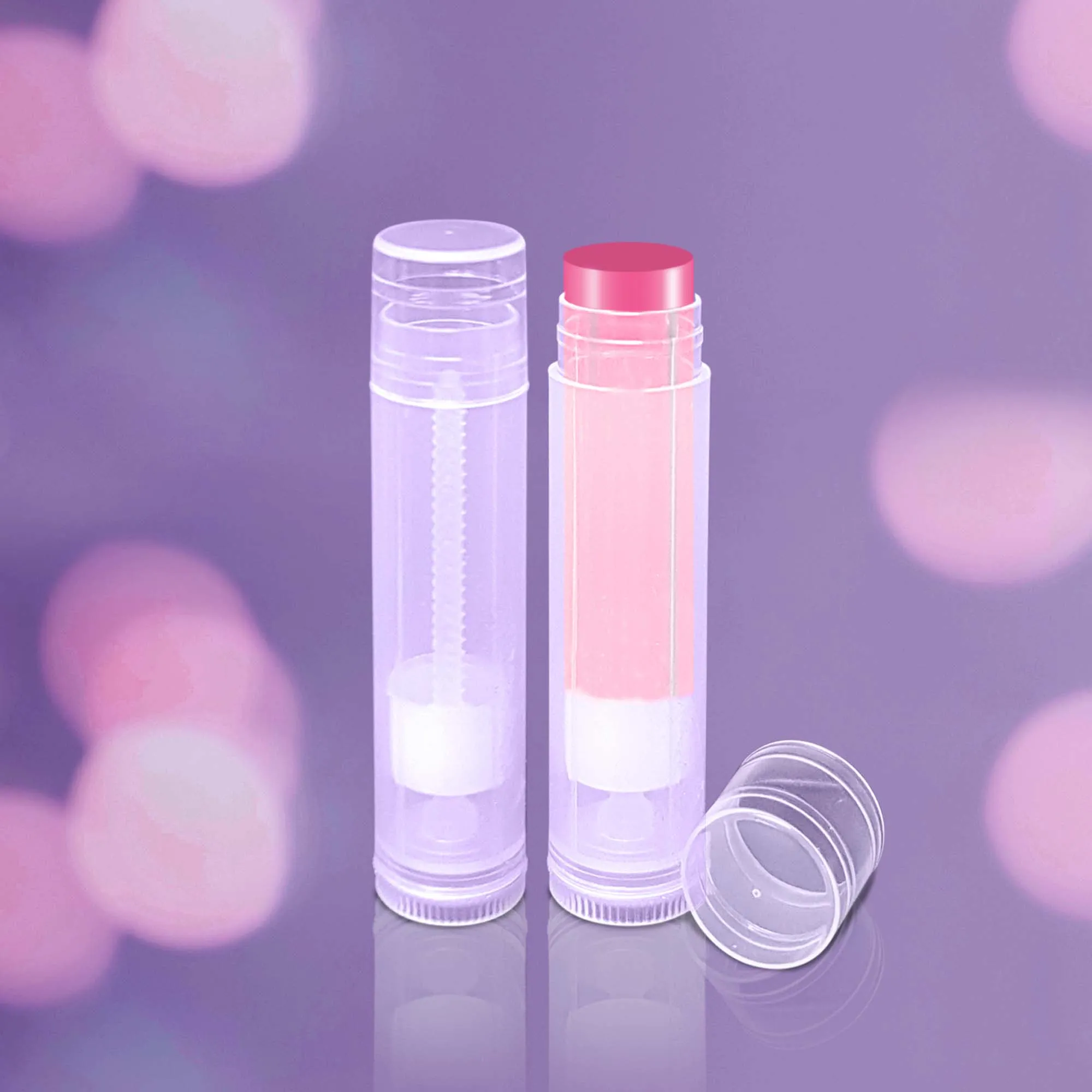 Lip Balm Tubes
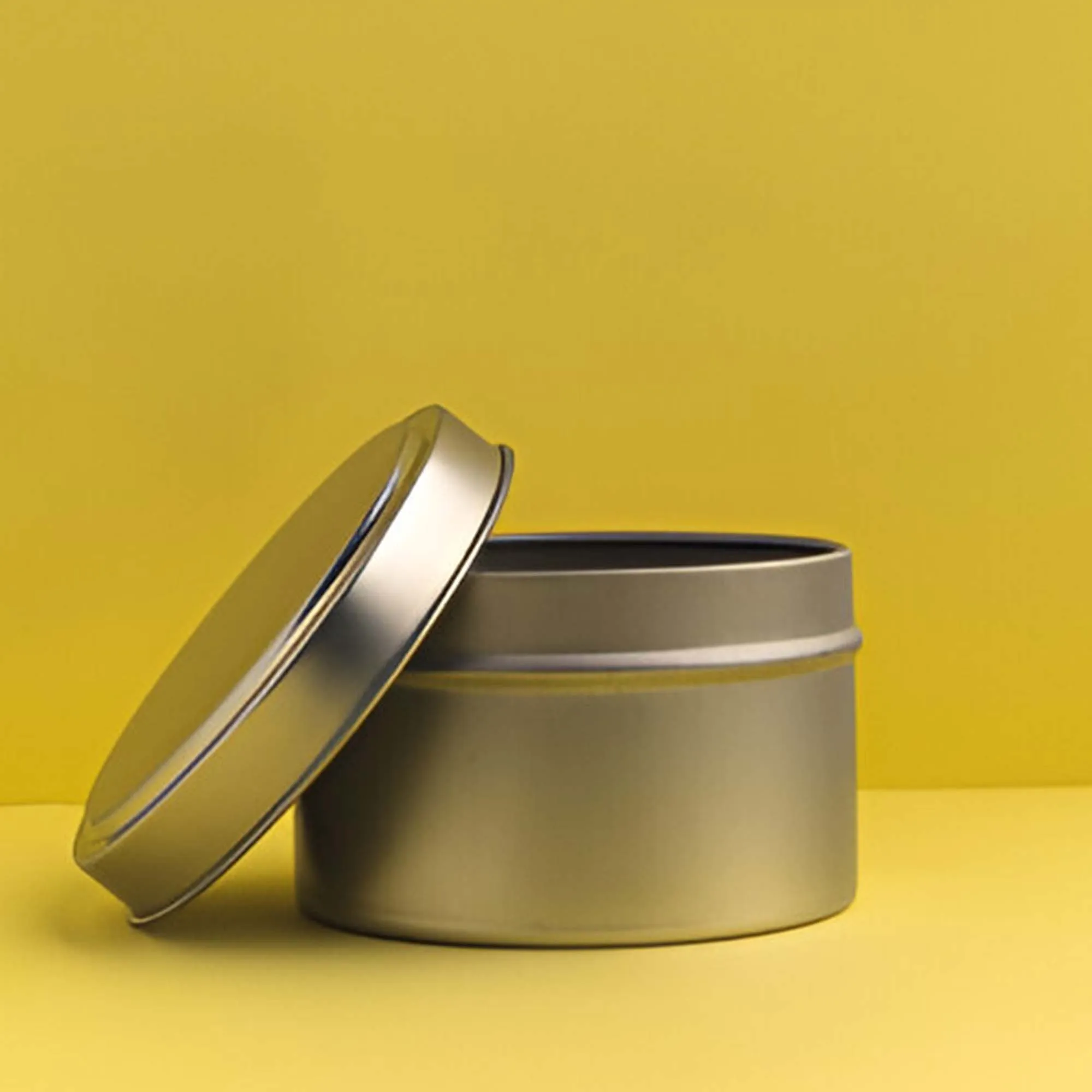 Metal Tins
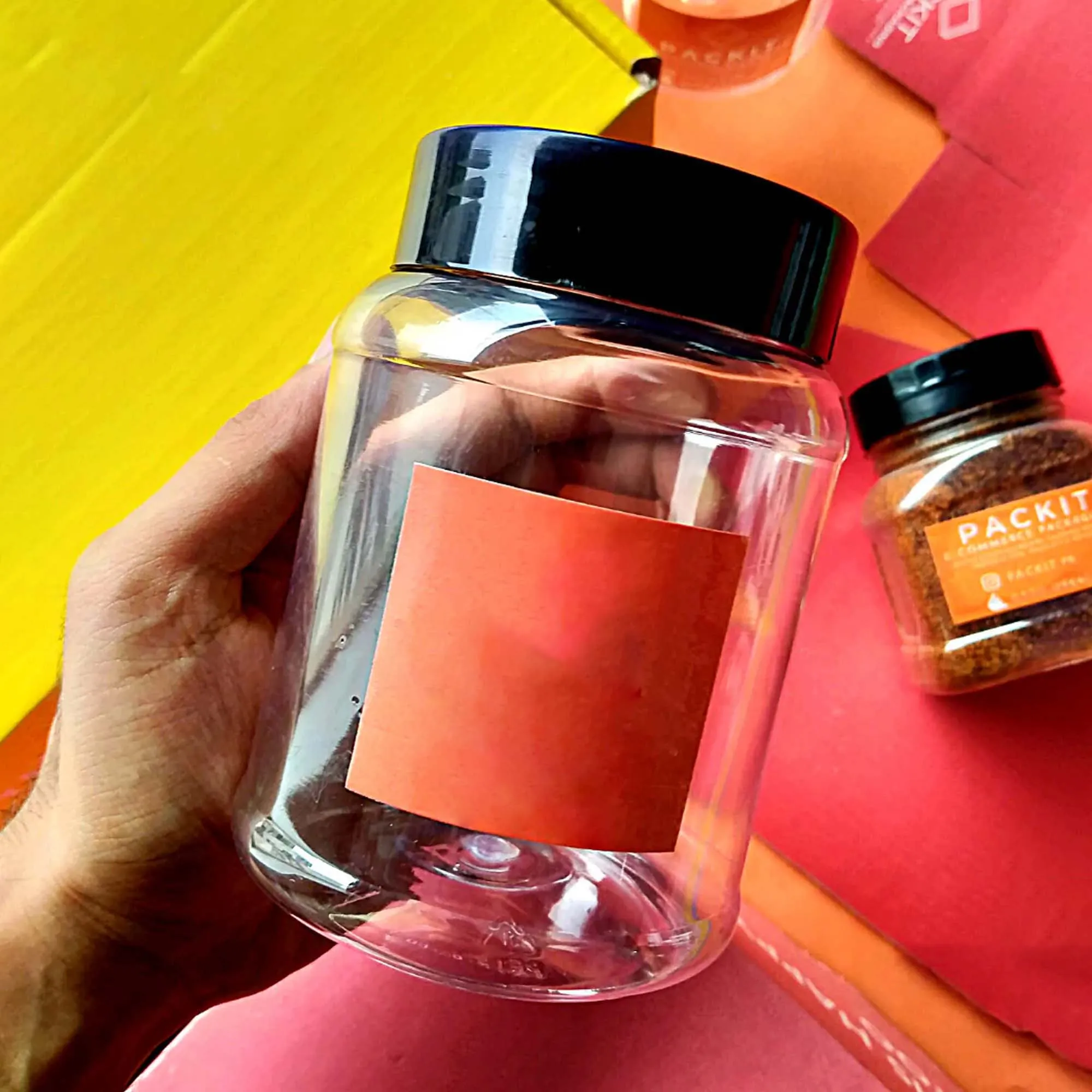 Plastic Jars
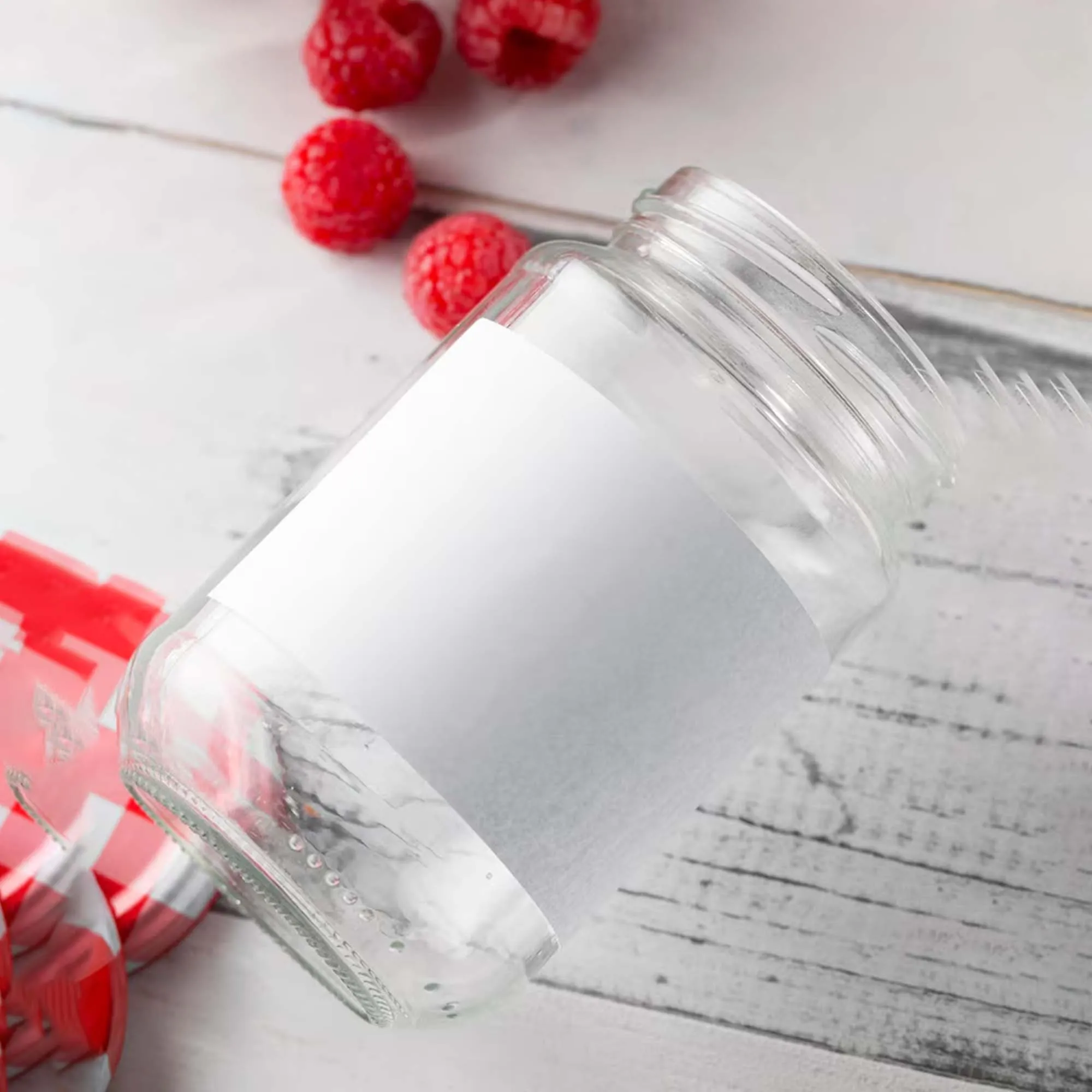 Glass Jars
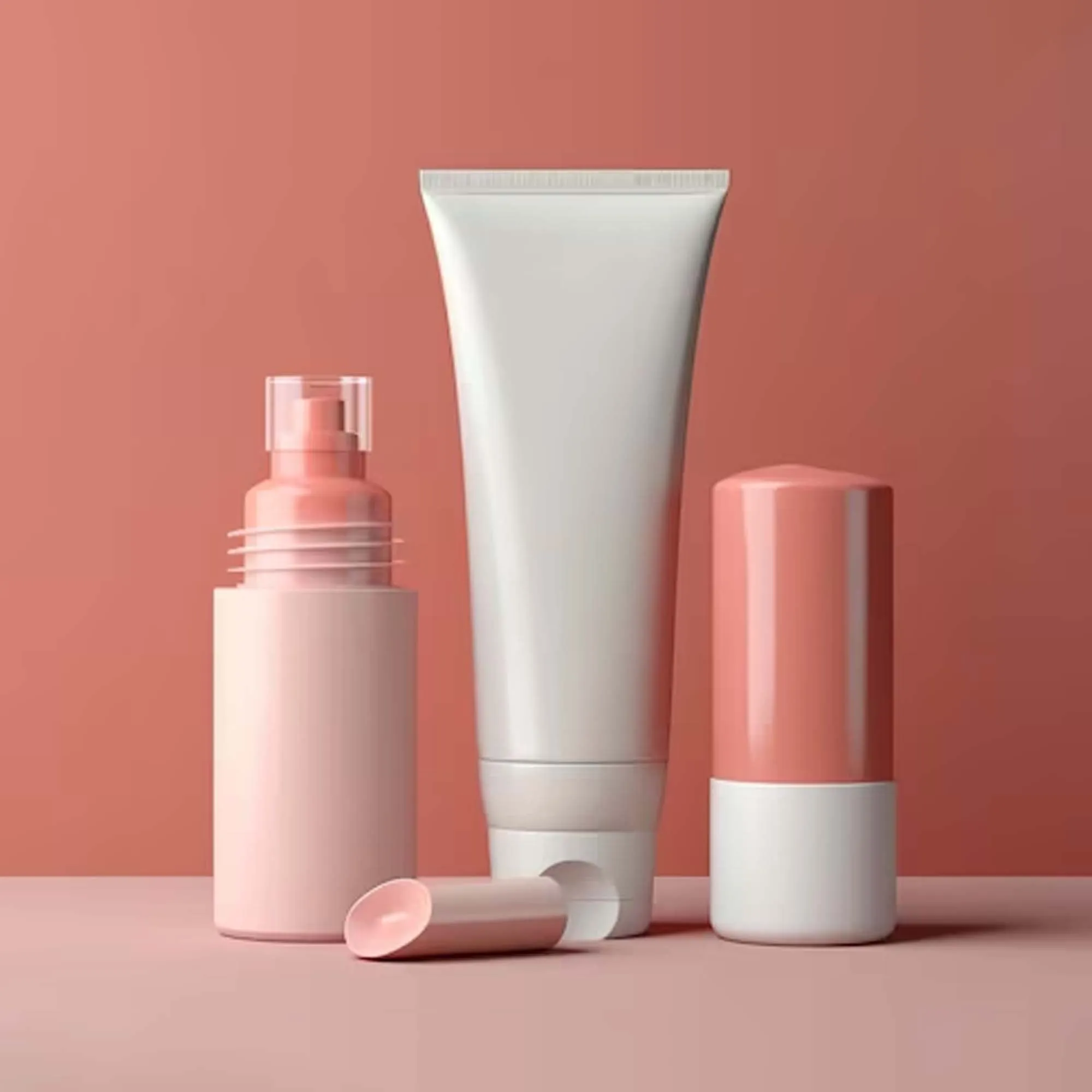 Cosmetic Containers
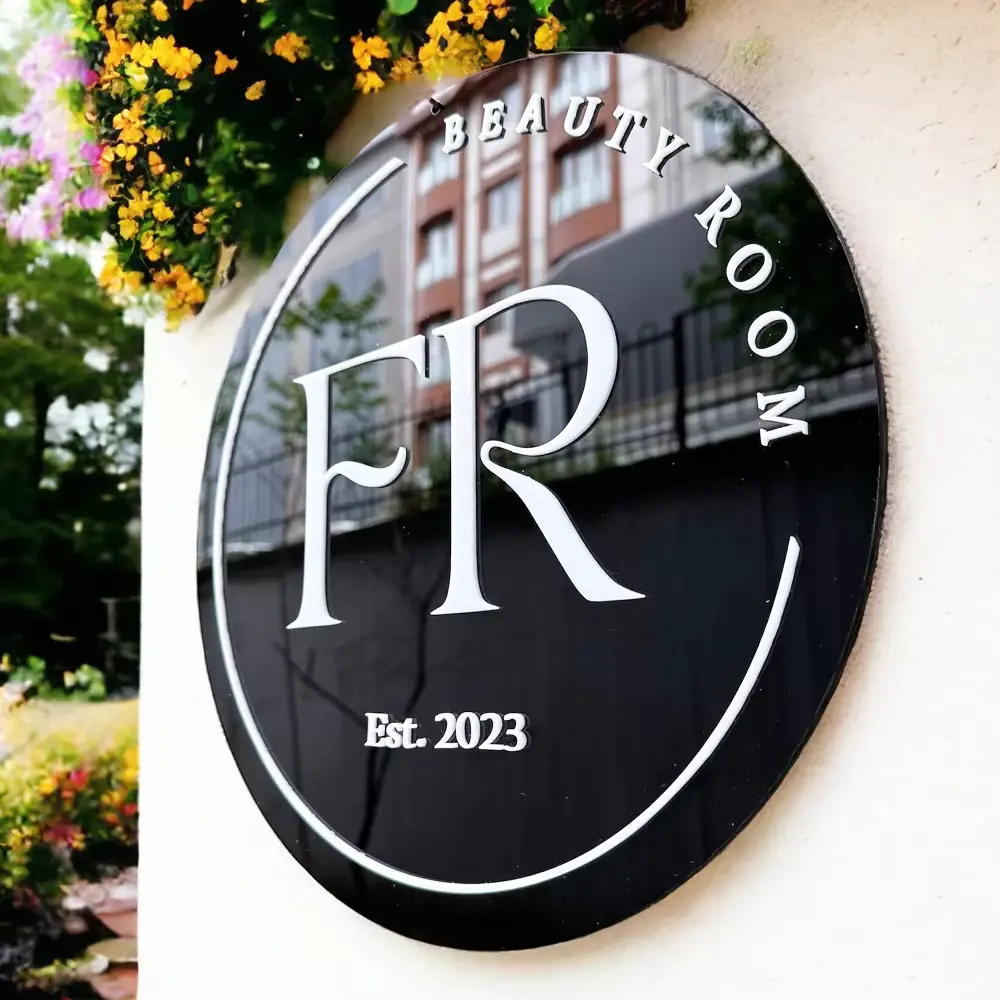 Black Acrylic Signs
 Clear Acrylic Signs
 Frosted Acrylic Signs
 White Acrylic Signs
 Aluminium Bags
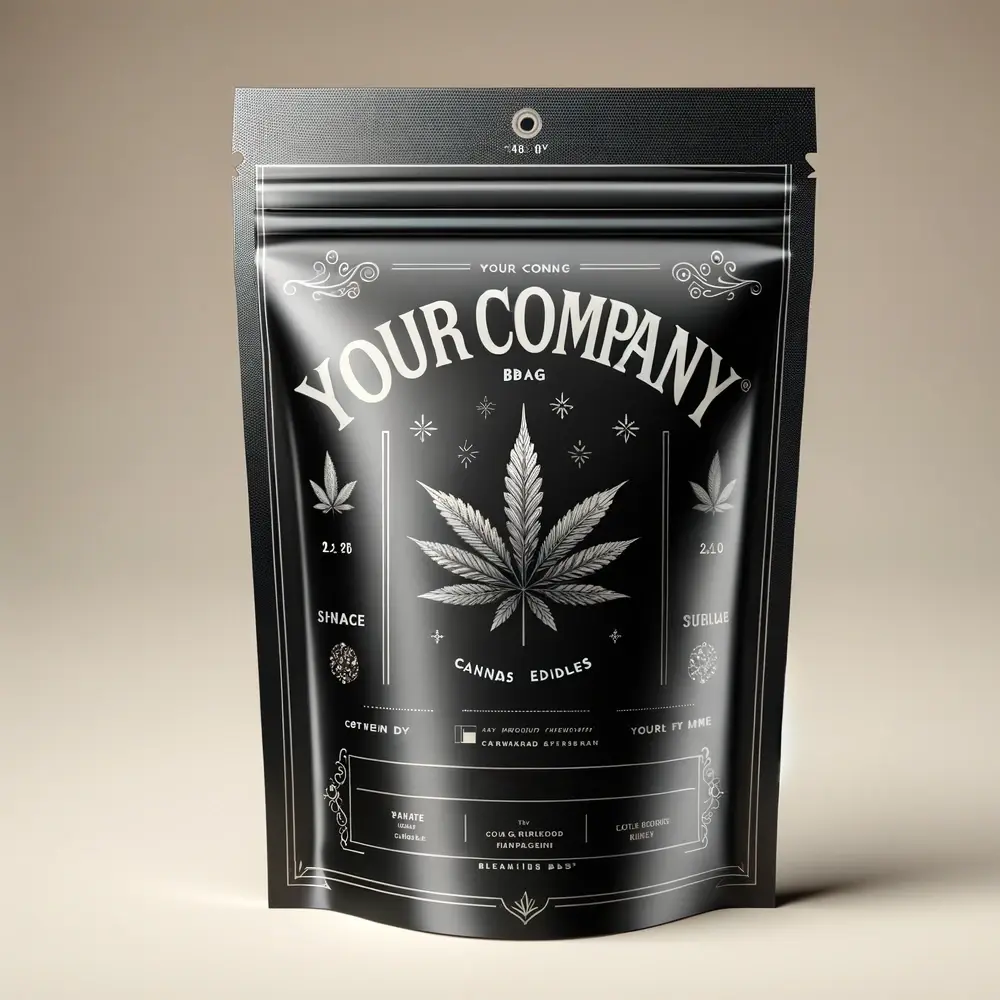 Black Mylar Bags
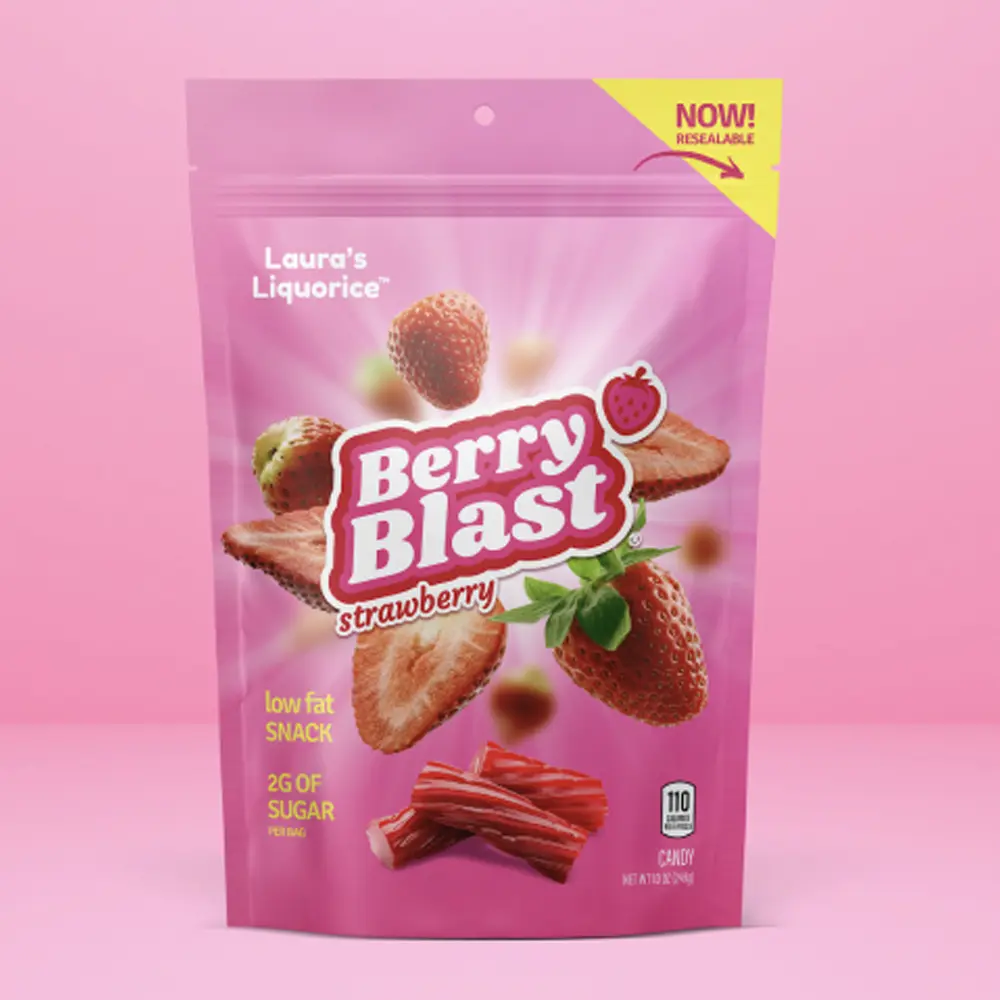 Candy Mylar Bags
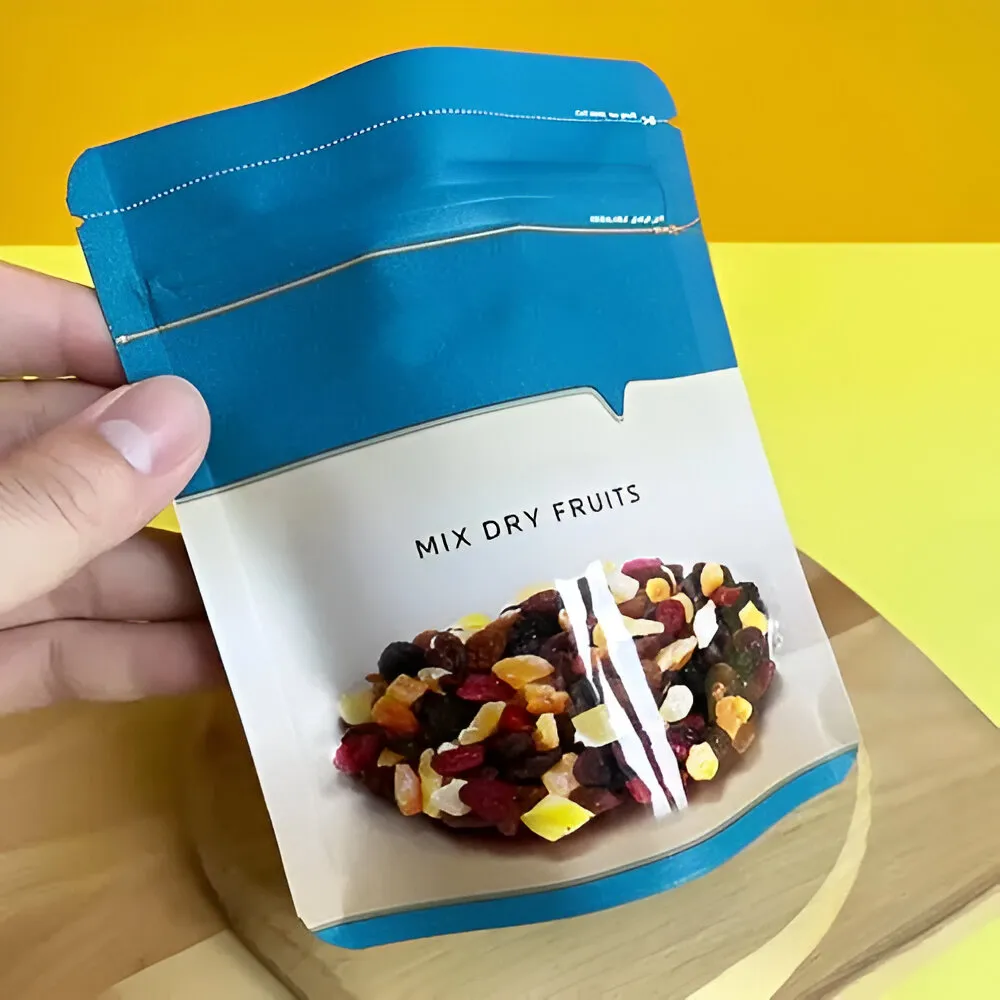 Child Resistant Mylar Bags
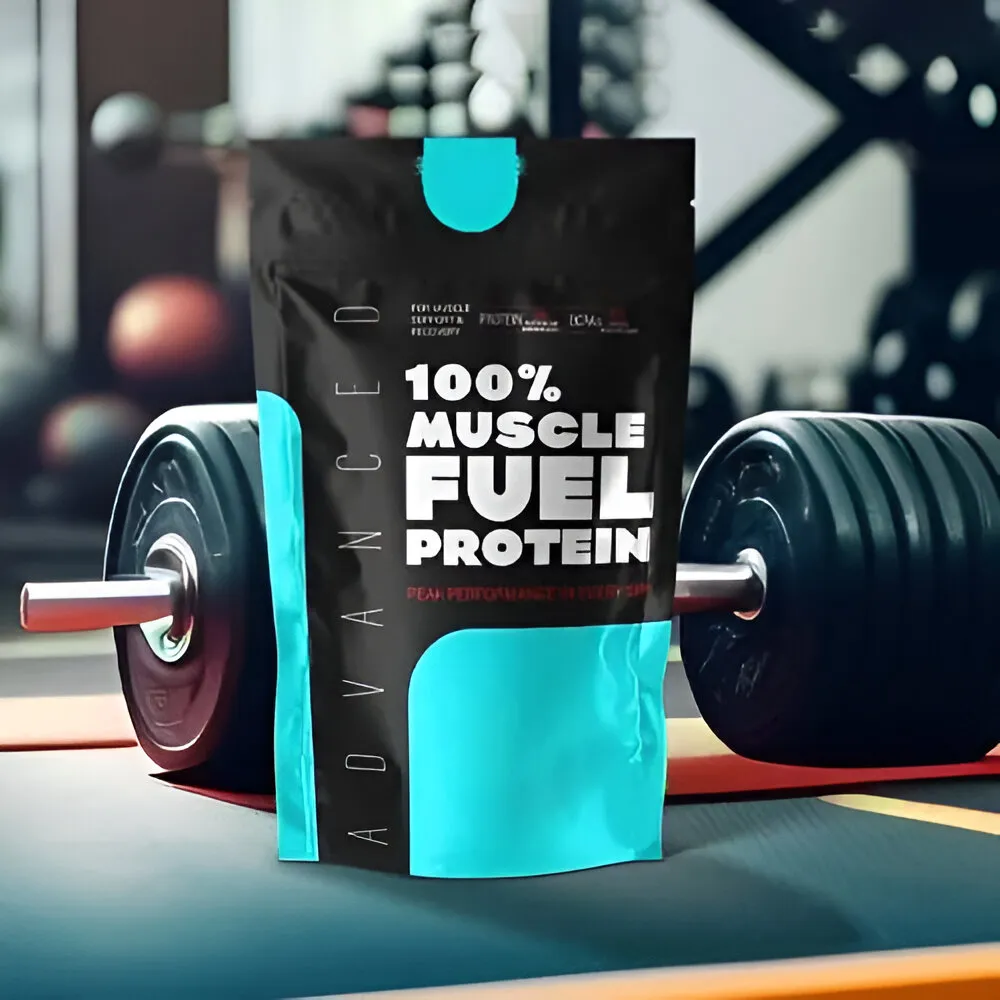 Custom Printed Mylar Bags
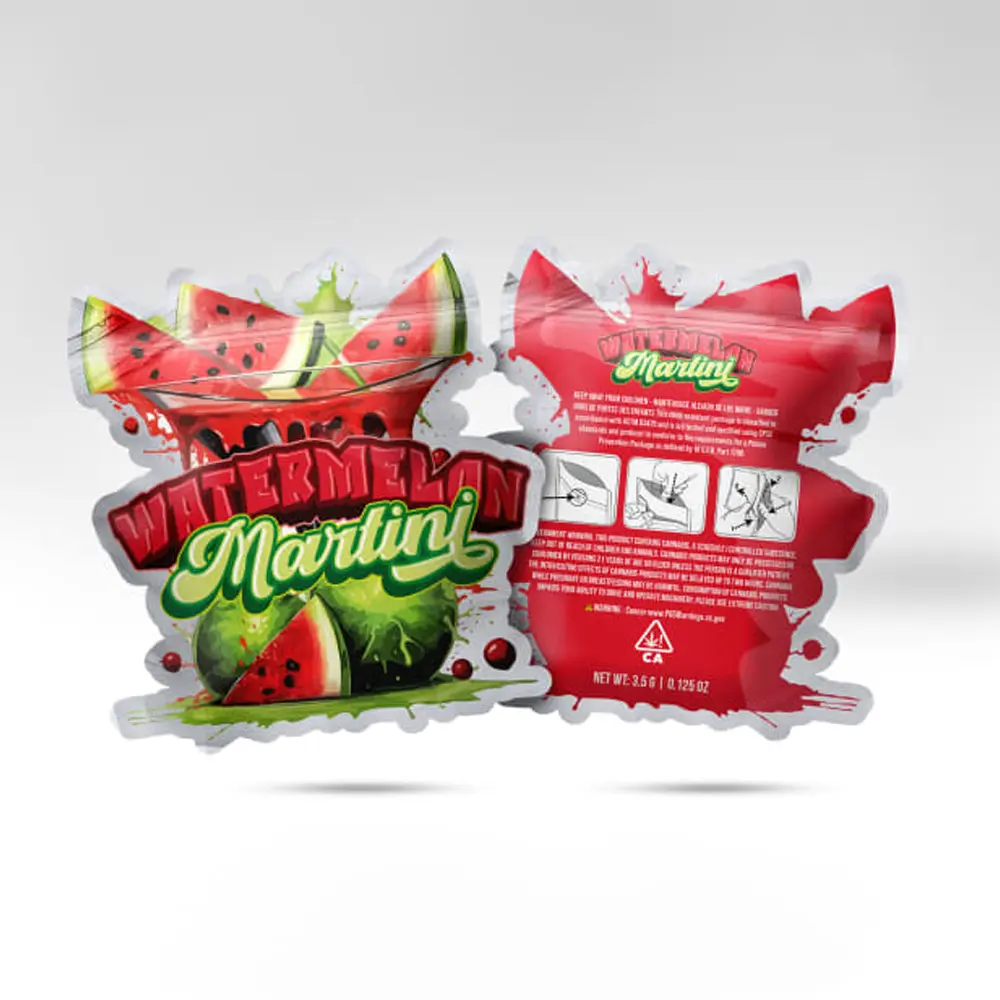 Die-Cut Mylar Bags
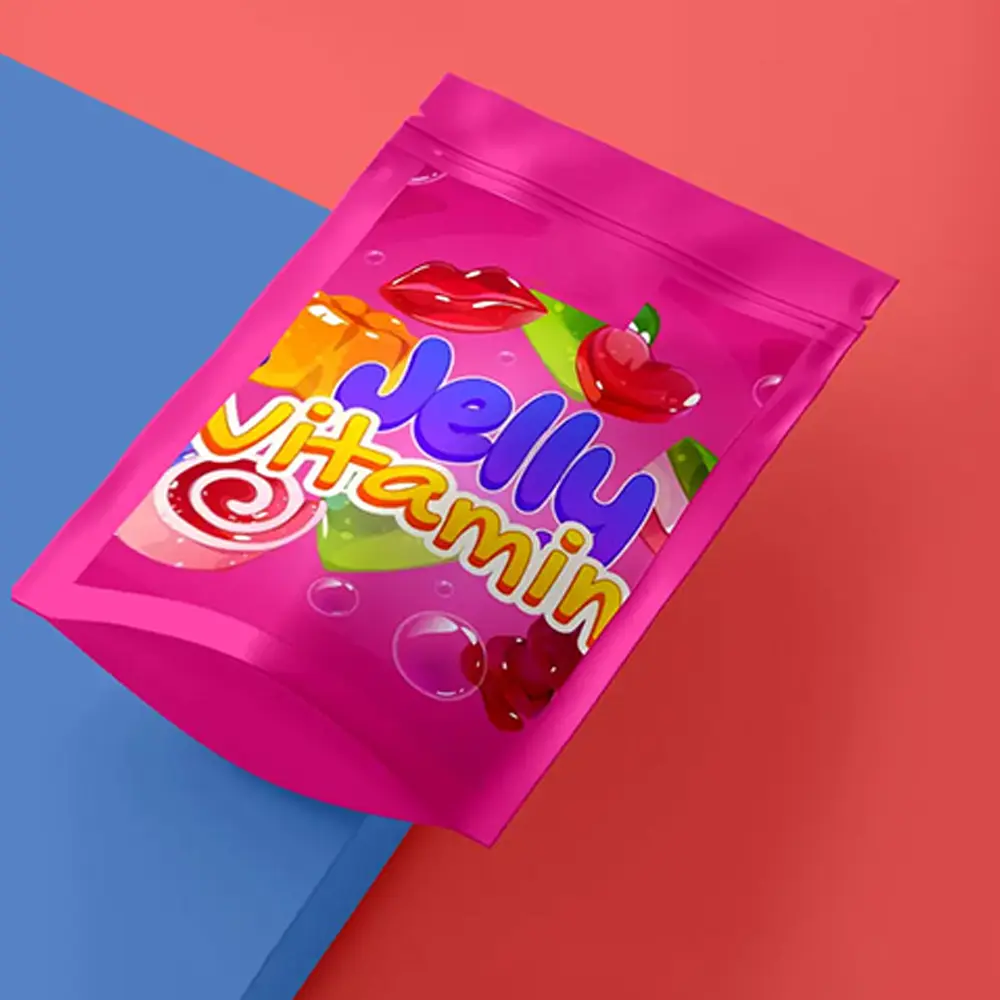 Edible Mylar Bags
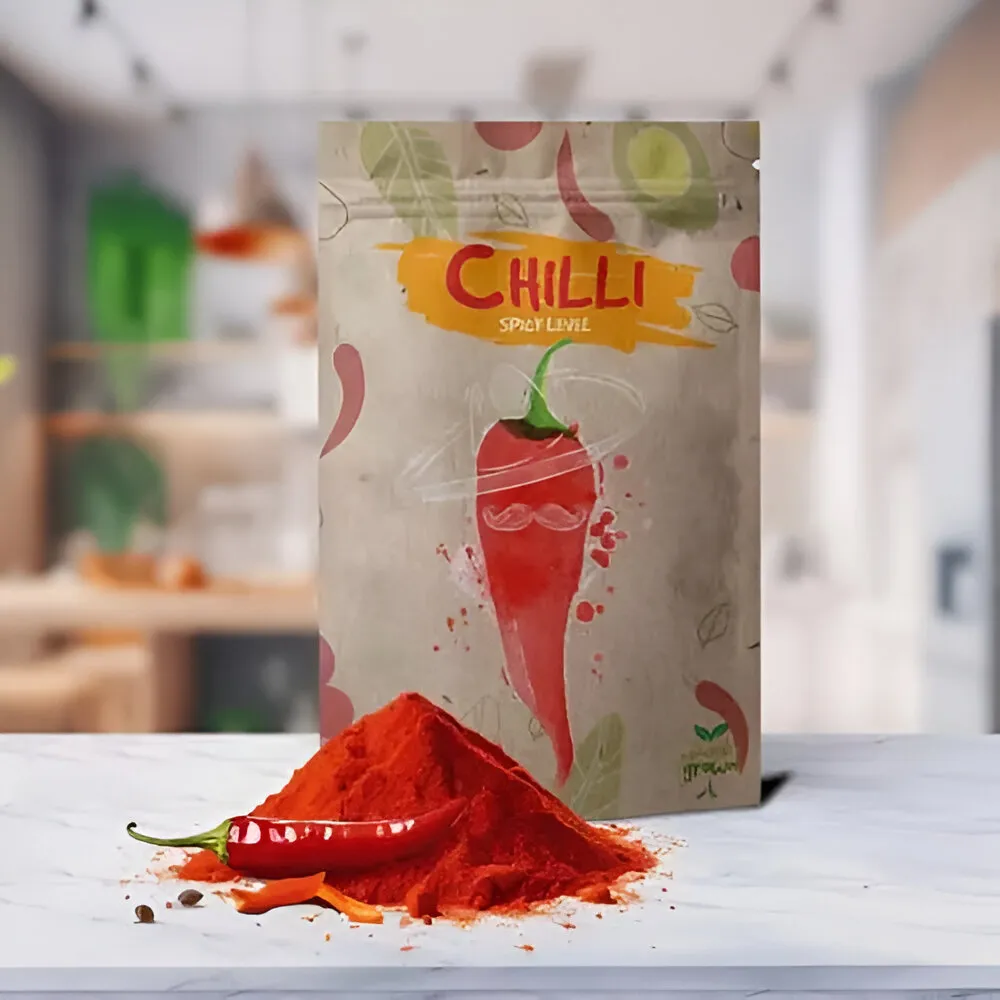 Food Pouches
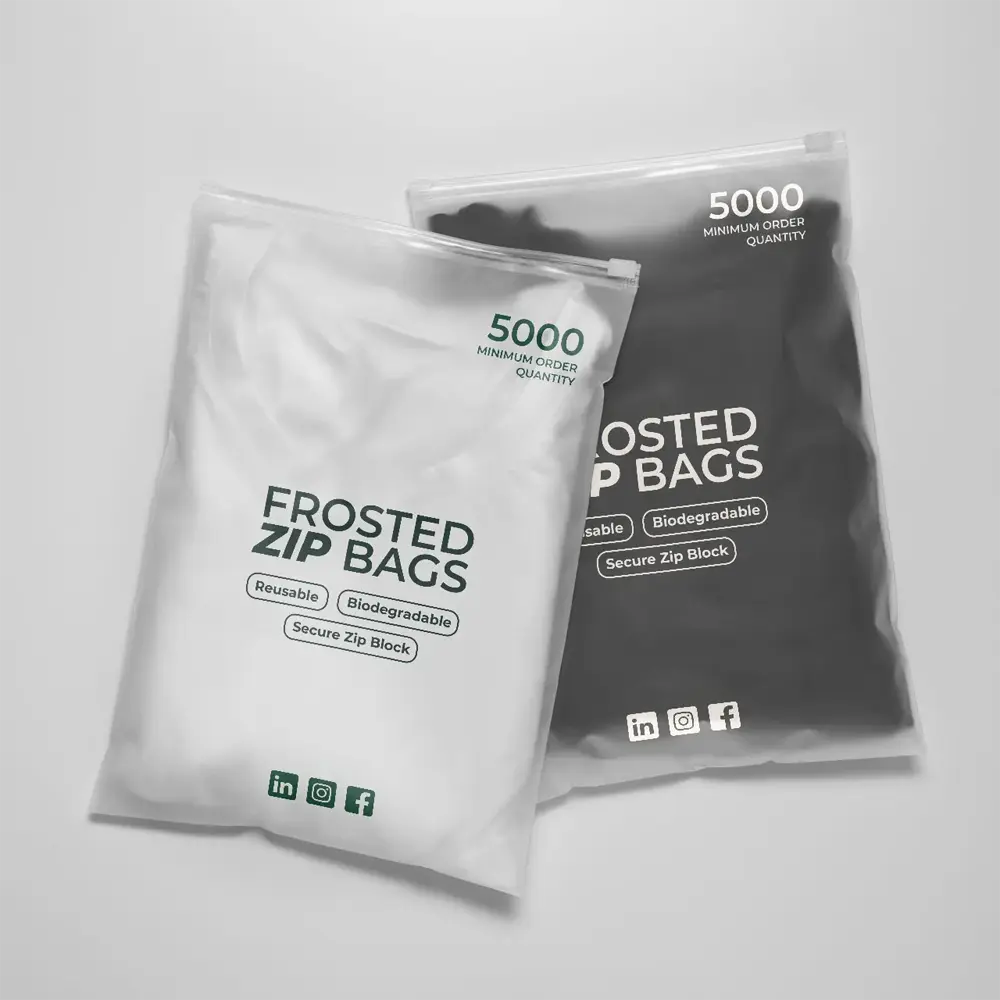 Frosted Bags
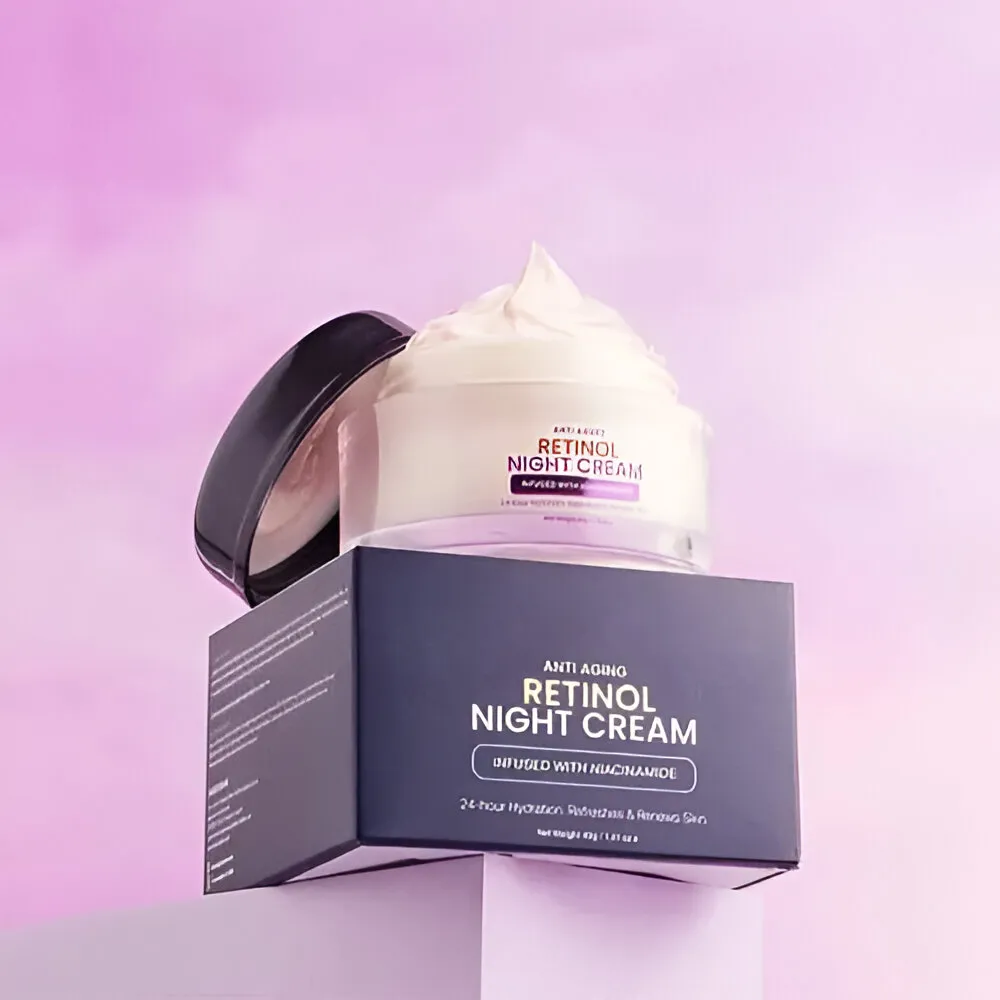 Anti Aging Mask Boxes
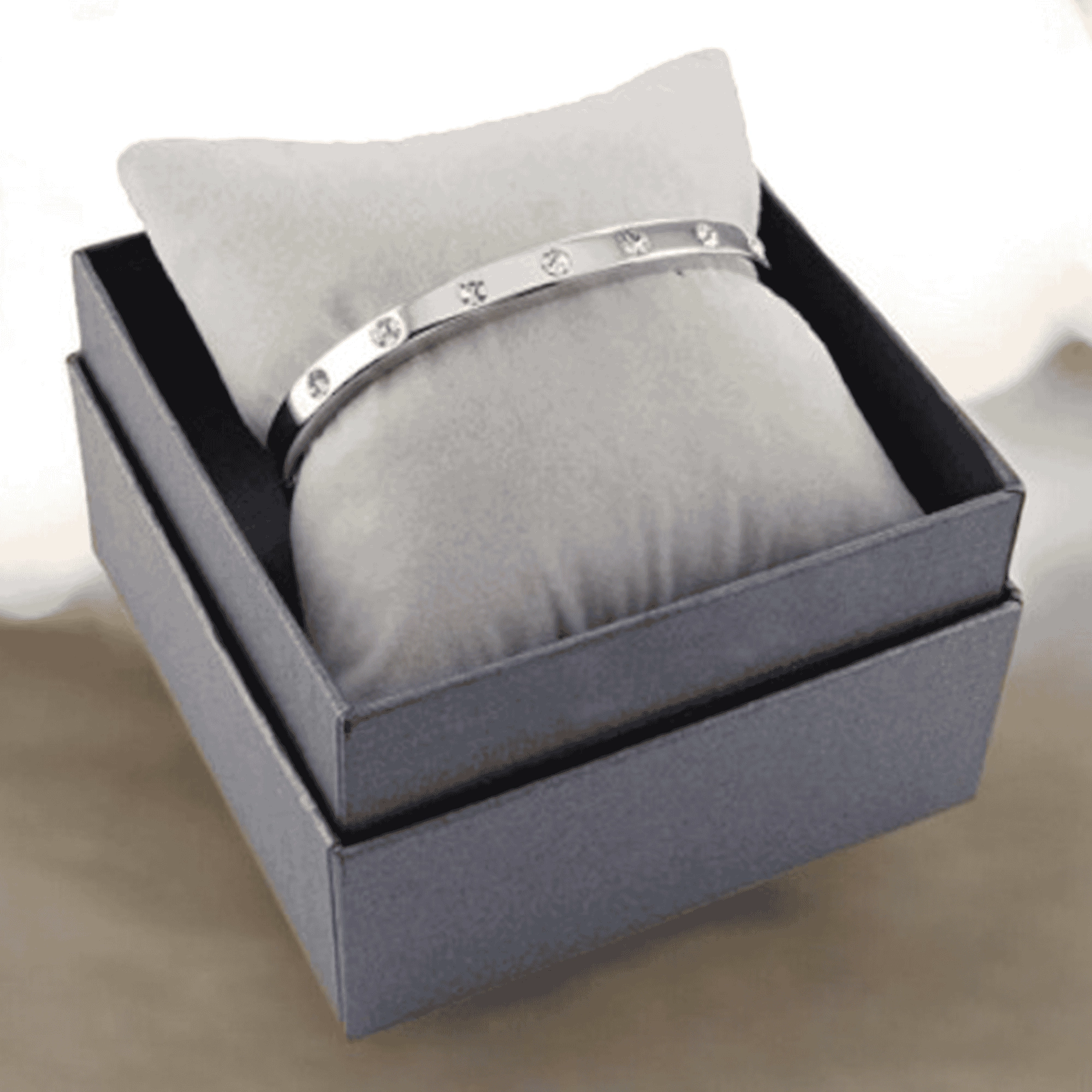 Bangle Boxes
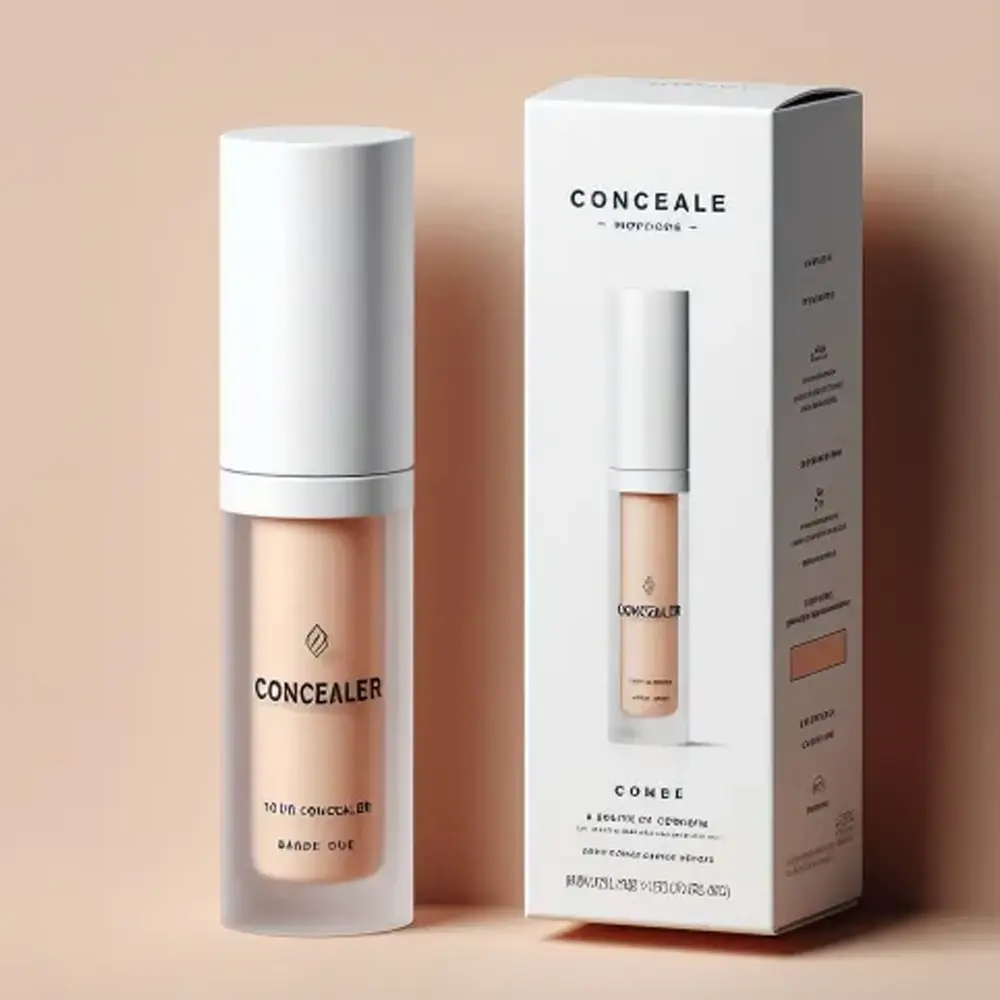 Concealer Boxes
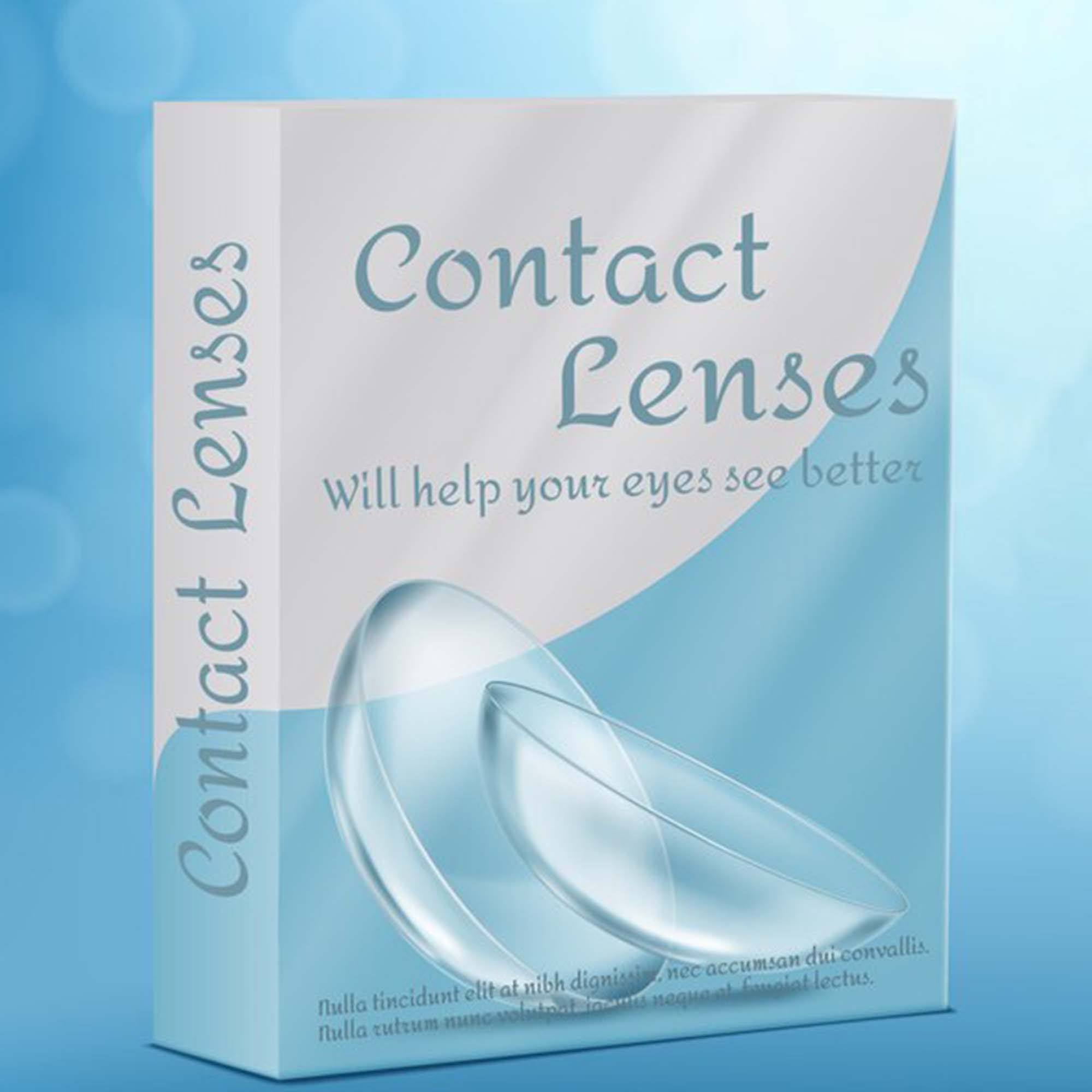 Contact Lens Boxes
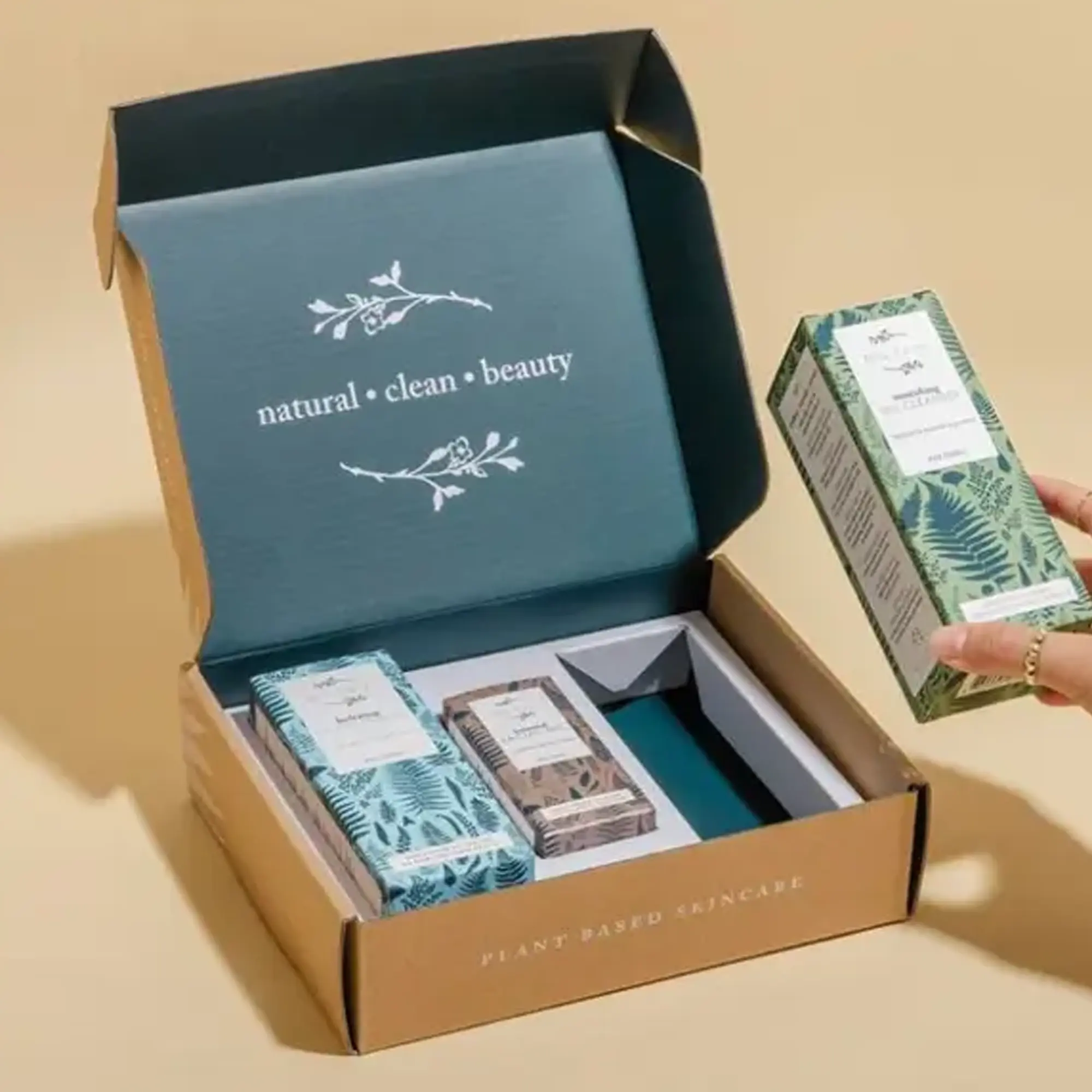 Cosmetic Cardboard Boxes
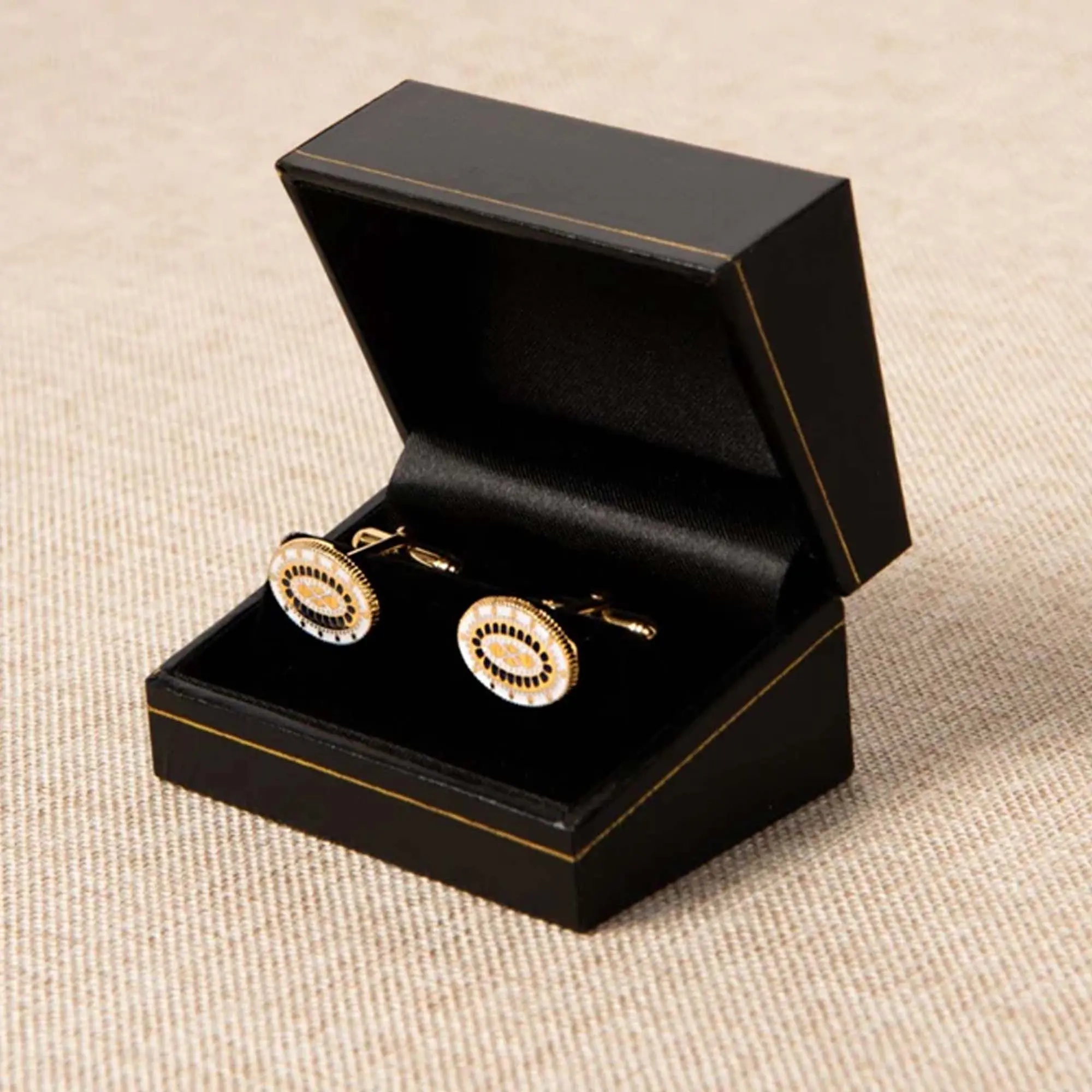 Cufflink Boxes
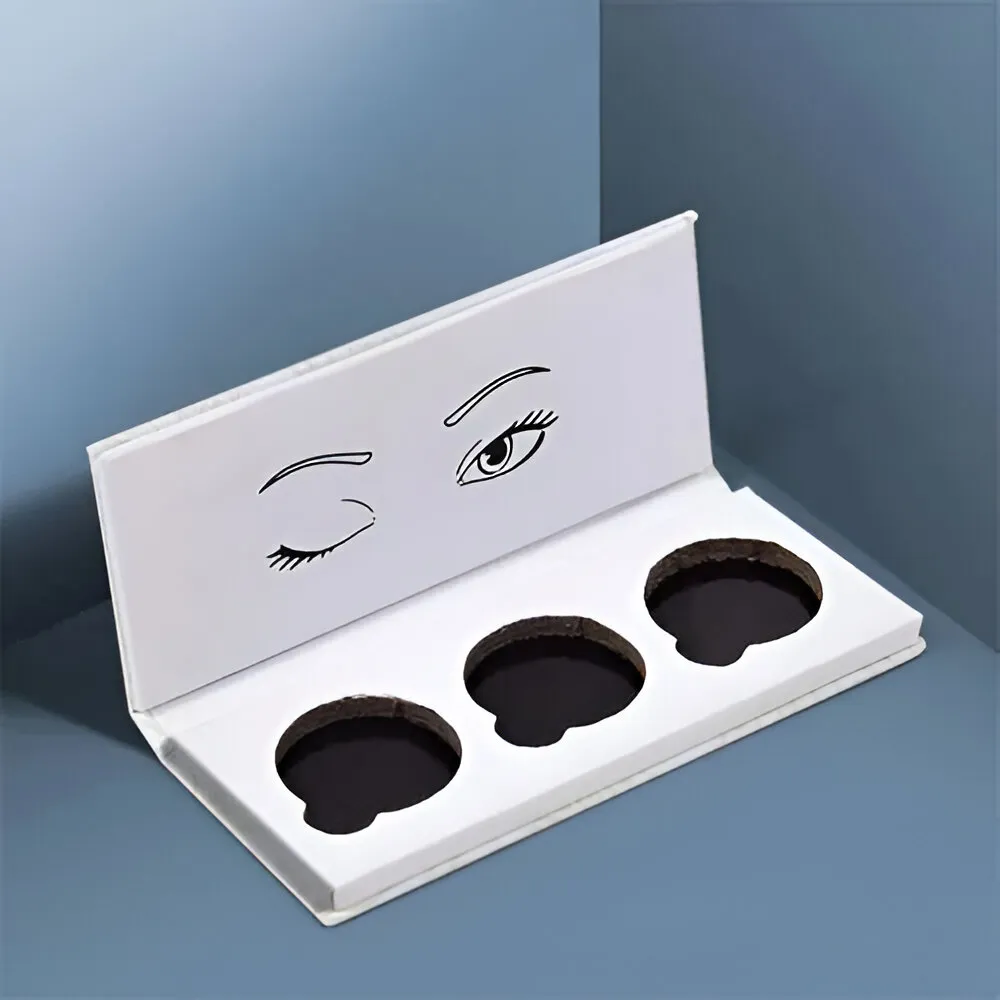 Custom Eye Shadow Packaging Boxes
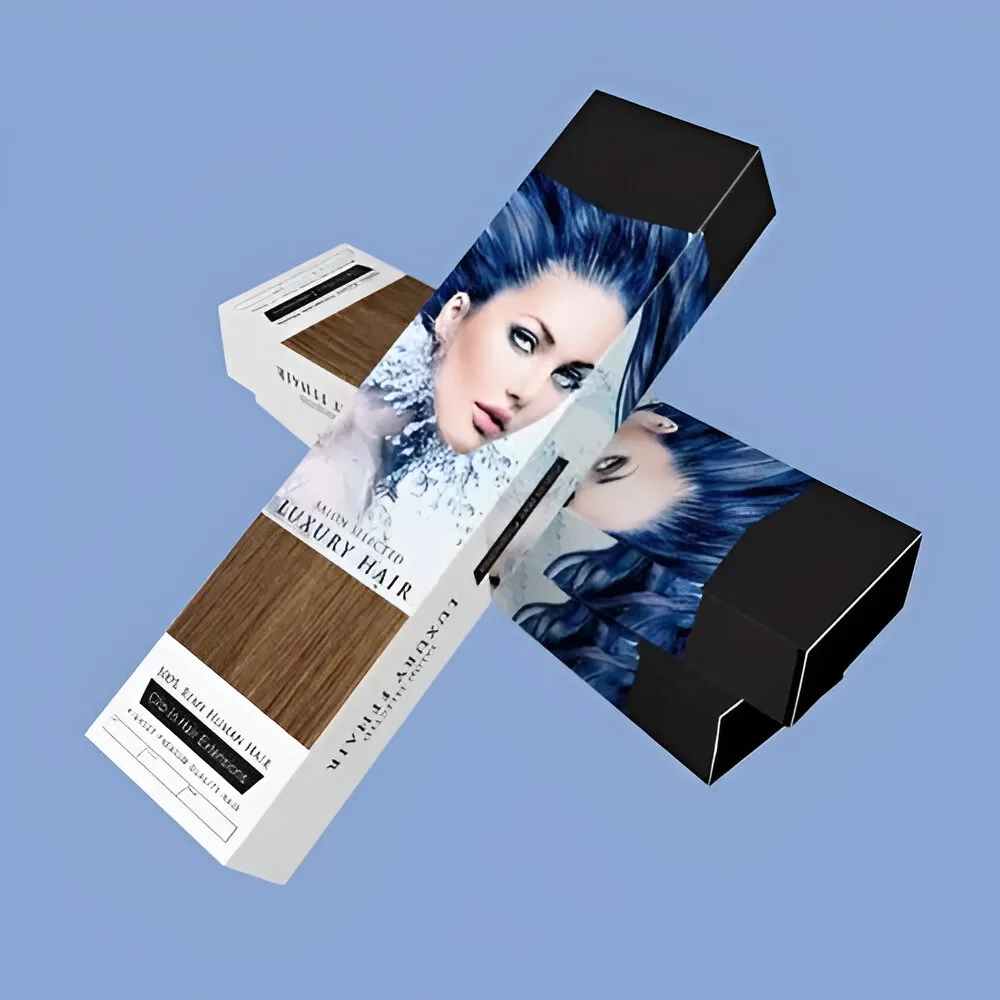 Custom Hair Color Boxes
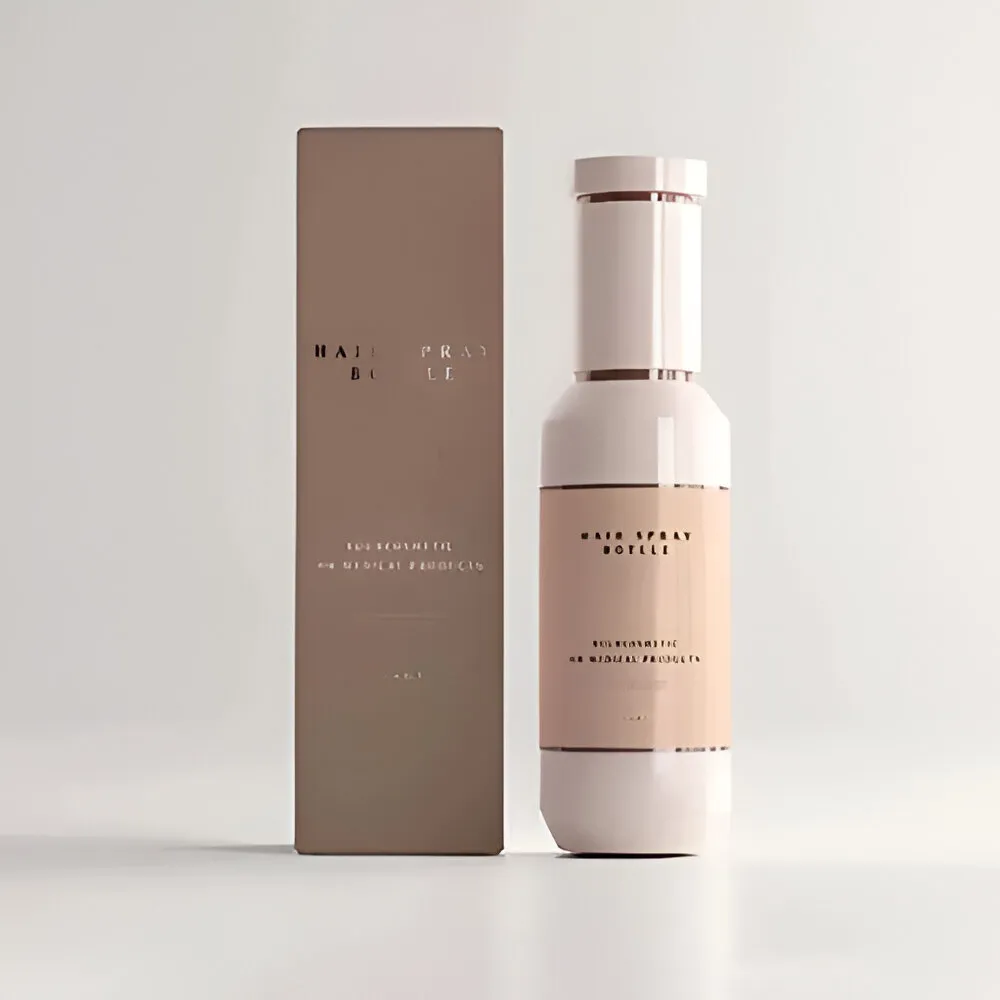 Custom Hair Spray Boxes
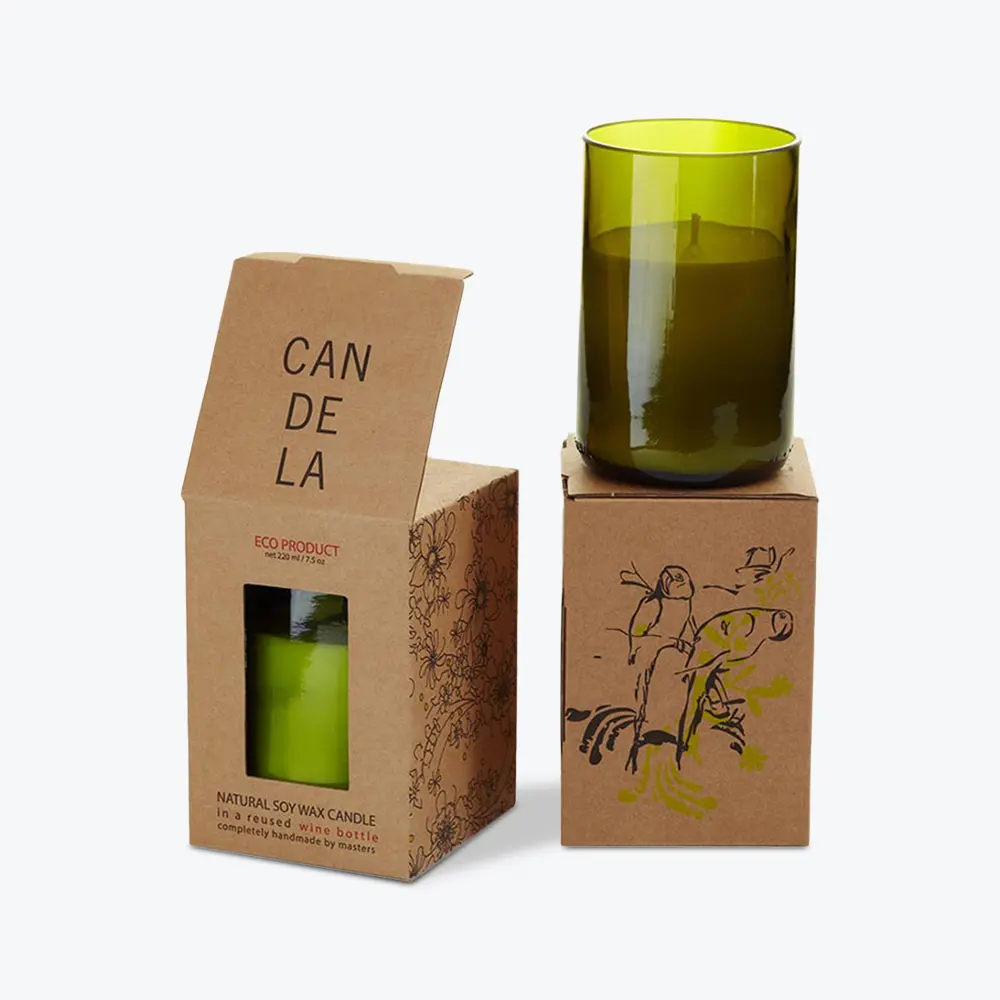 Candle Boxes with Window
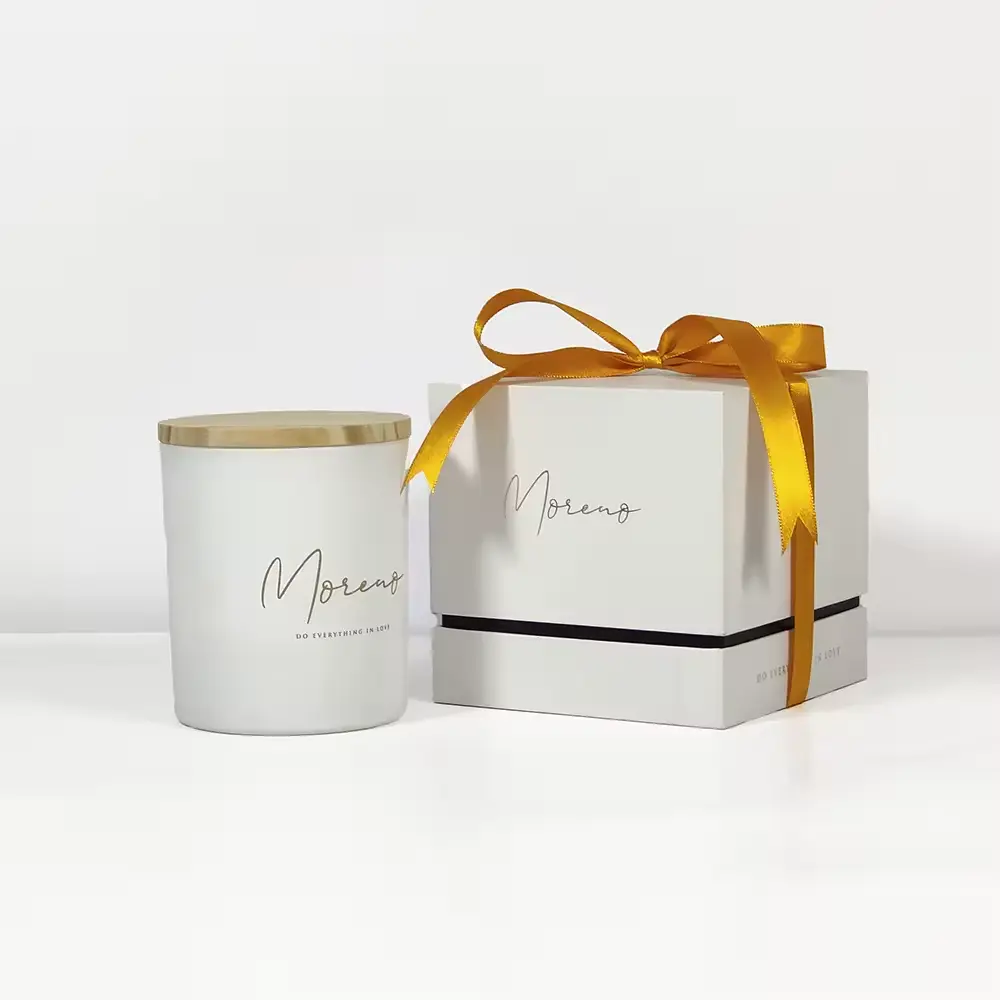 Candle Gift Boxes
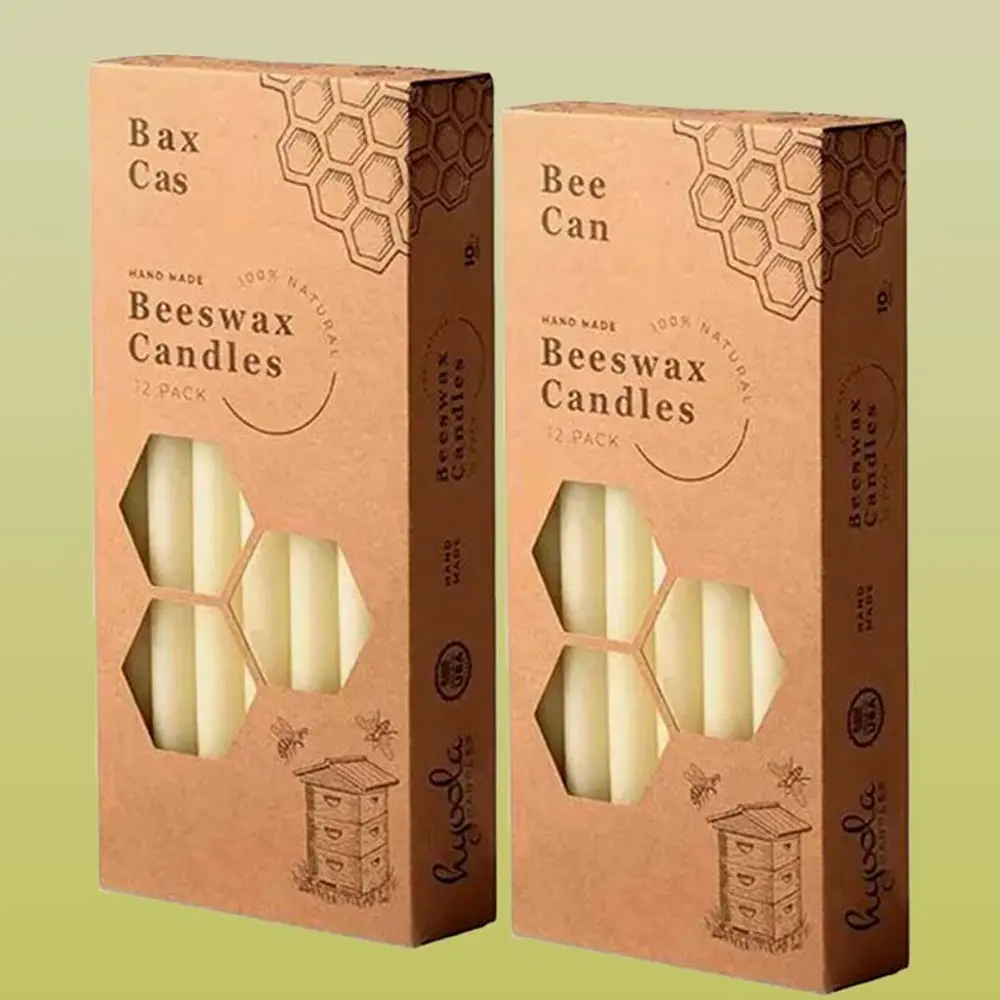 Candle Shipping Boxes
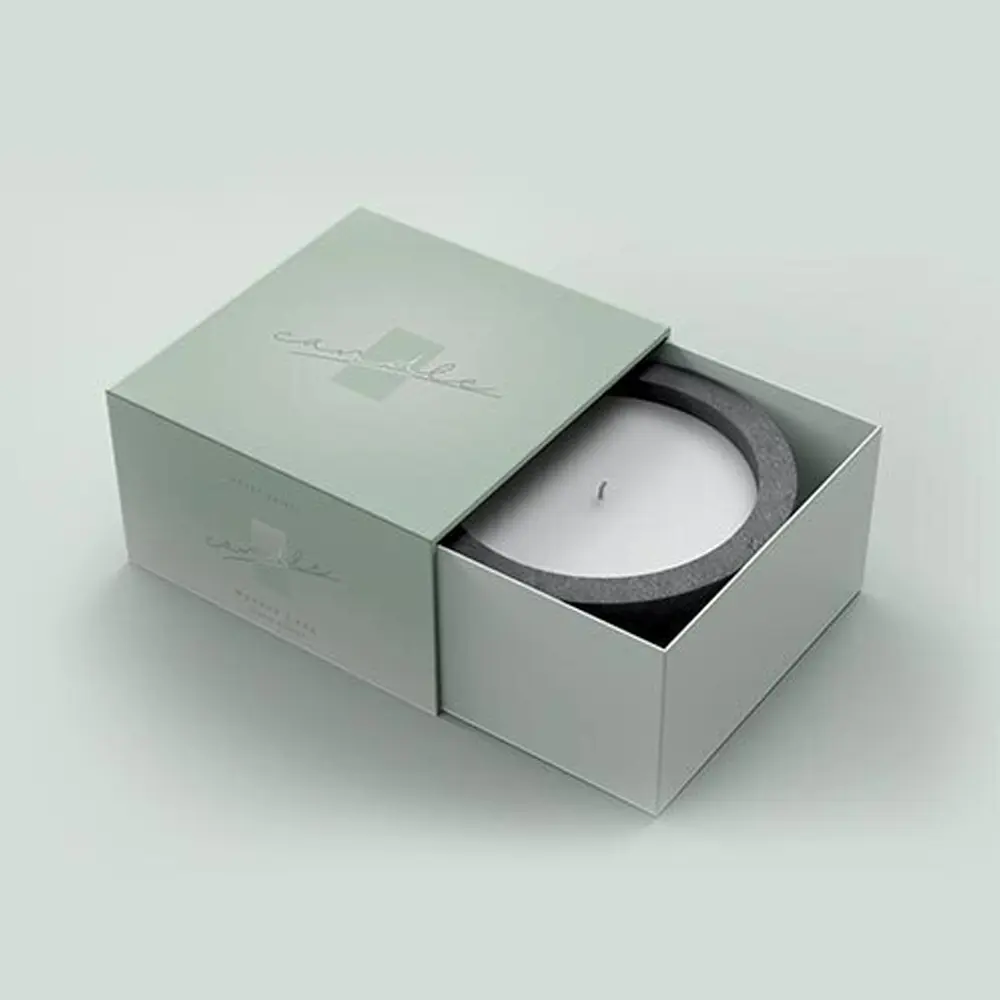 Candle Tray And Sleeve Boxes
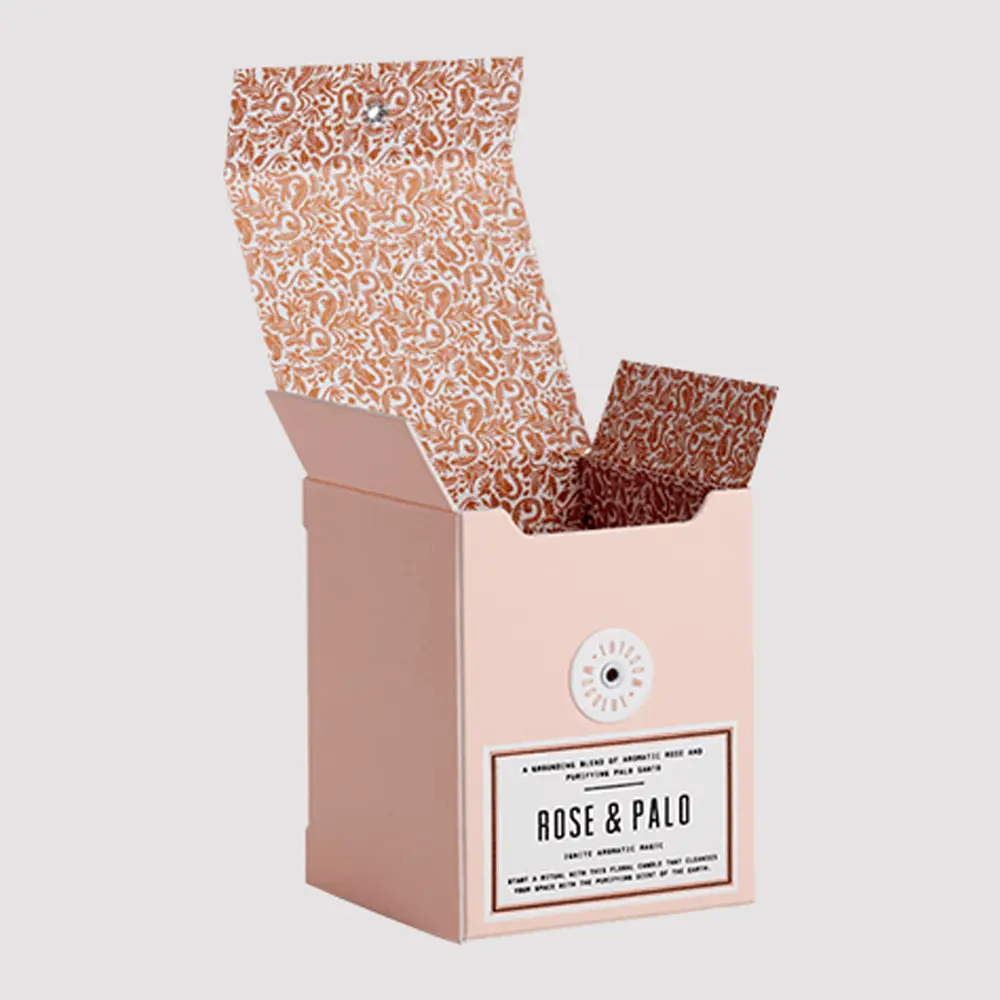 Cardboard Candle Boxes
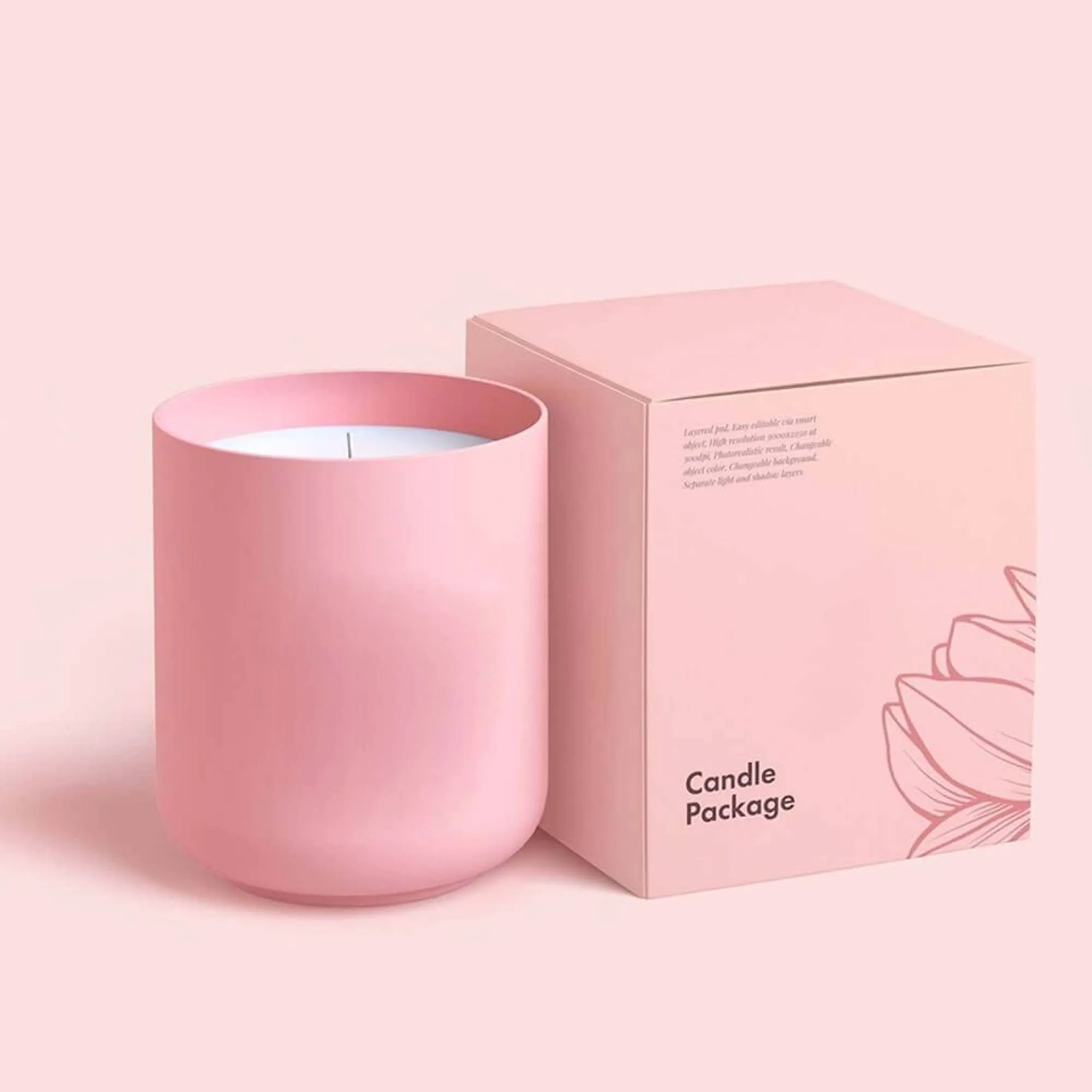 Custom Printed Candle Packaging Boxes
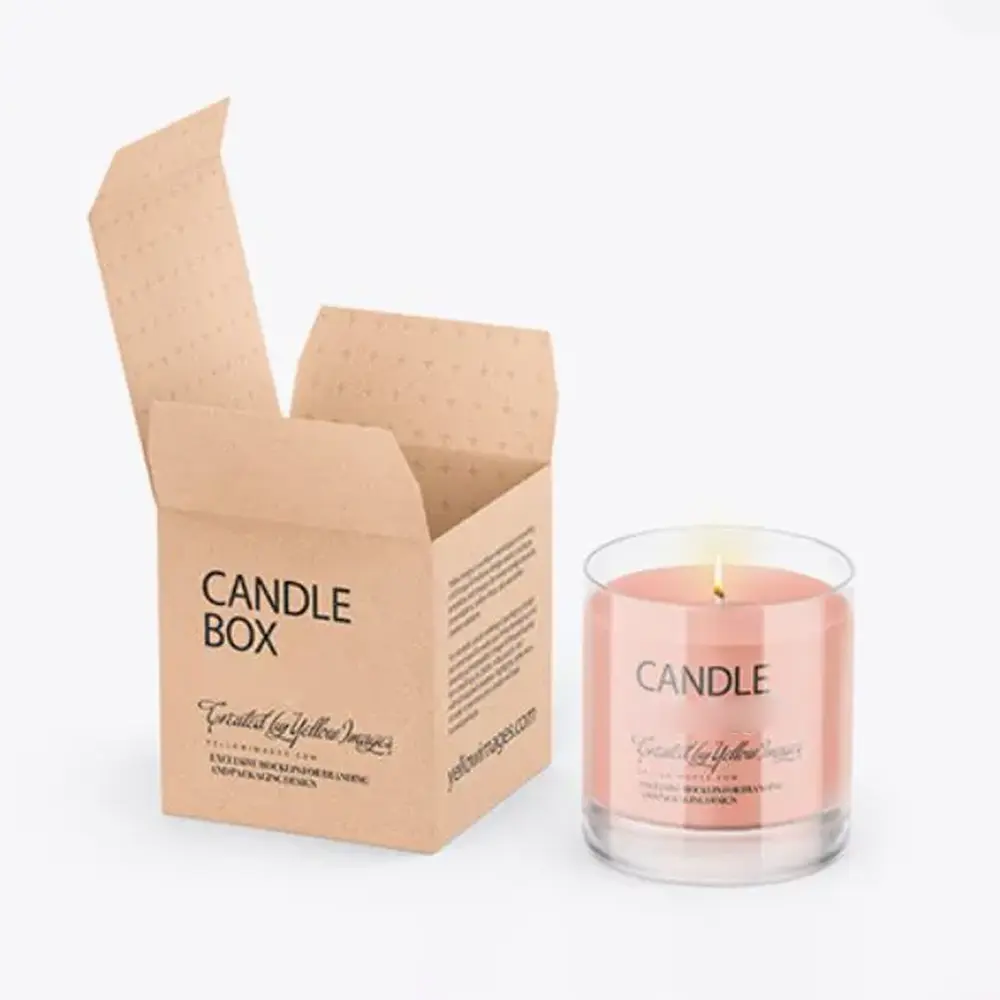 Eco-Friendly Candle Boxes
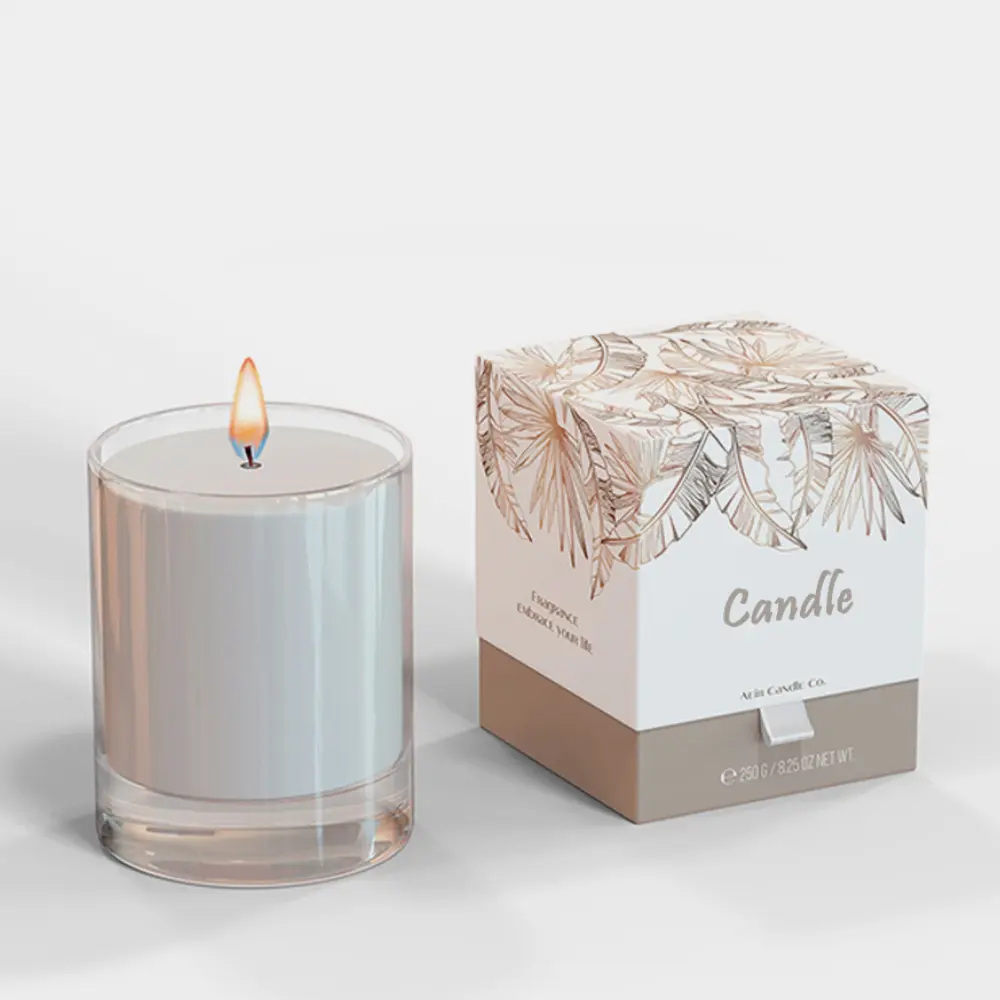 Luxury Candle Boxes
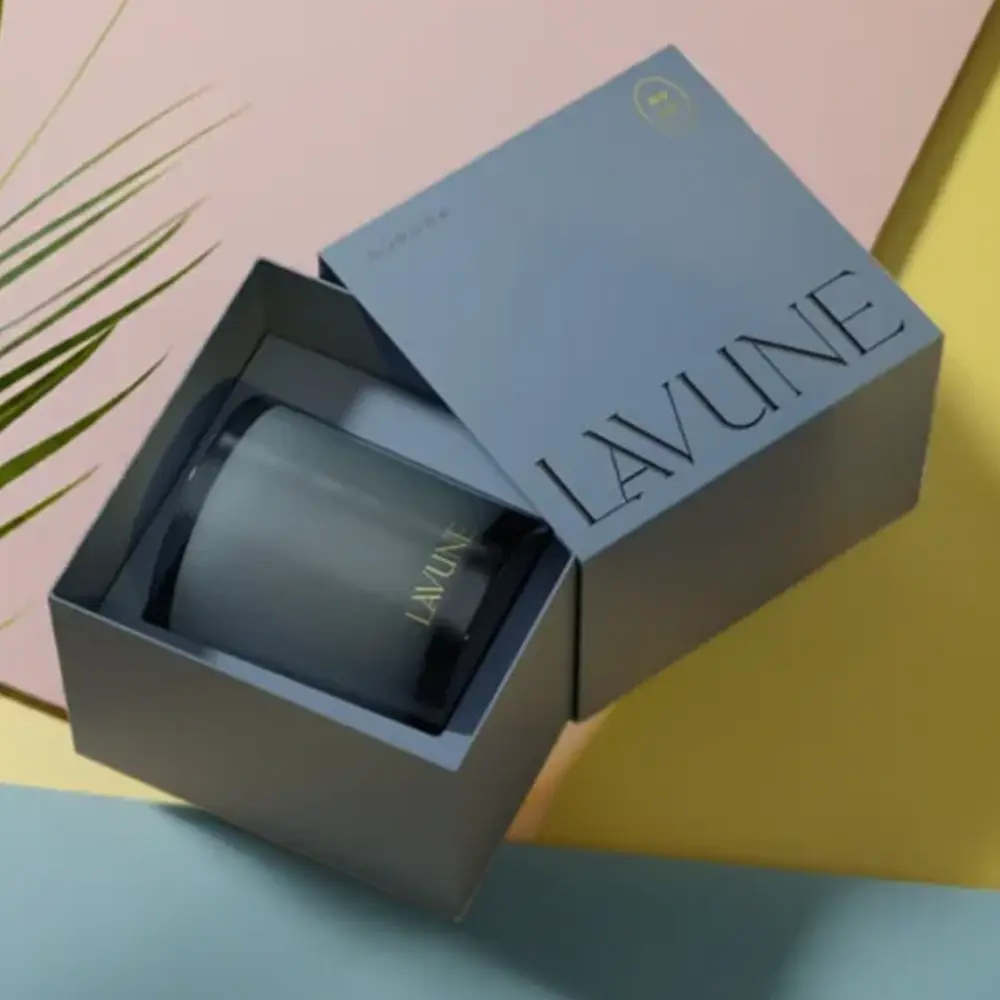 Rigid Candle Boxes
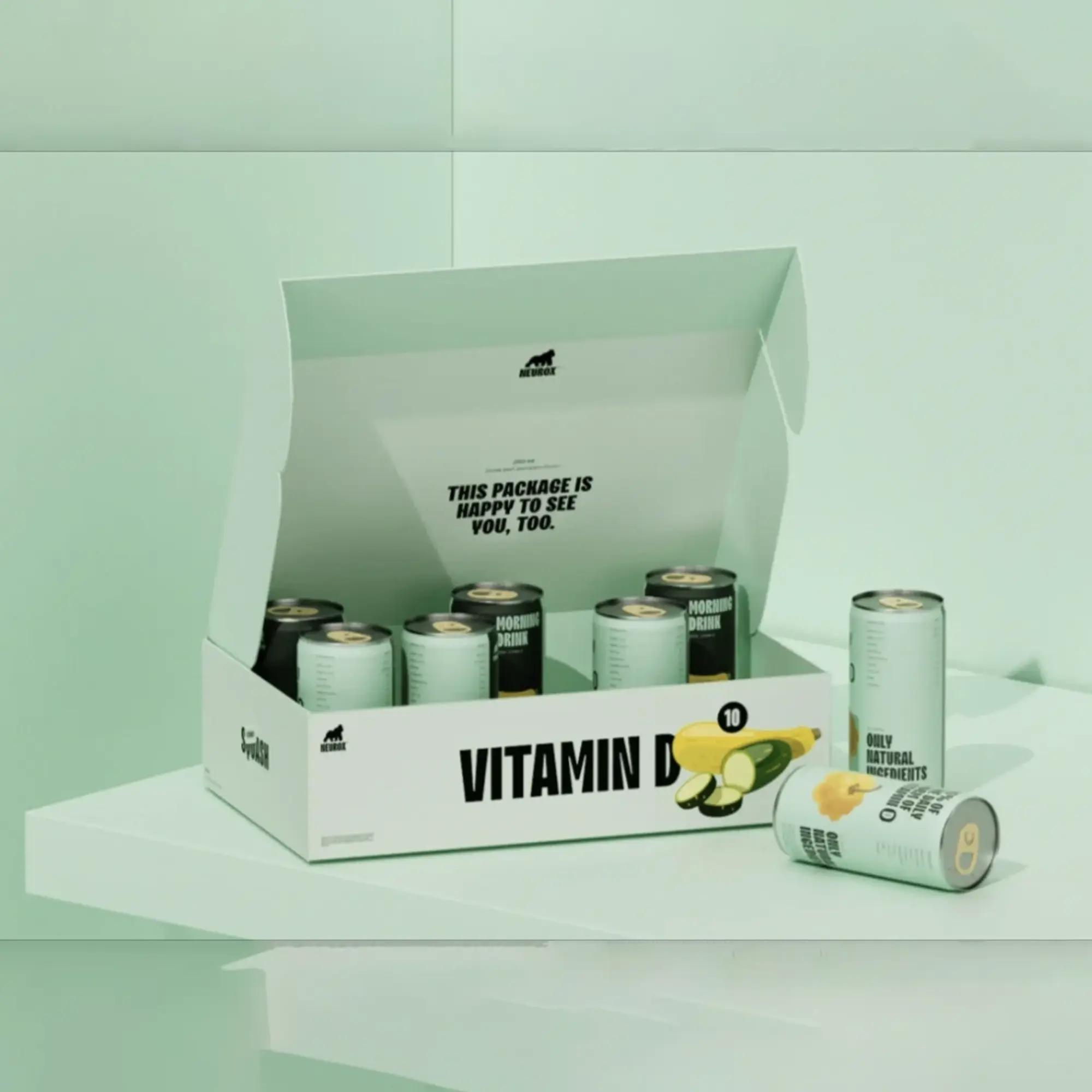 Beverage Boxes
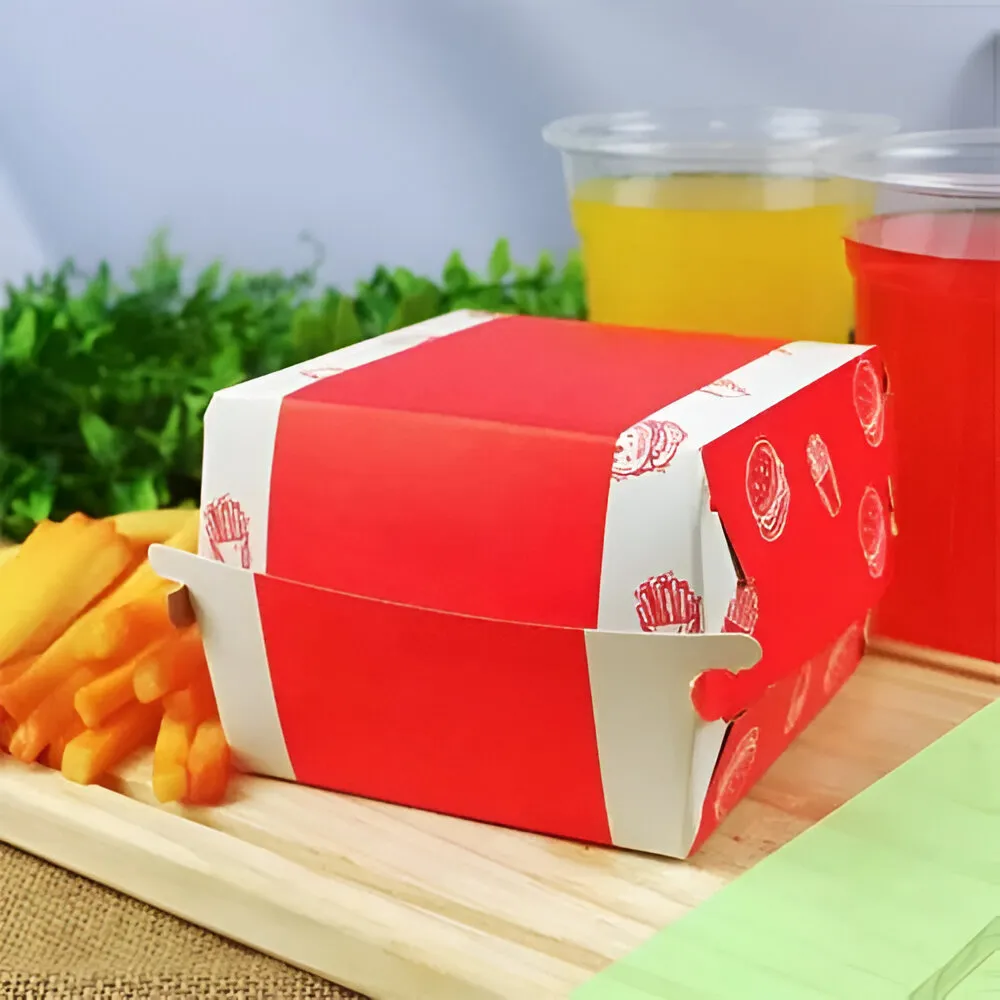 Custom Burger Boxes
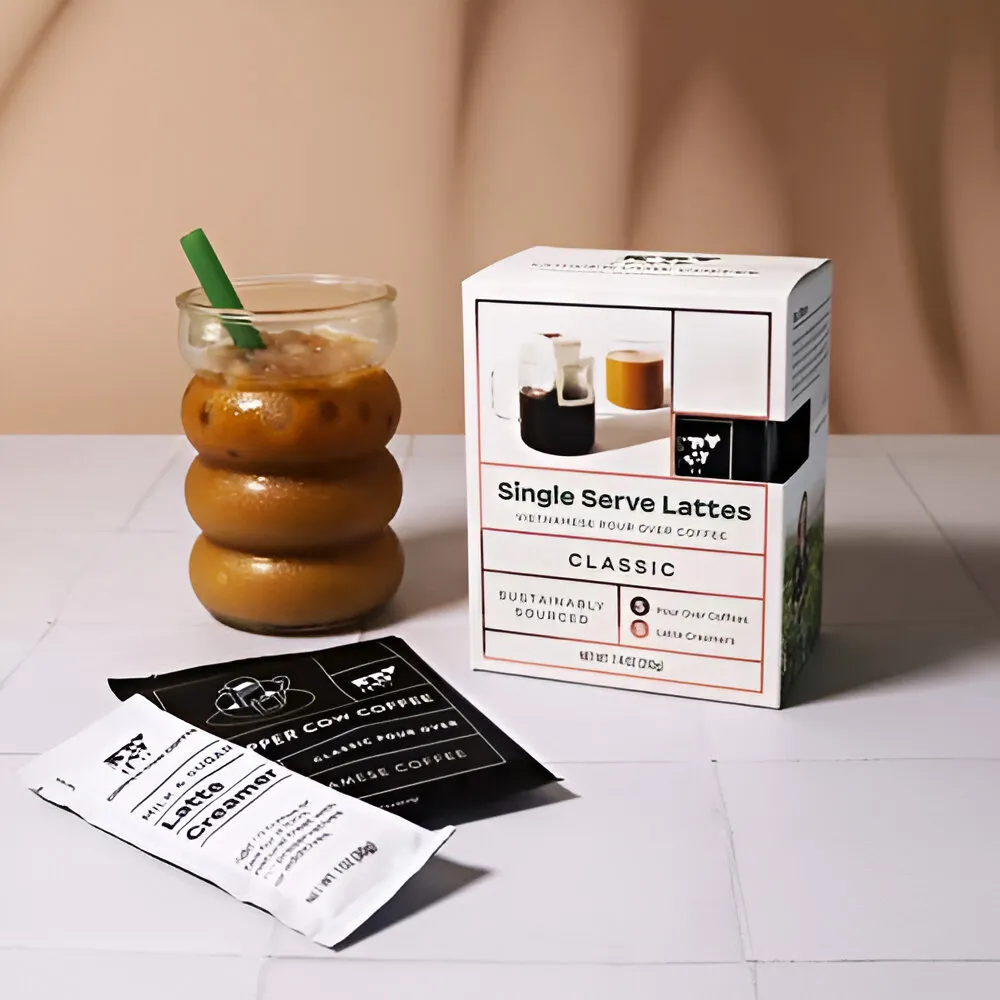 Custom Coffee Boxes
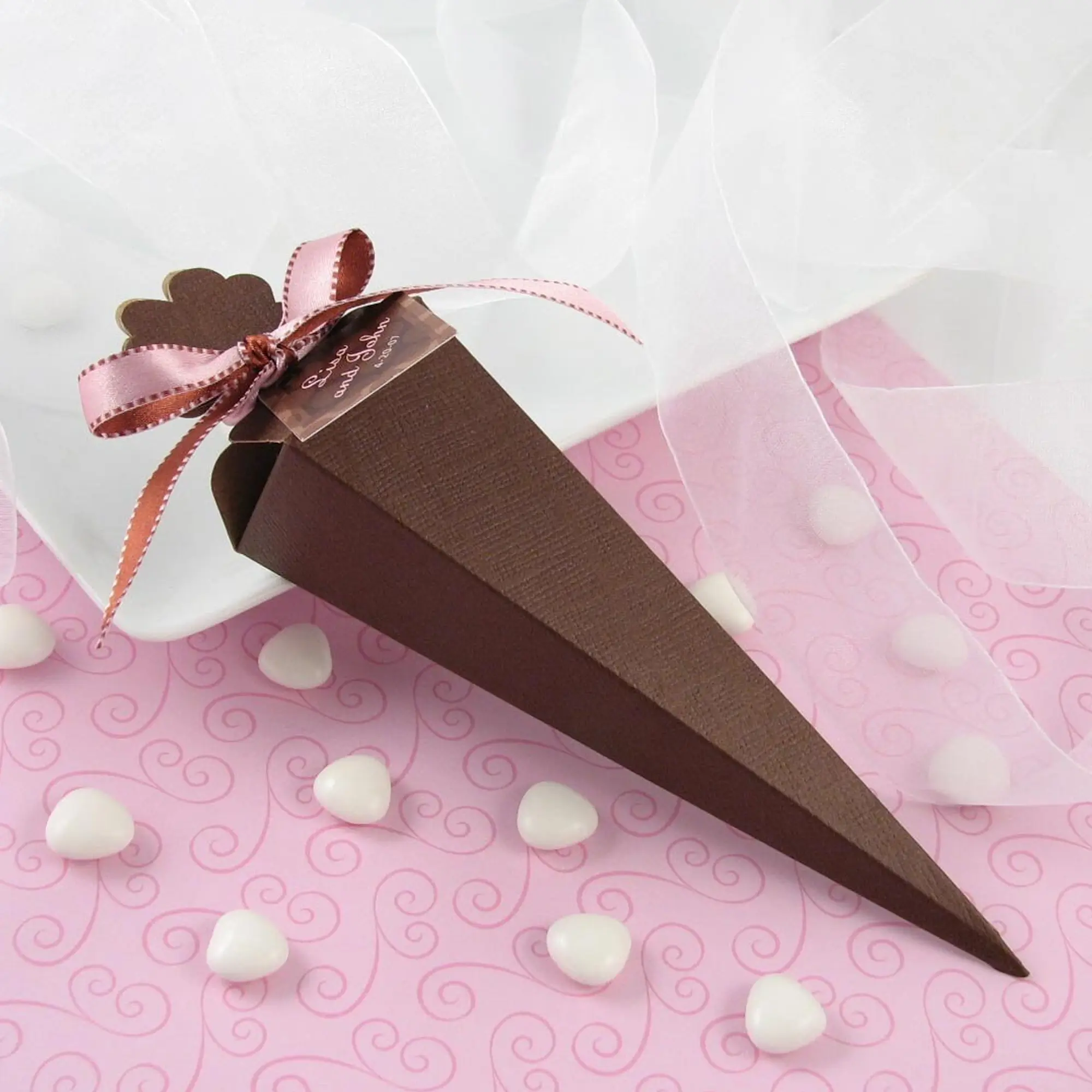 Custom Cone Boxes
 Custom Hot Dog Boxes
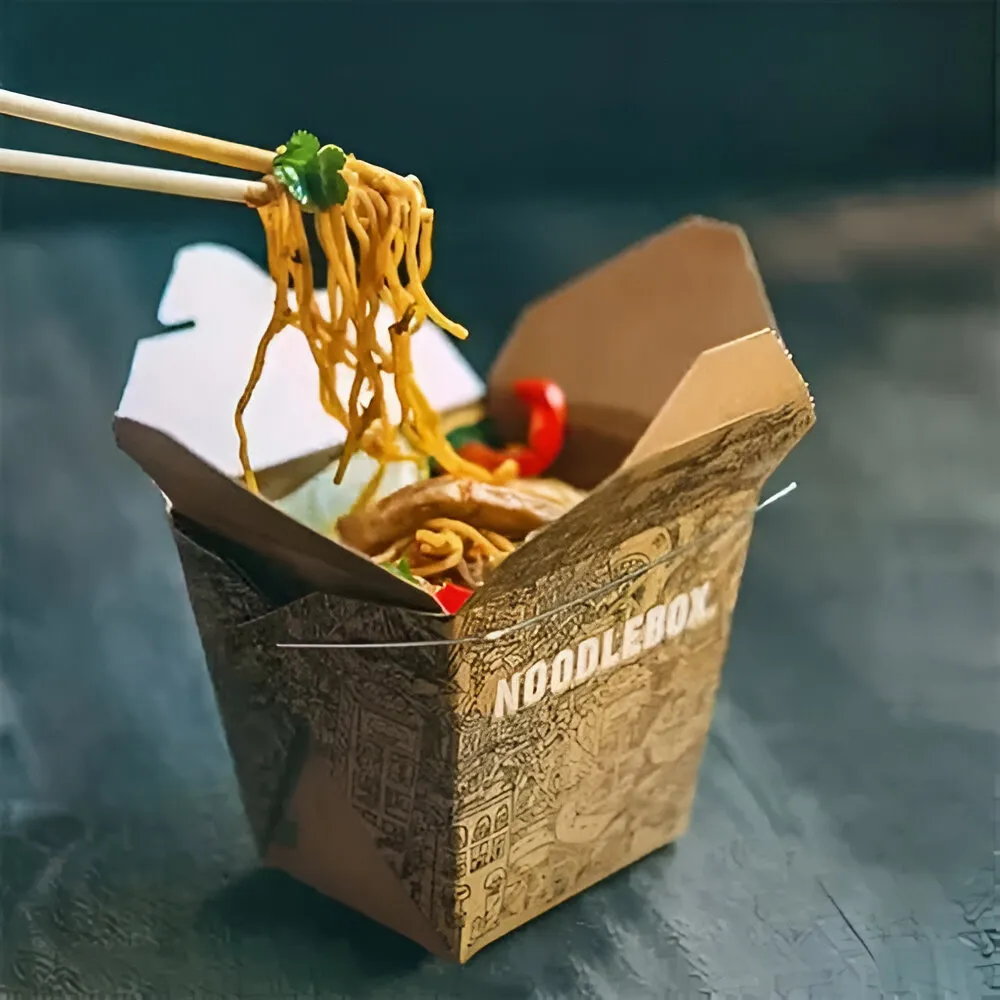 Custom Noodle Boxes
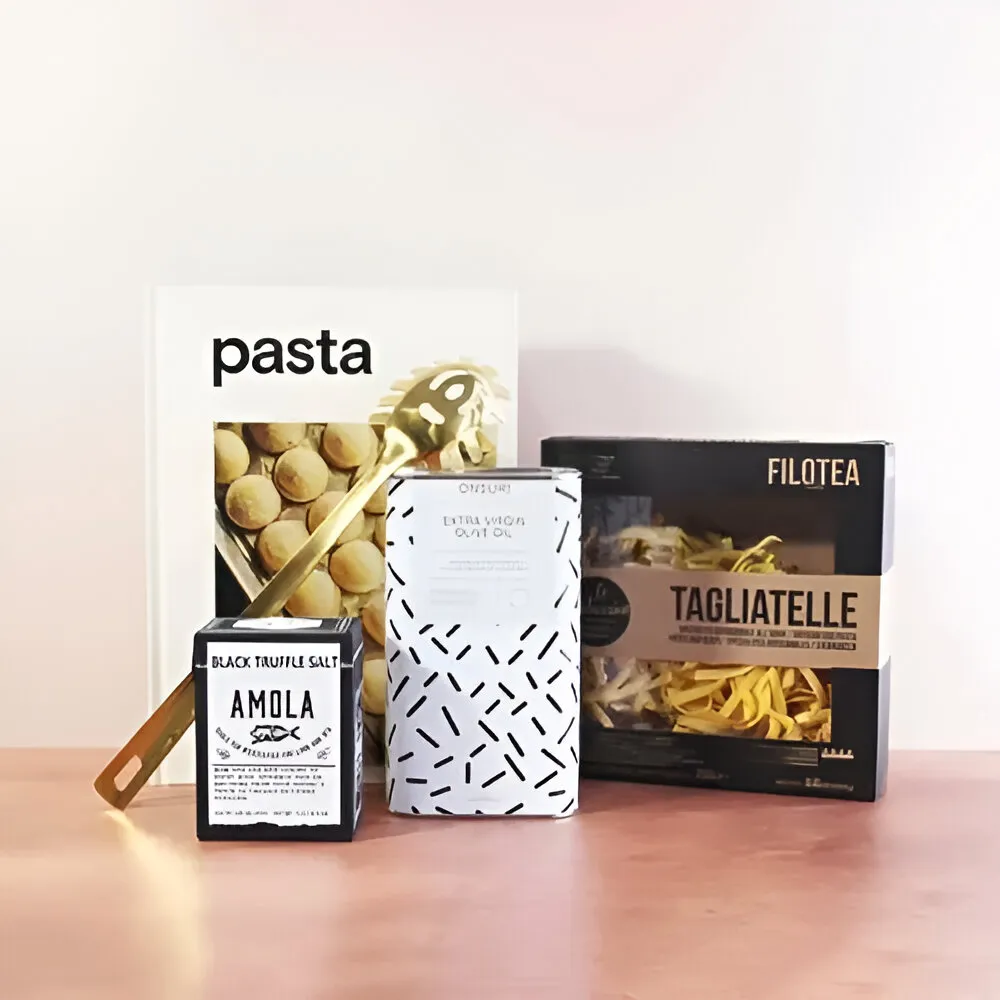 Custom Pasta Boxes
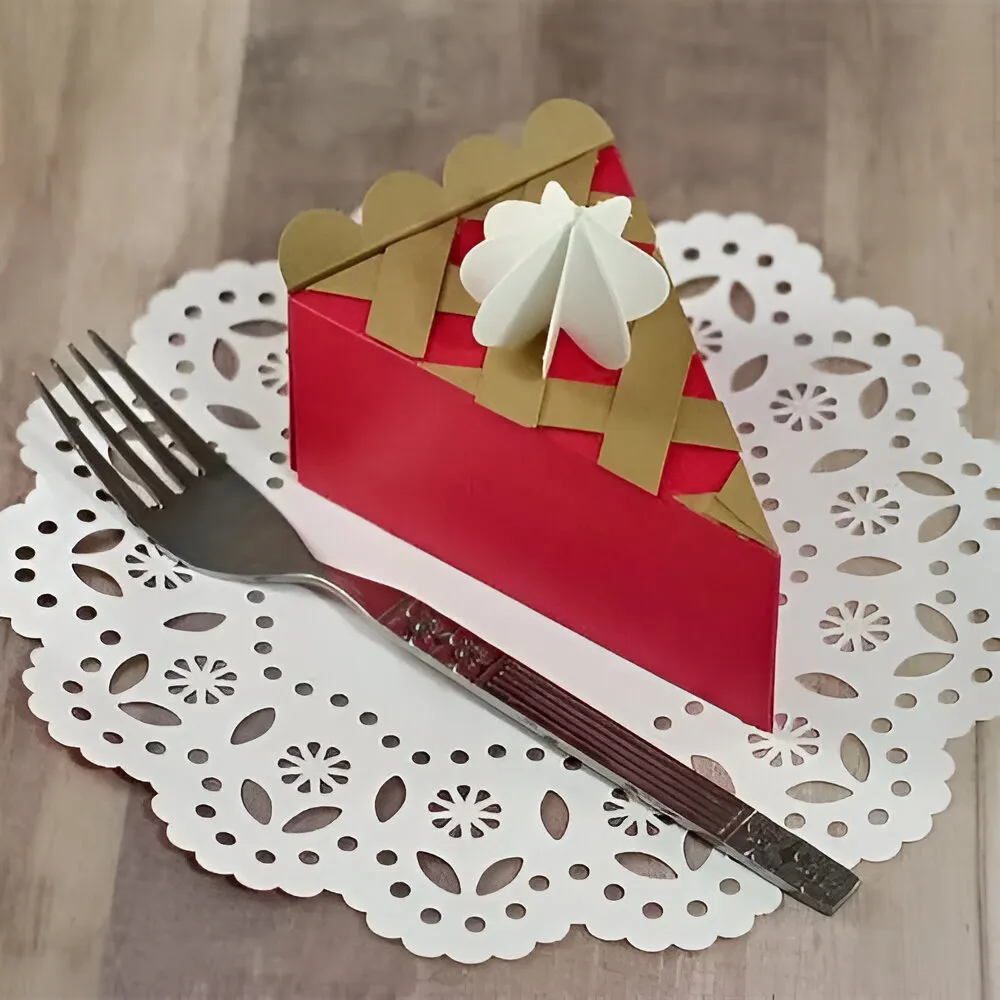 Custom Pie Boxes
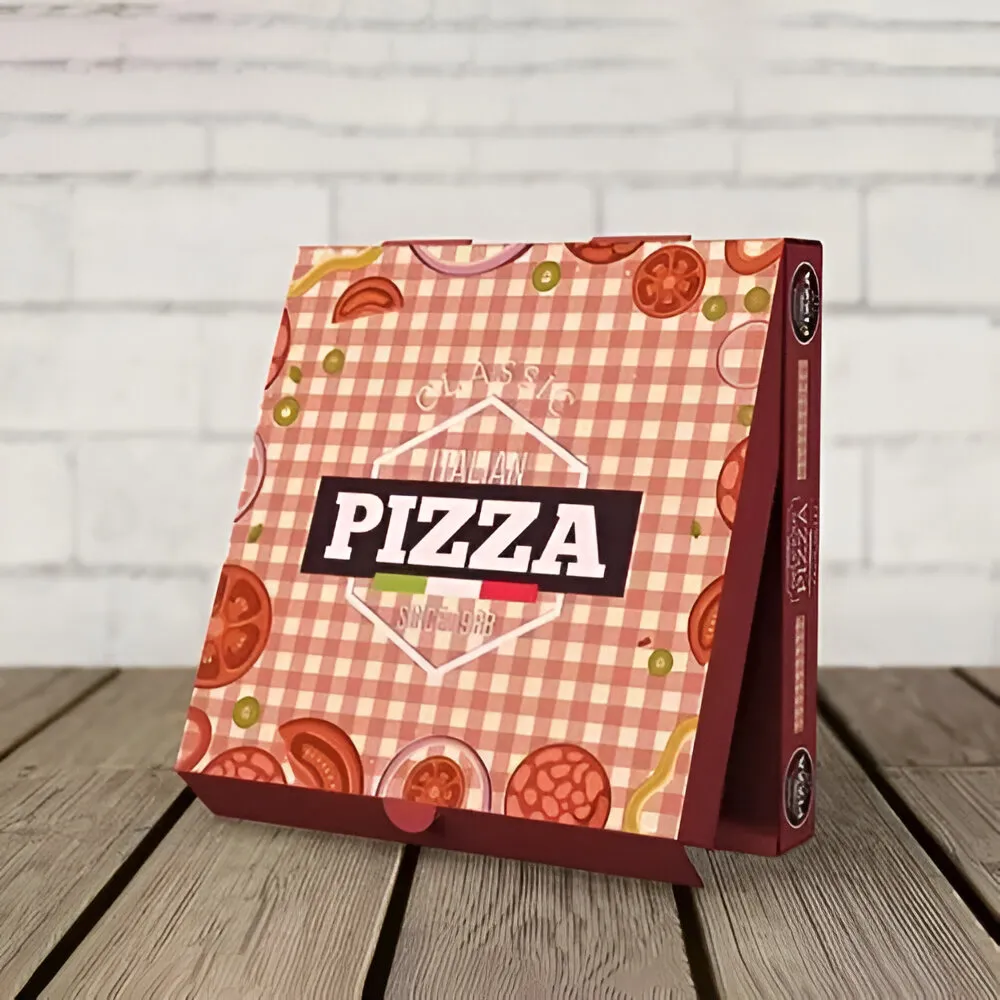 Custom Pizza Boxes
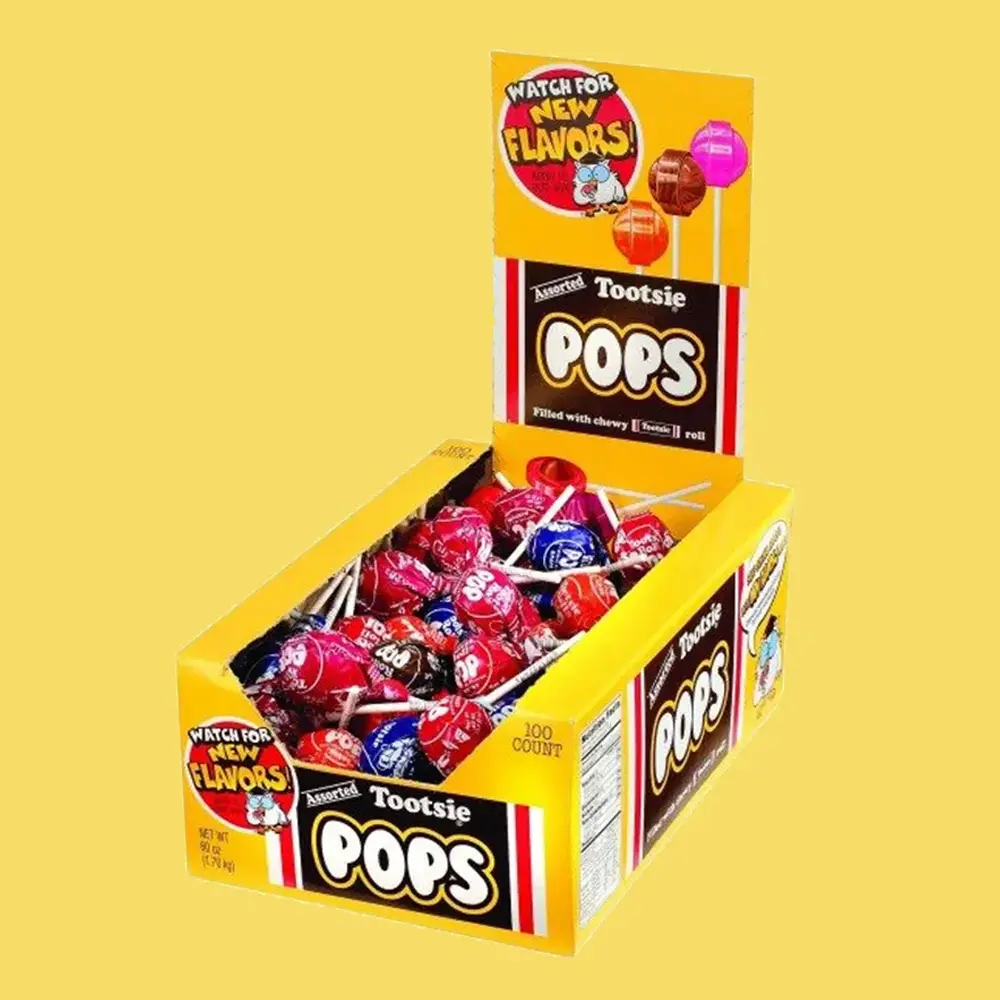 Candy Display Boxes
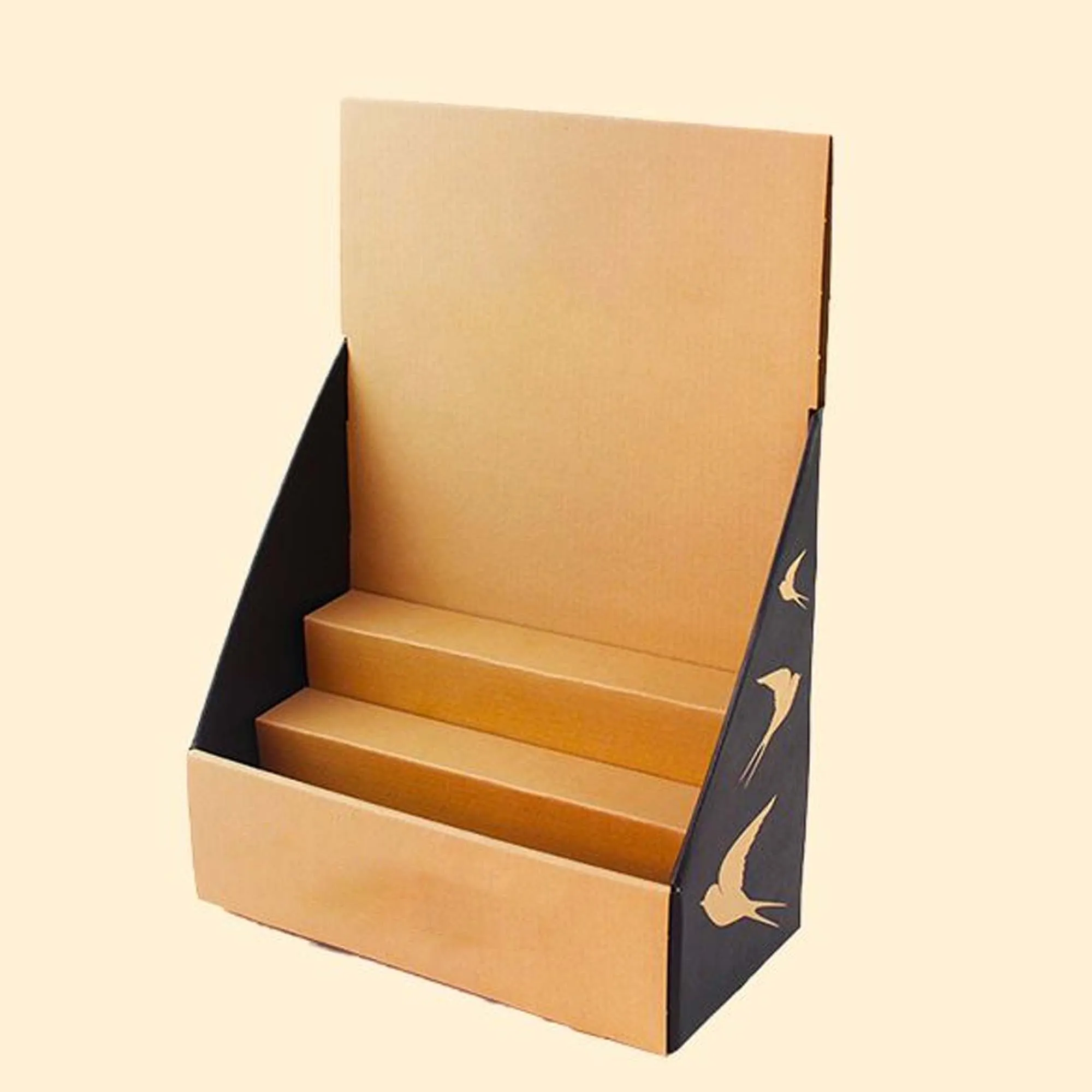 Cardboard Display Boxes
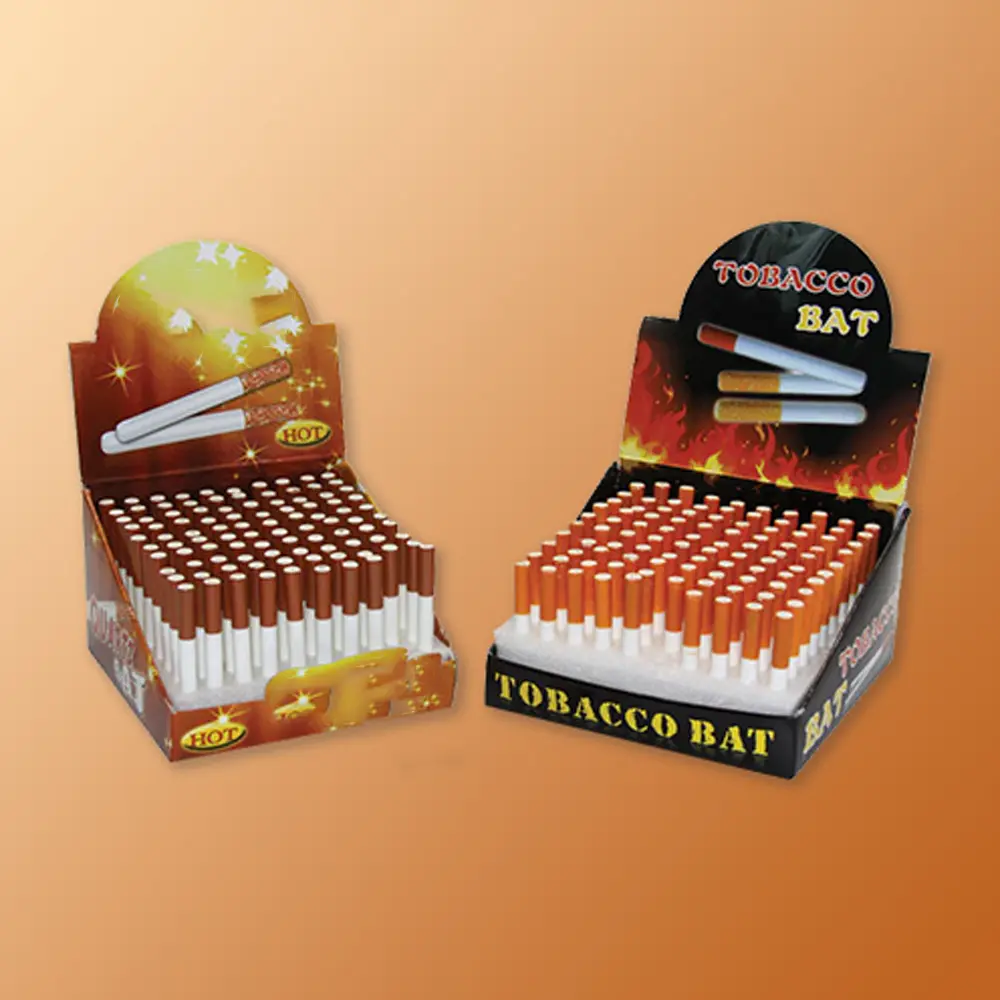 Cigarette Display Boxes
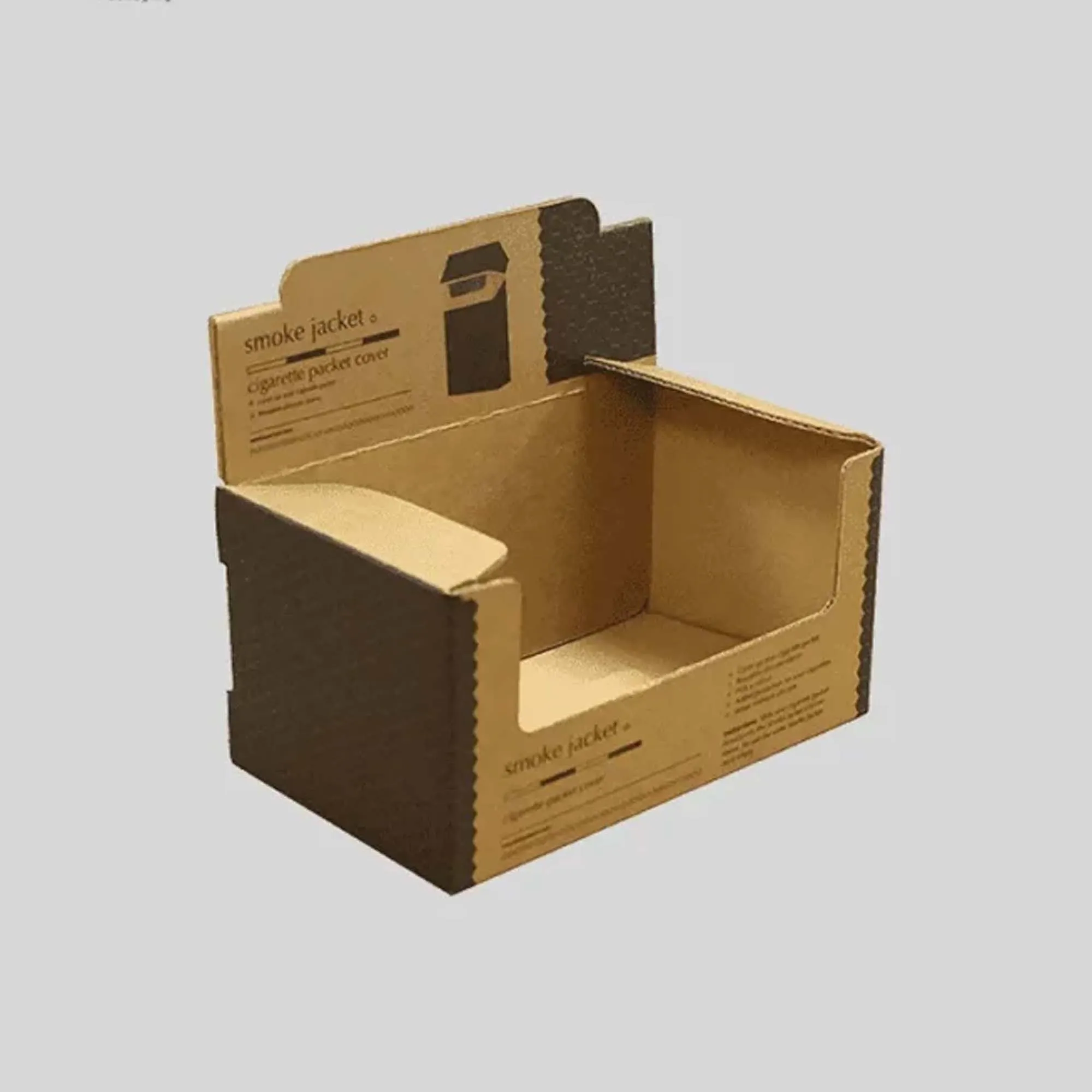 Corrugated Display Boxes
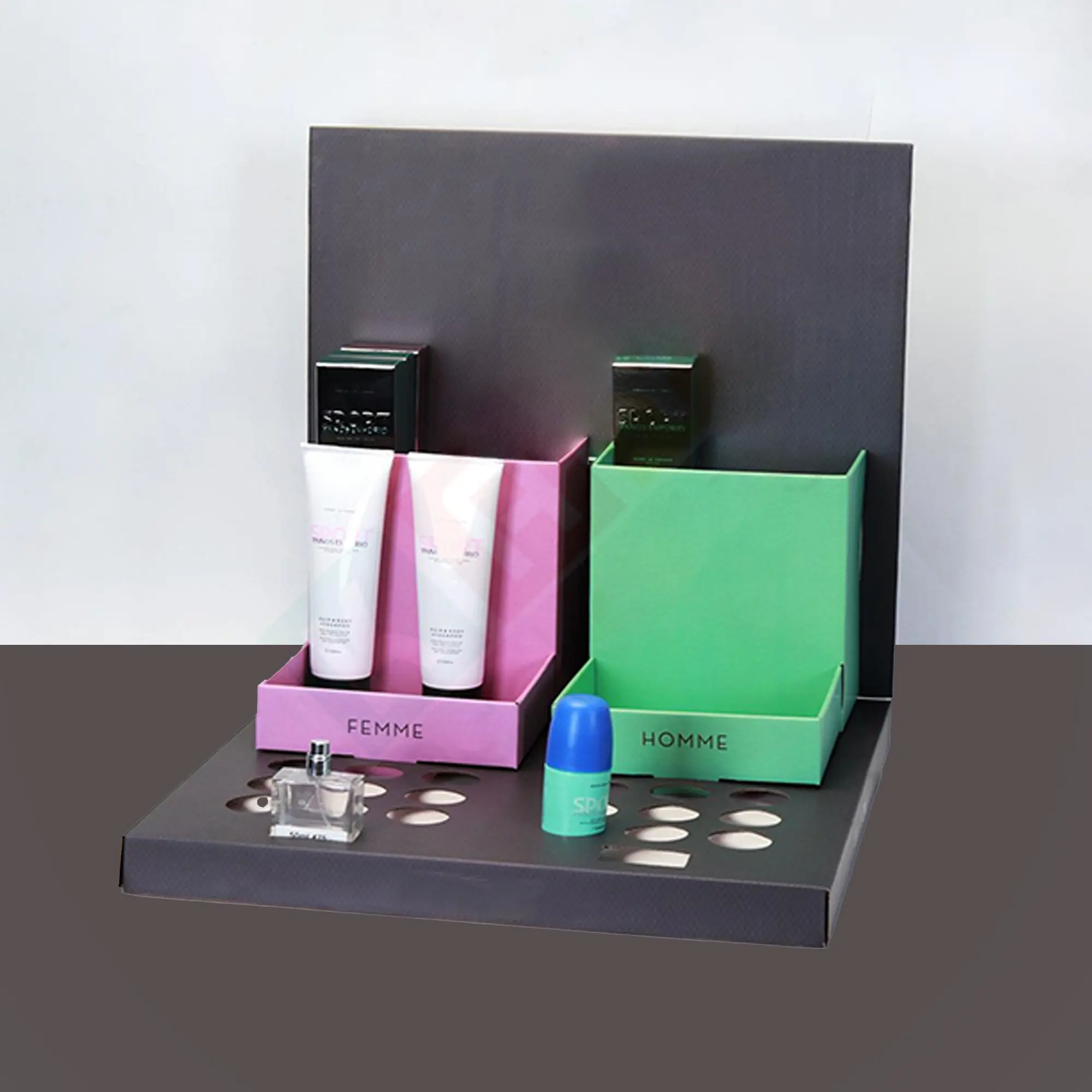 Cosmetic Display Boxes
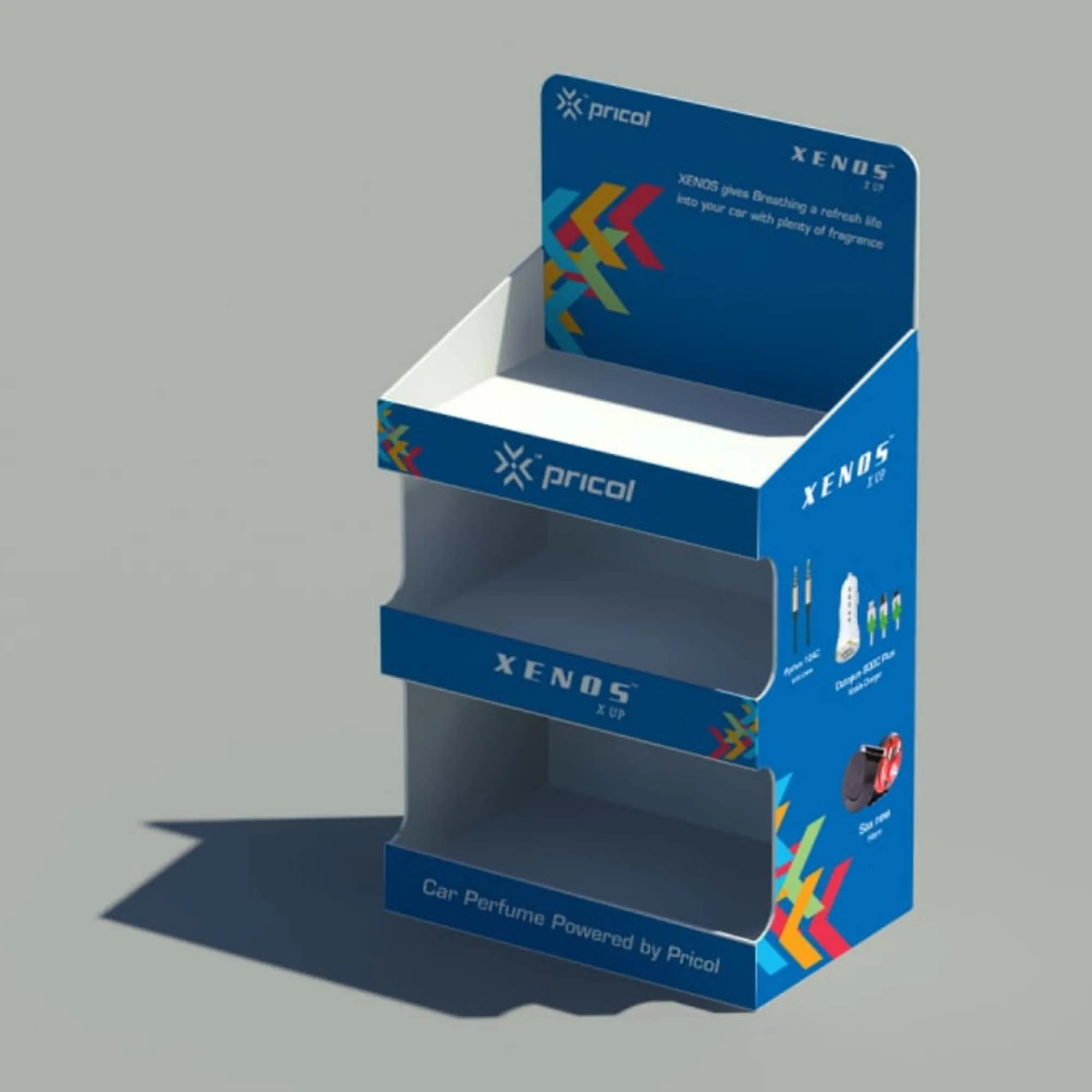 Counter Display Cases
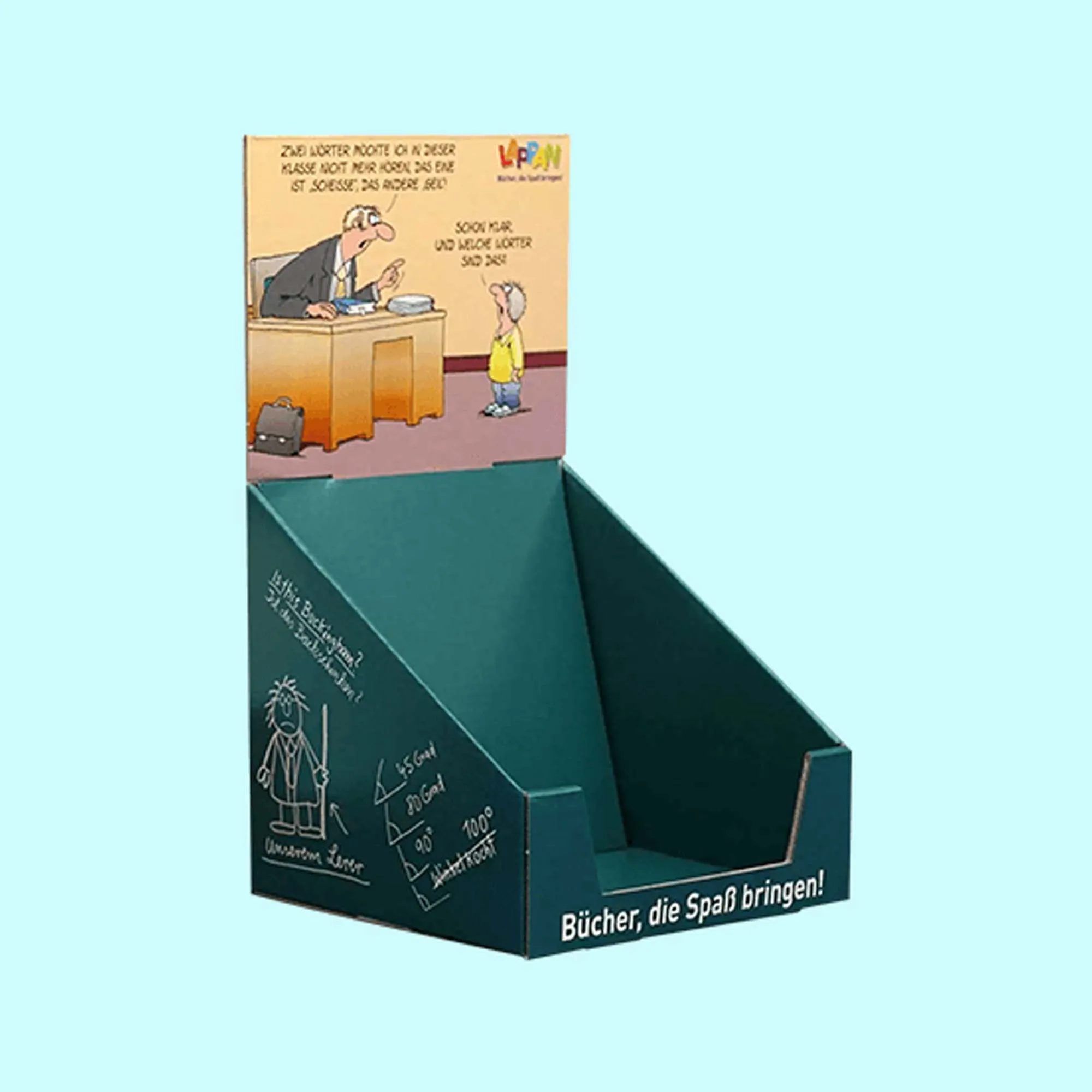 Custom Display Packaging Boxes
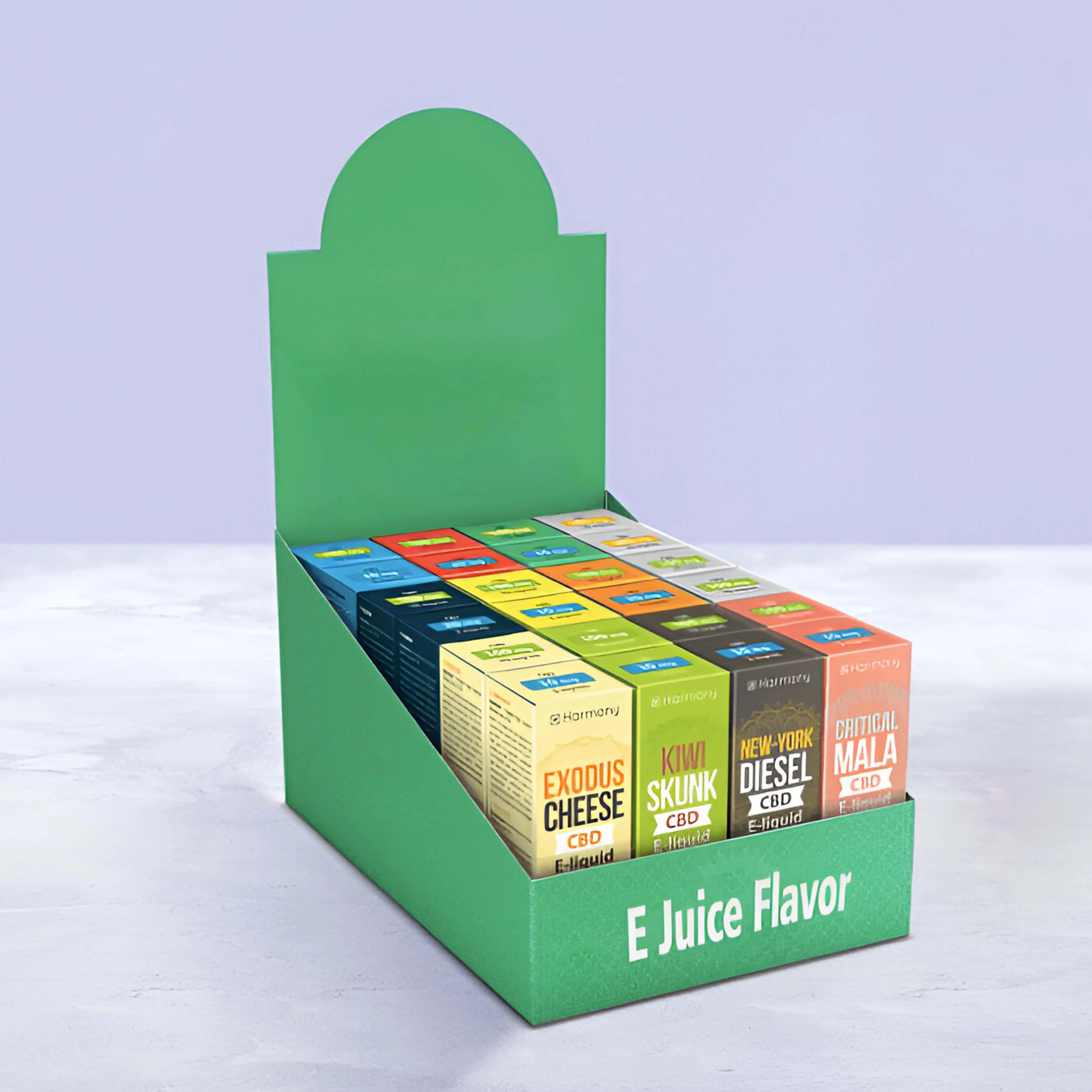 Custom E Juice Display Boxes
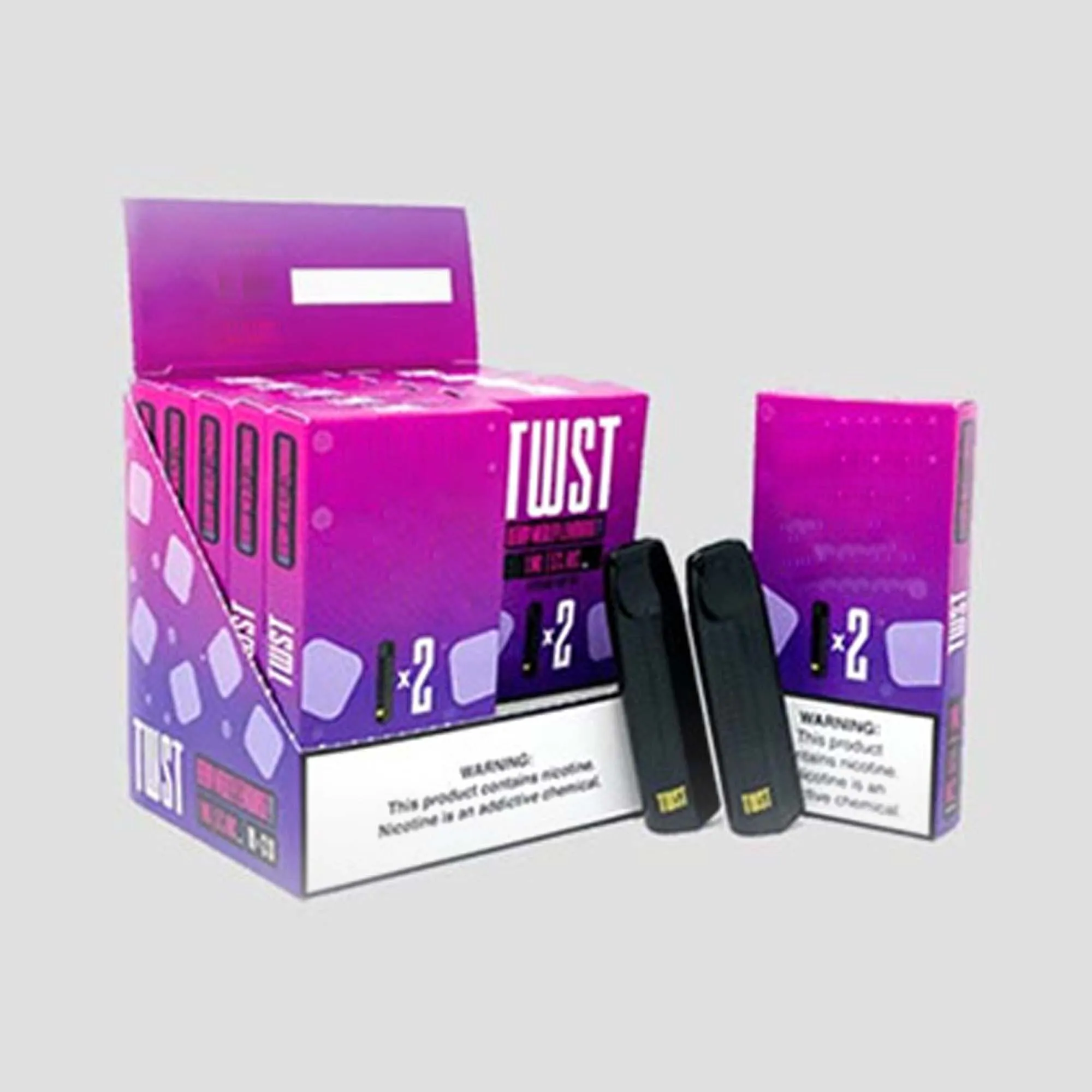 Custom Vape Display Boxes
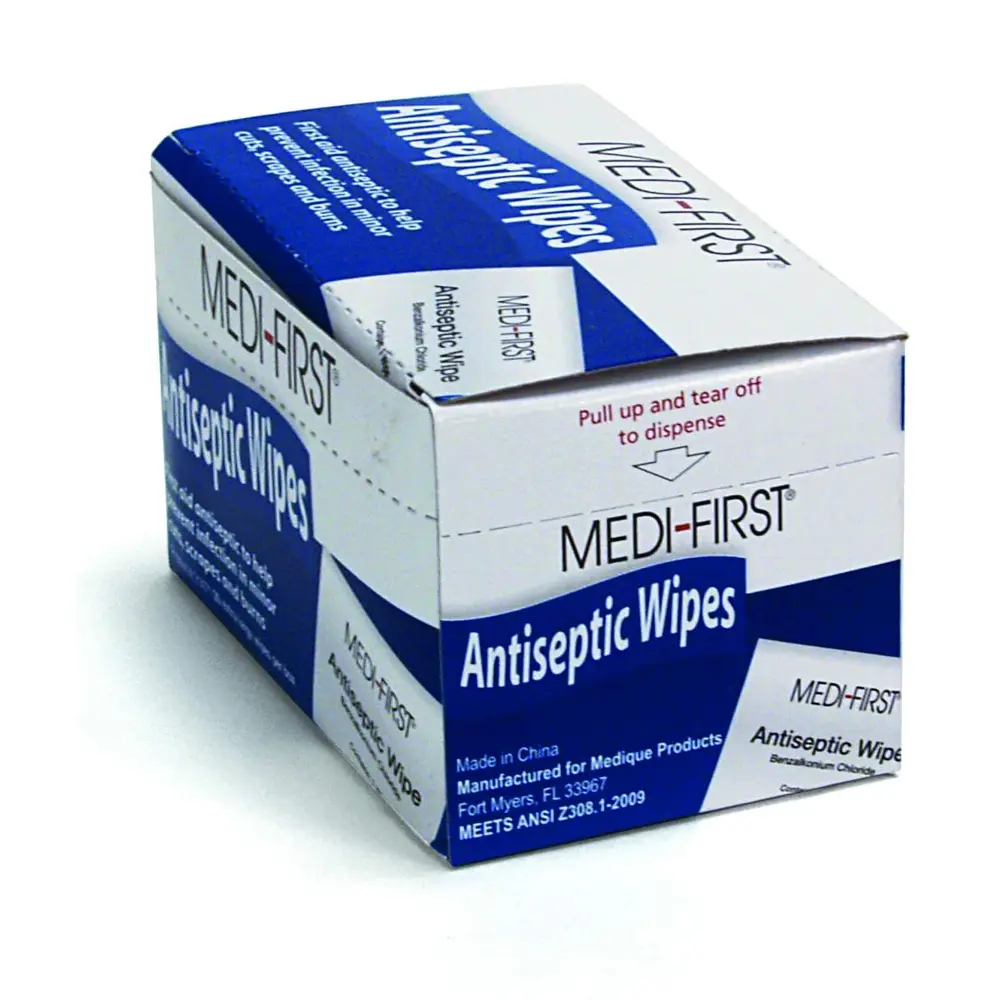 Antiseptic Boxes
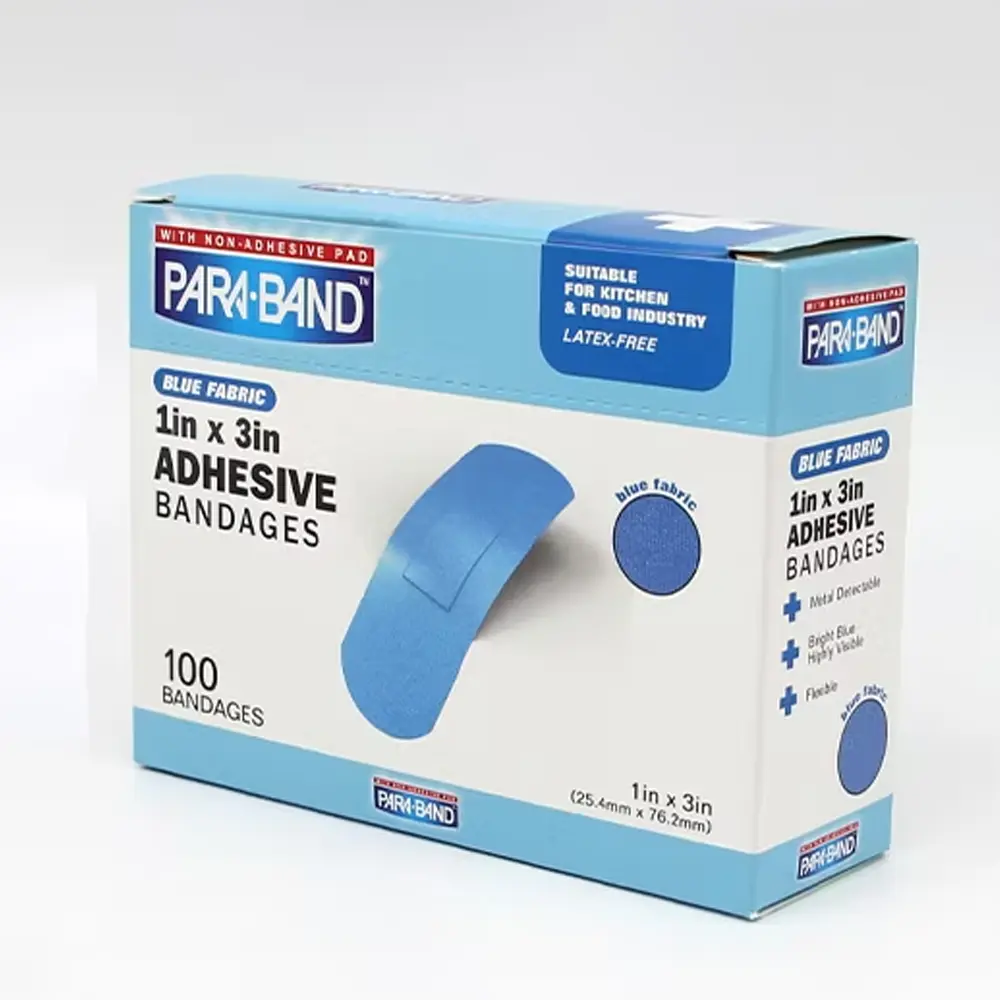 Bandage Boxes
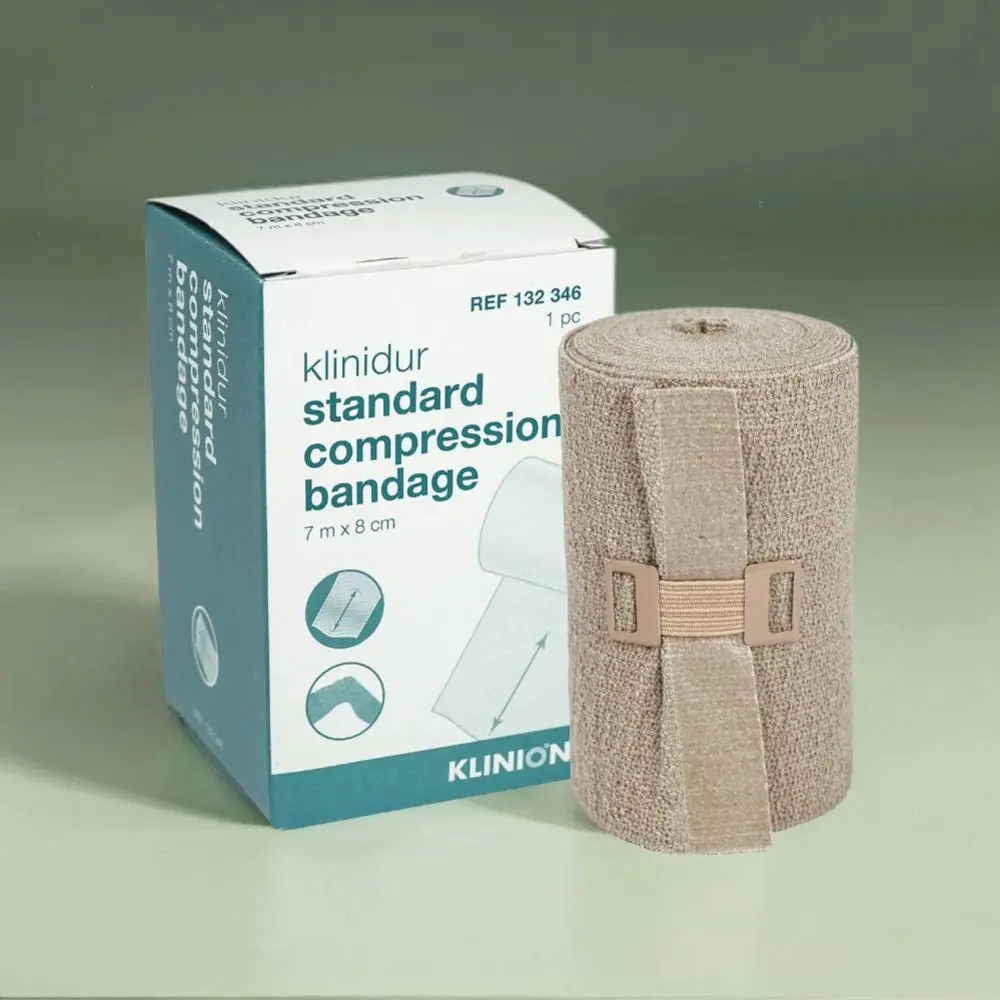 Compression Bandage Boxes
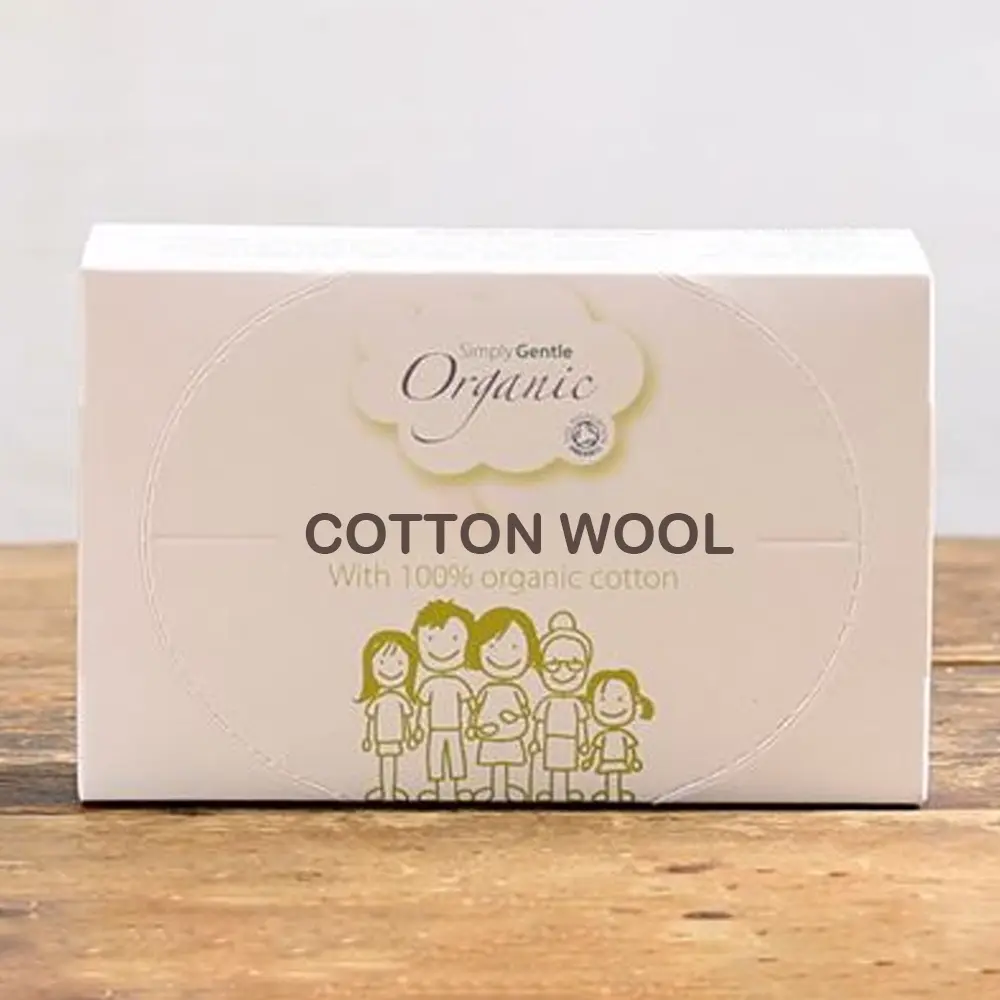 Cotton Wool Boxes
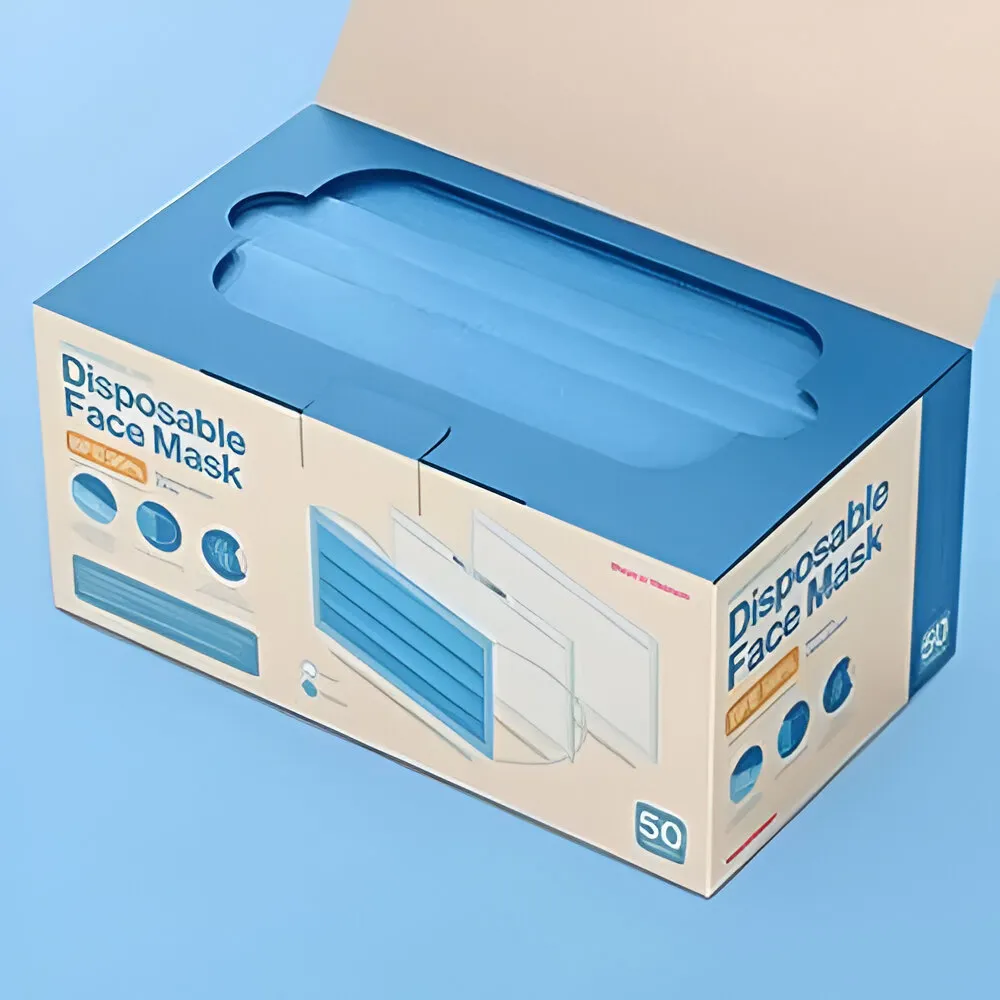 Custom Face Mask Boxes
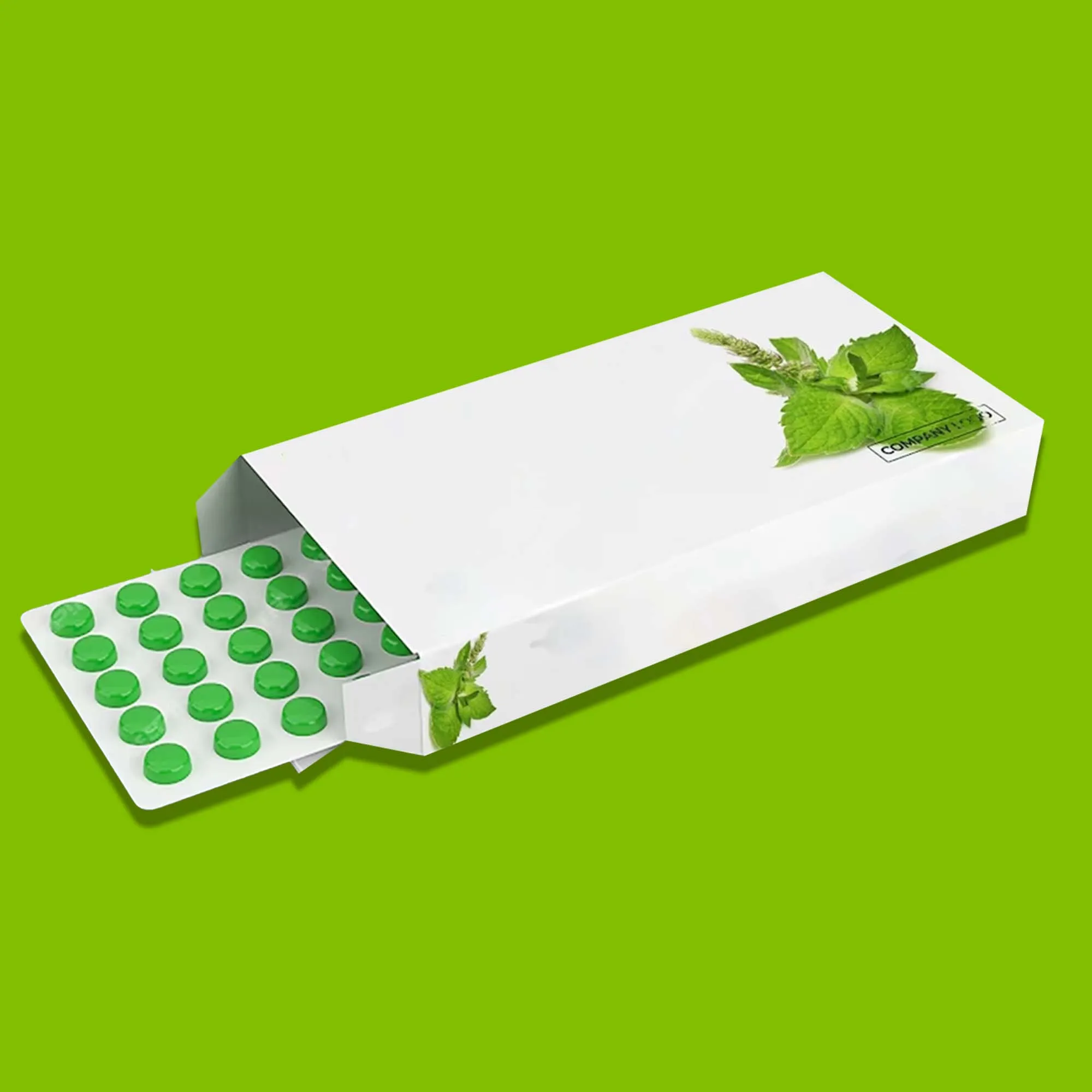 Custom Printed Medicine Packaging Boxes
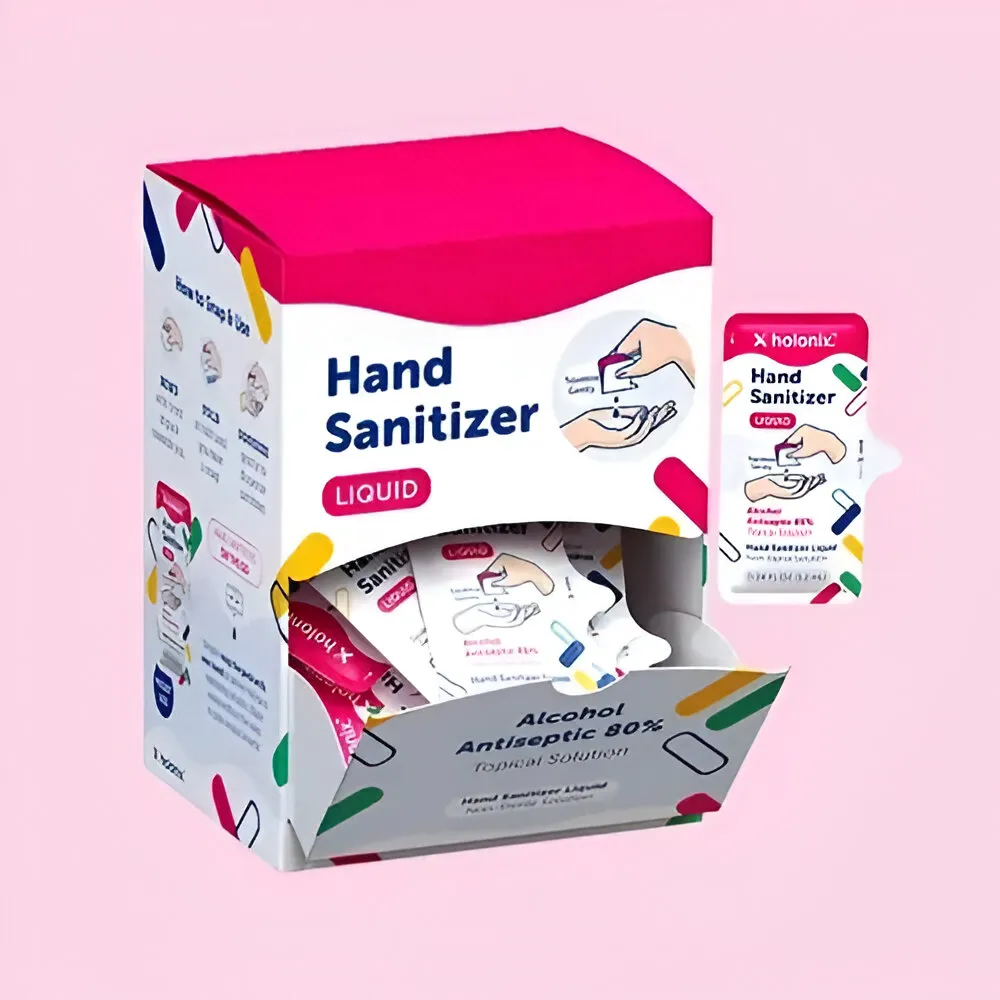 Custom Sanitizer Packaging Boxes
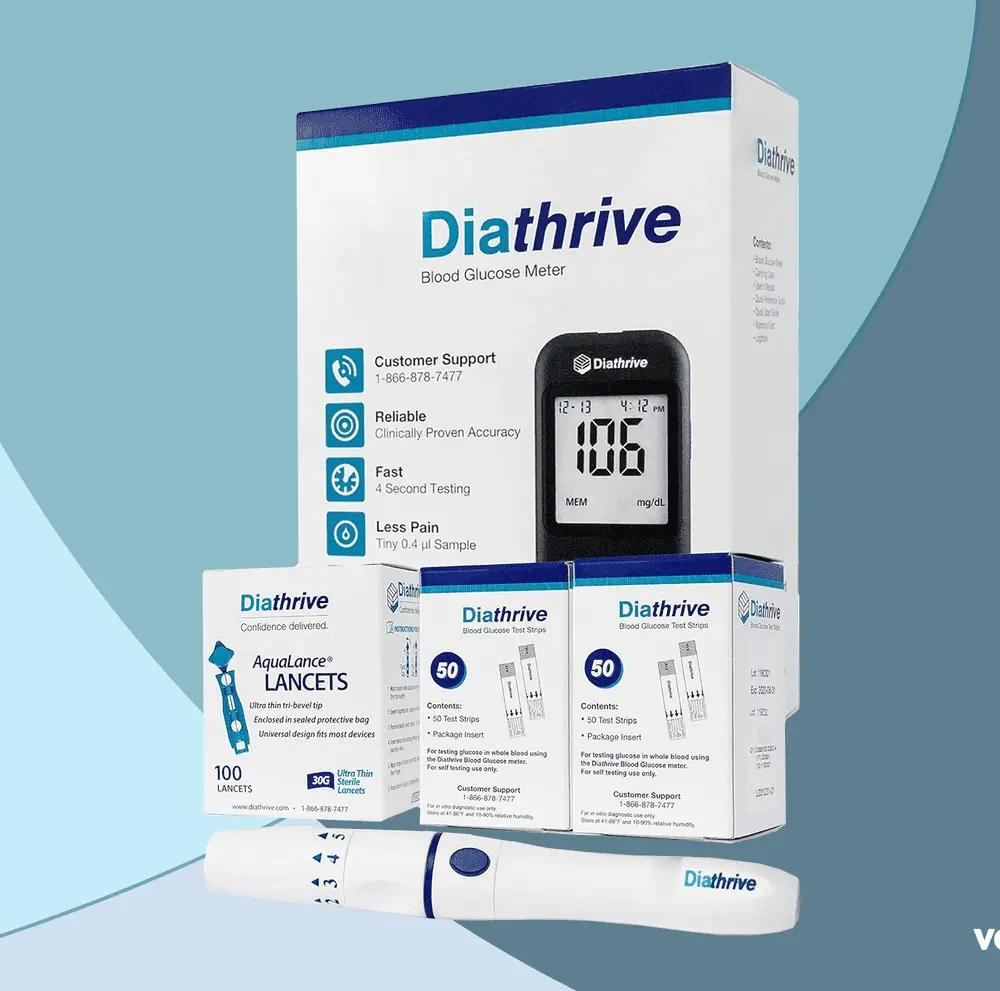 Glucometer Boxes
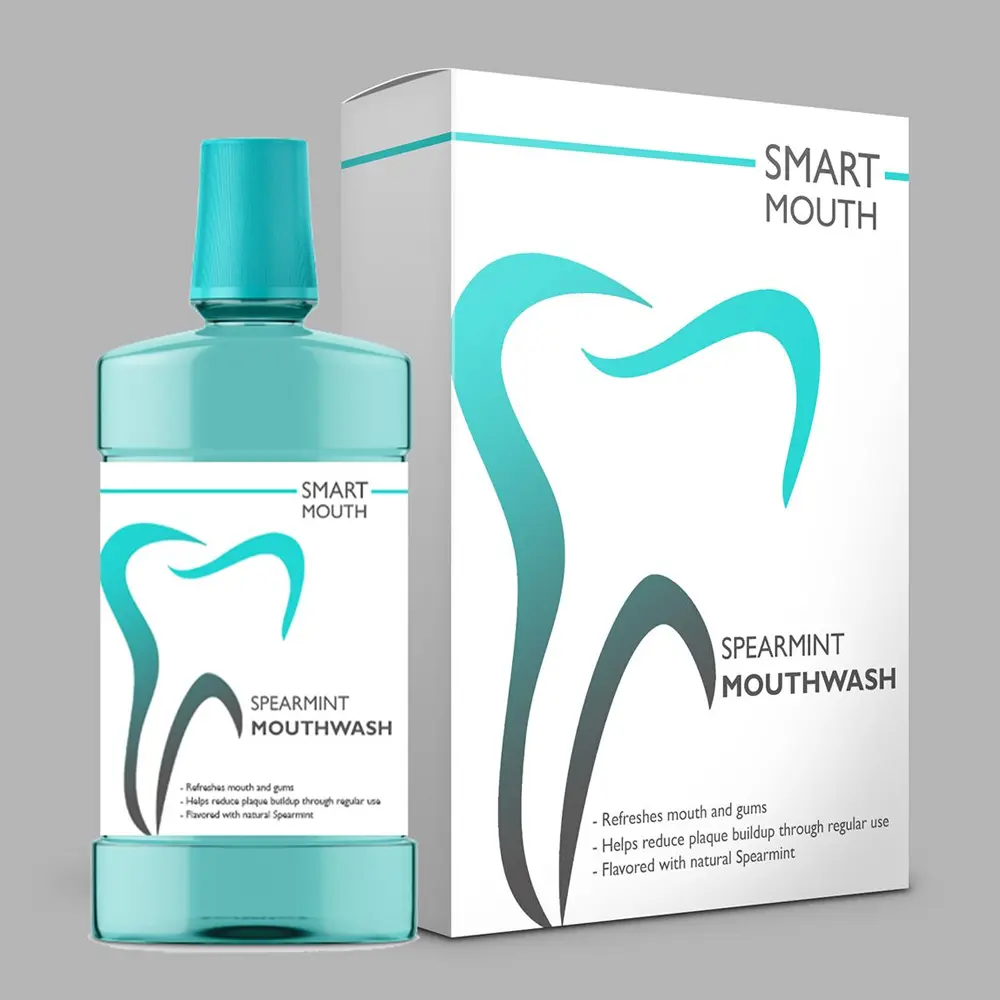 Mouthwash Boxes
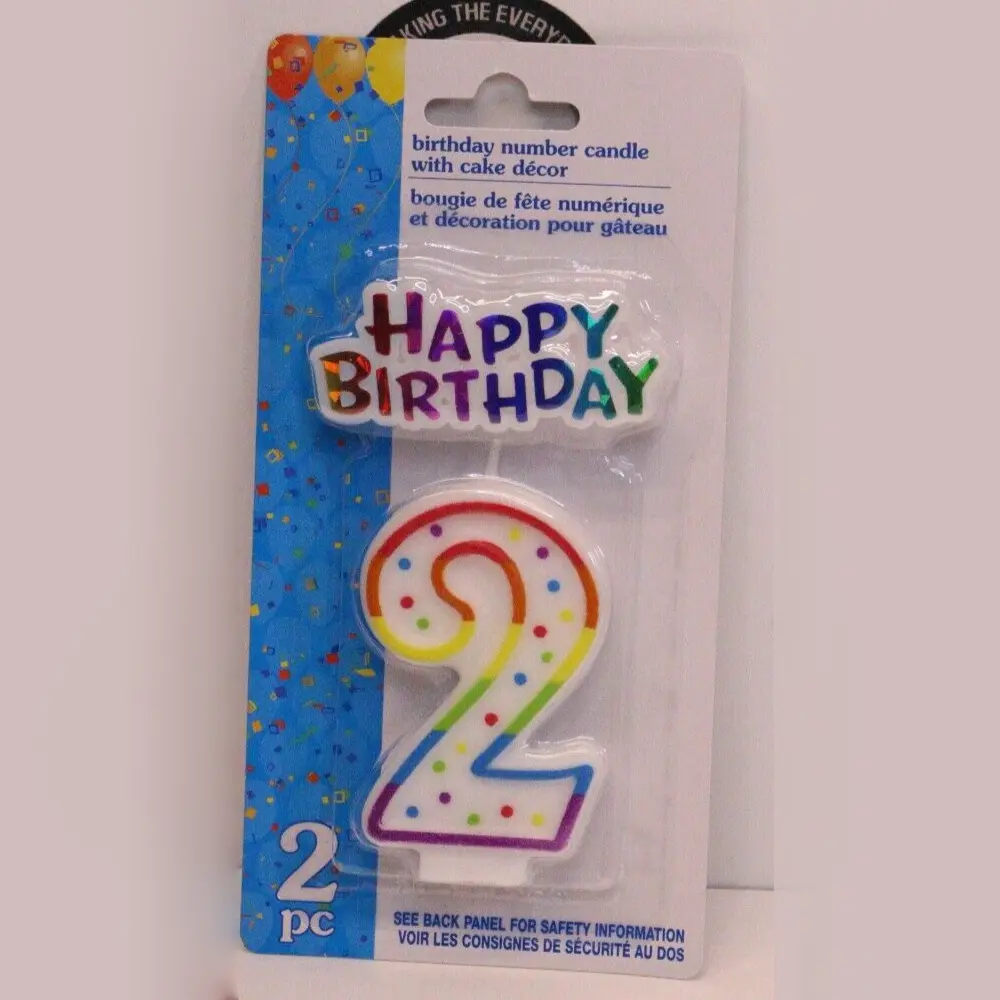 Blister Candle Packaging
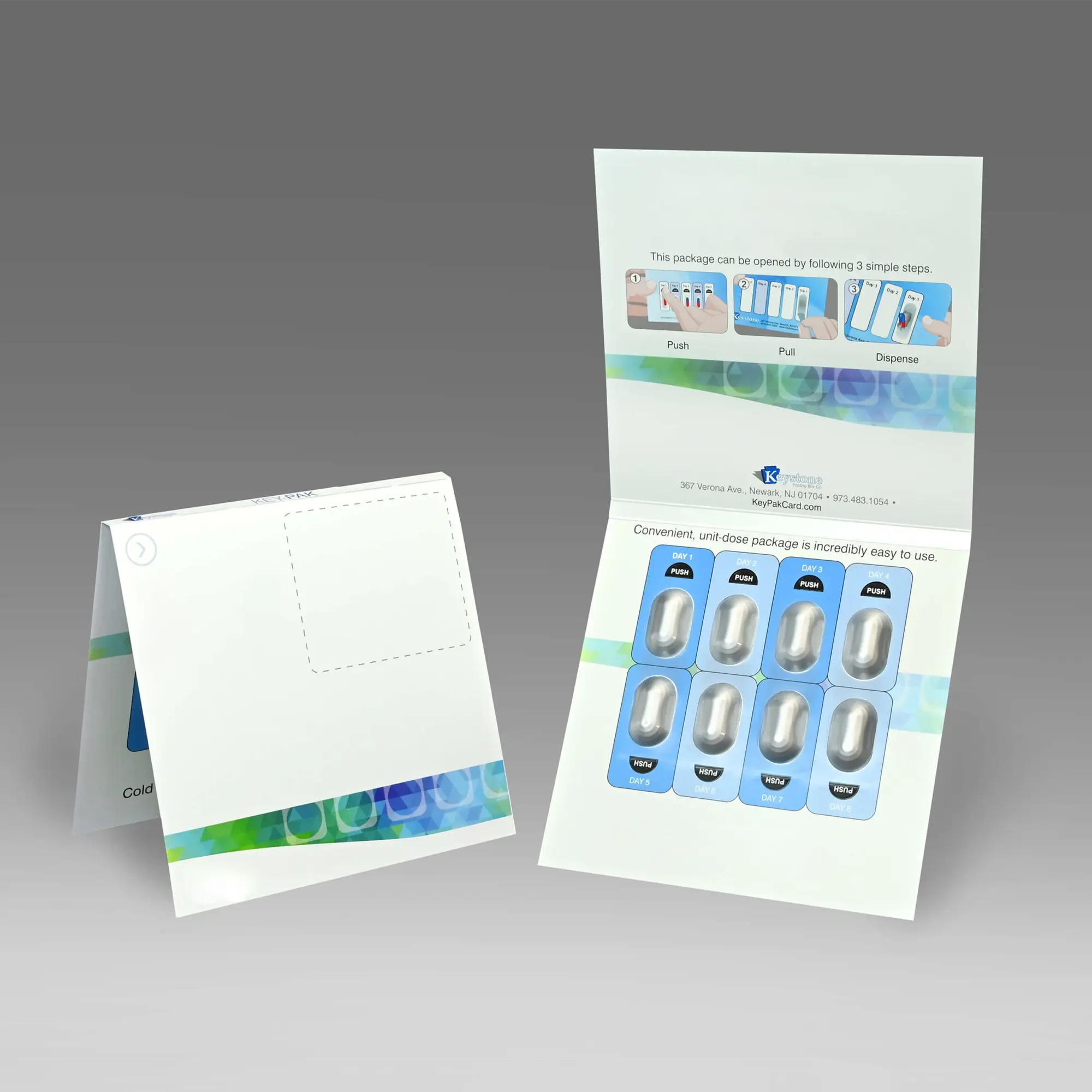 Blister Cards
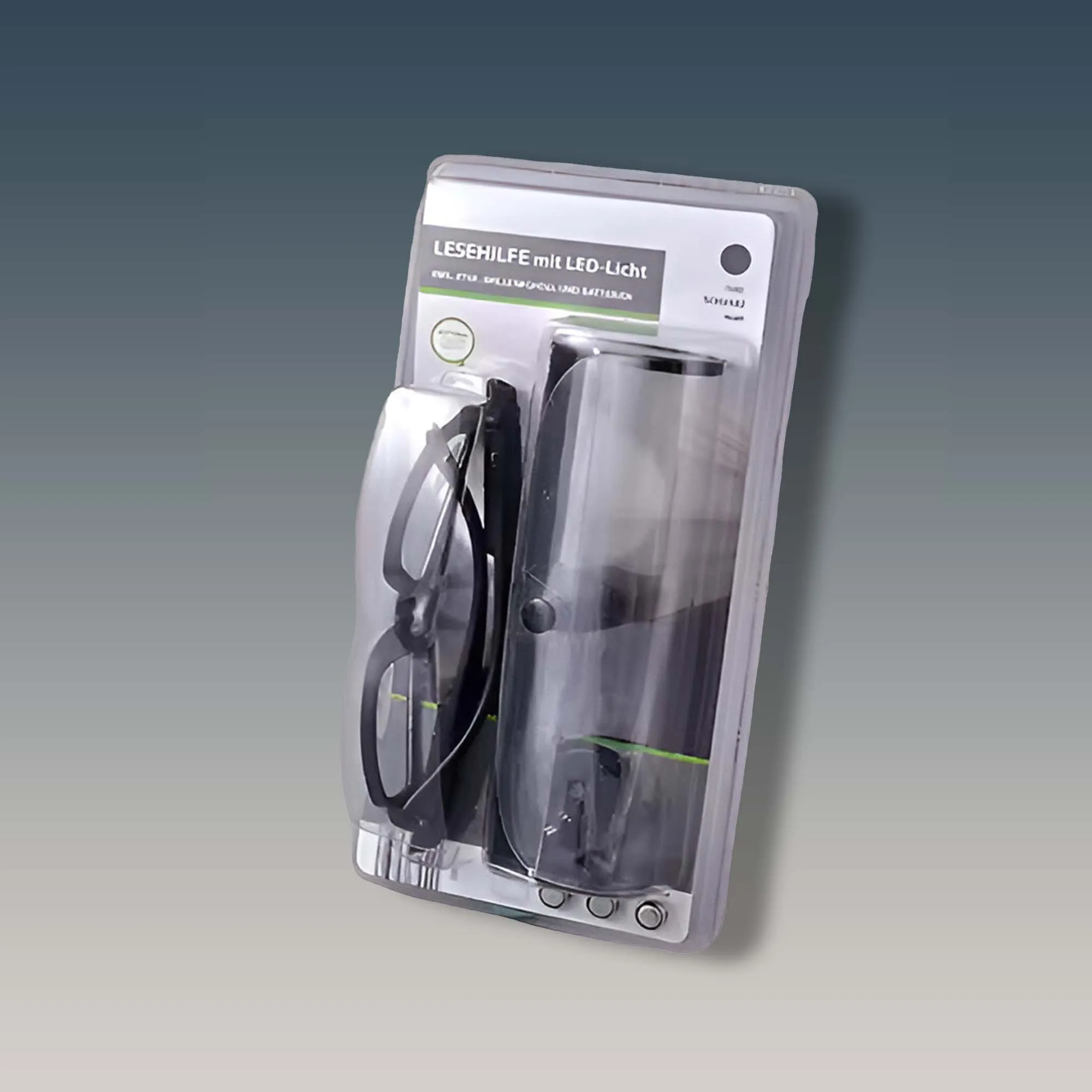 Blister Packaging
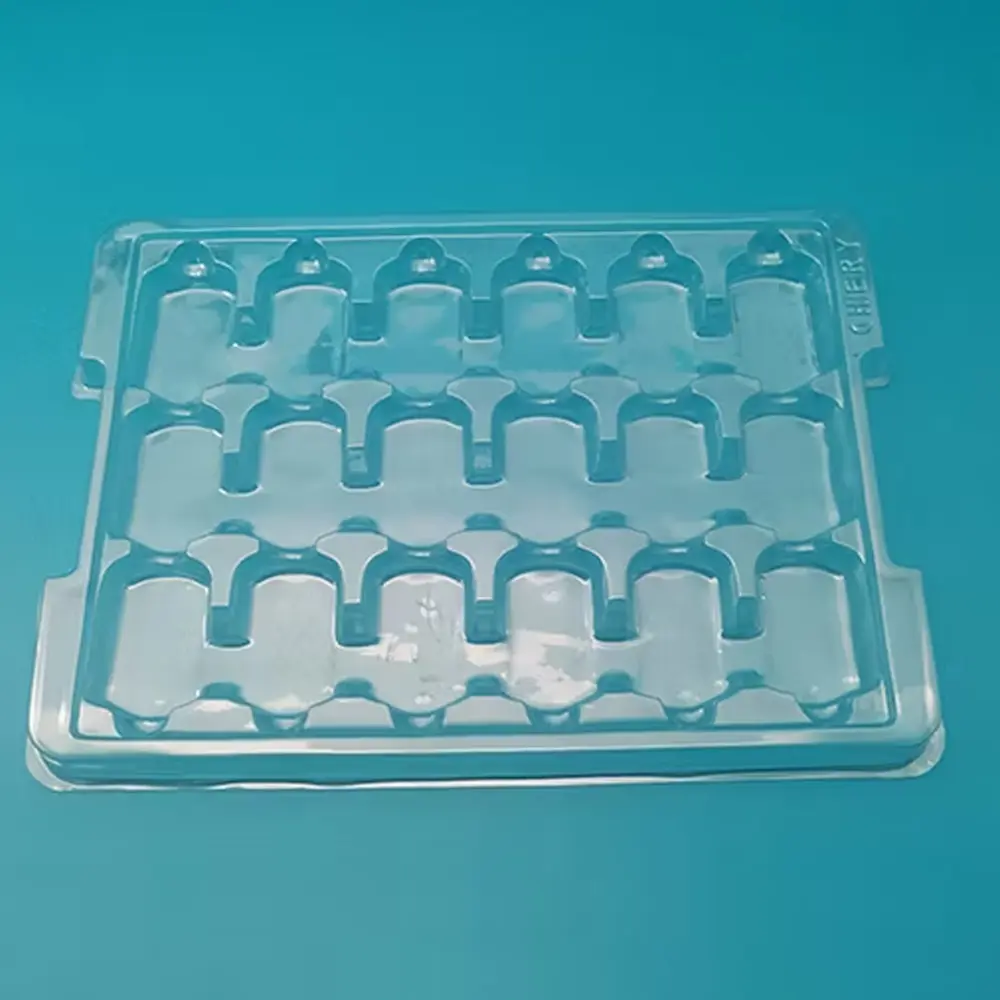 Blister Packaging Tray
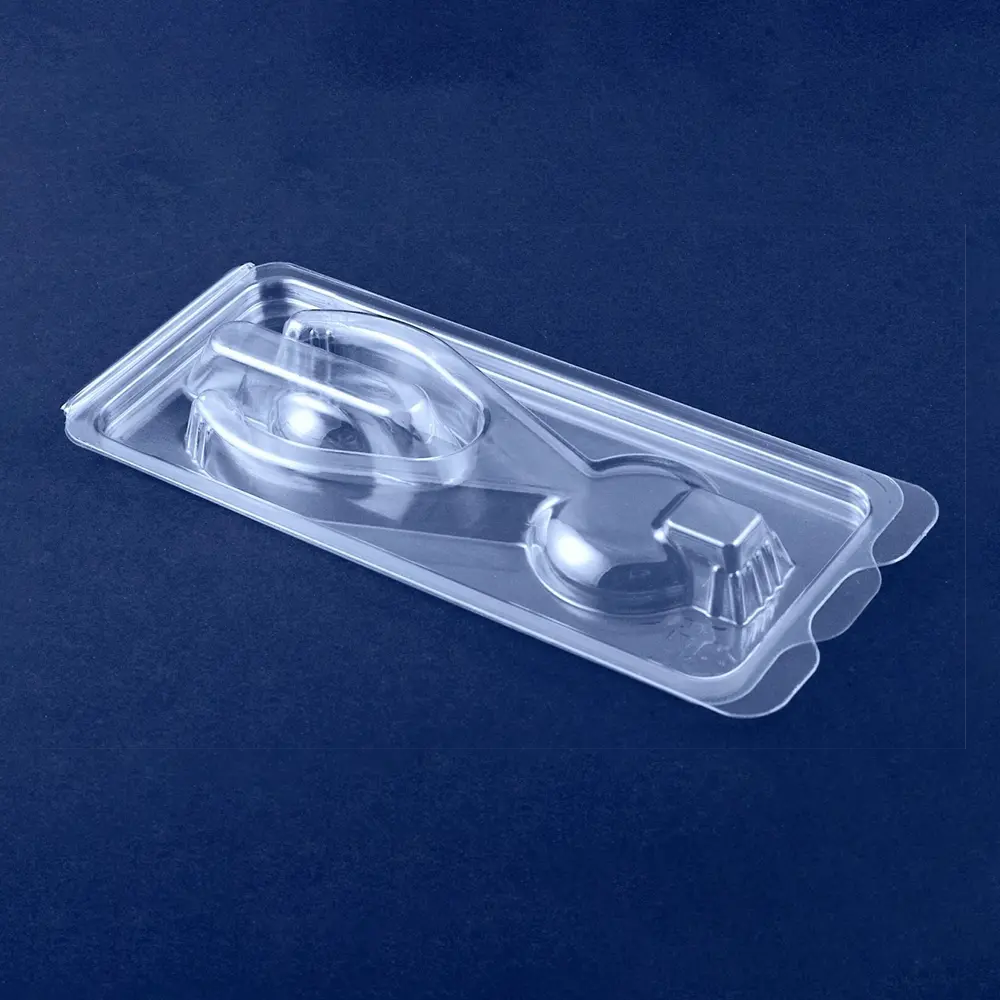 Clamshell Packaging
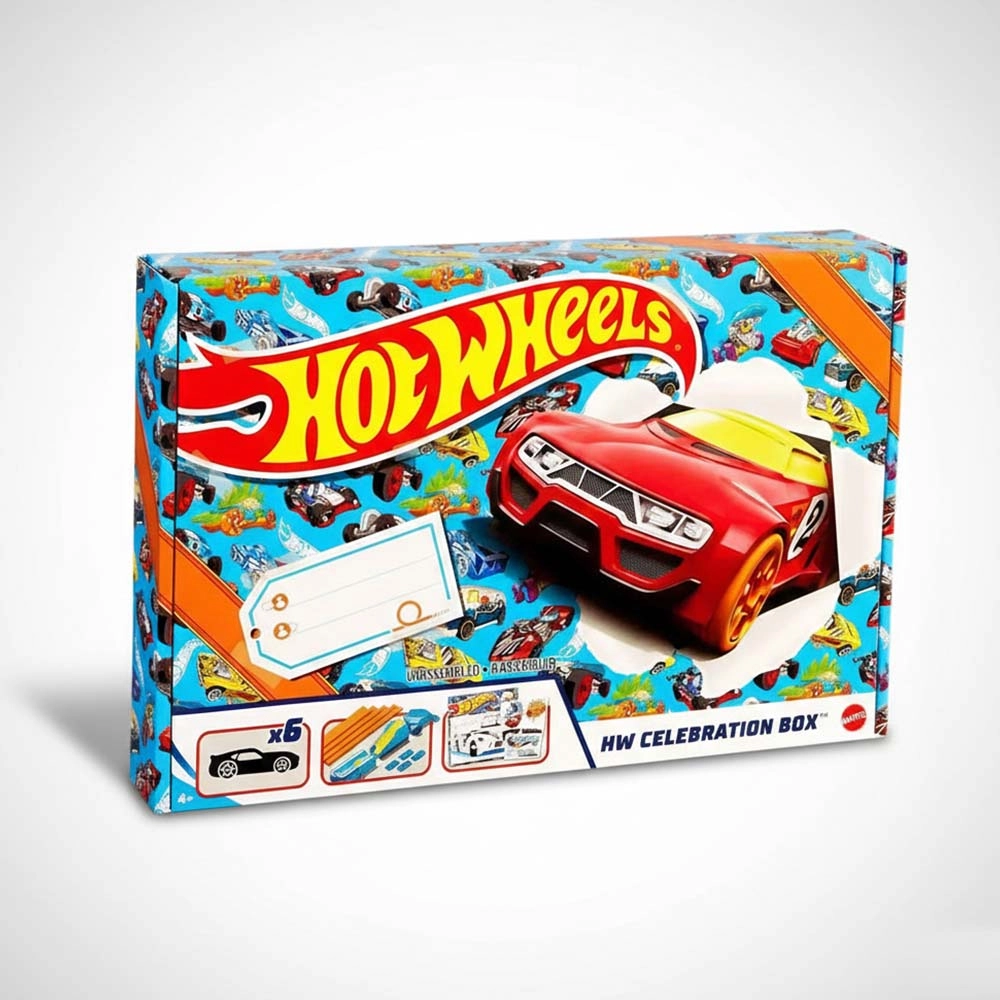 Custom Hot Wheels Packaging
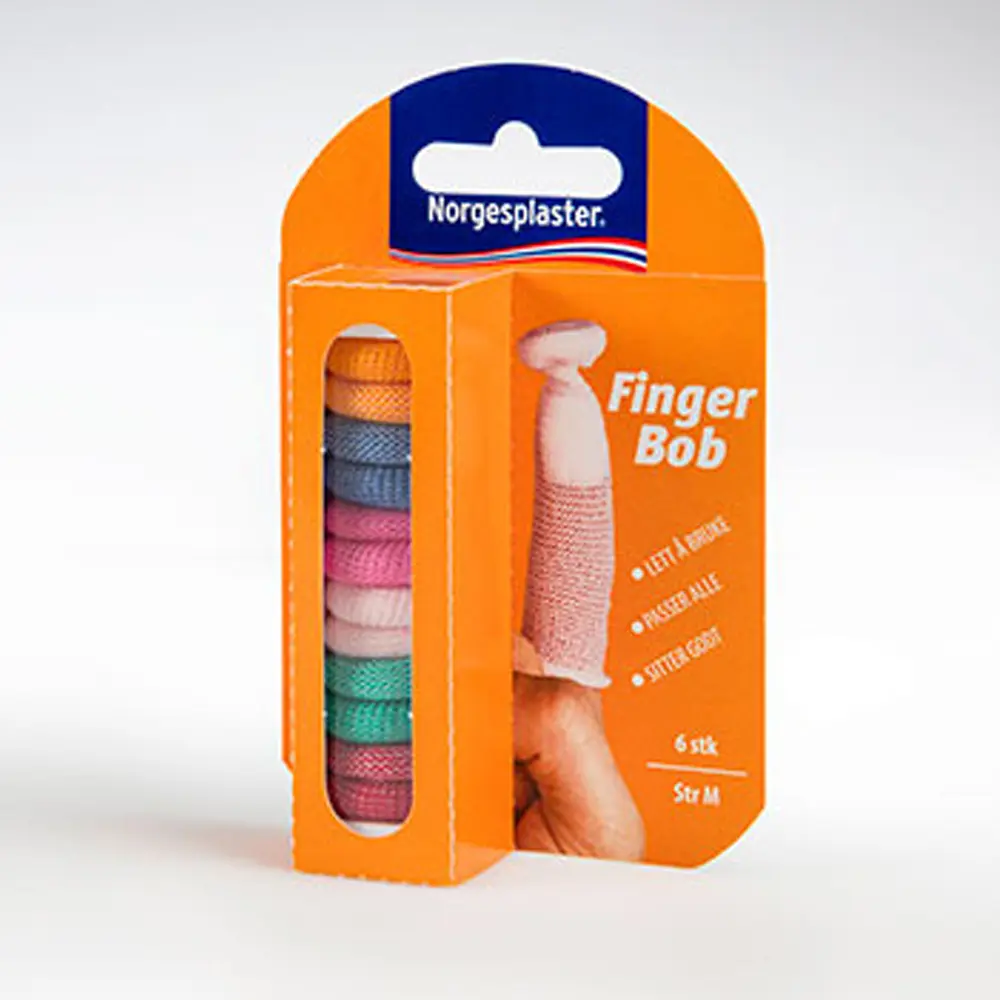 Display Blister Packaging
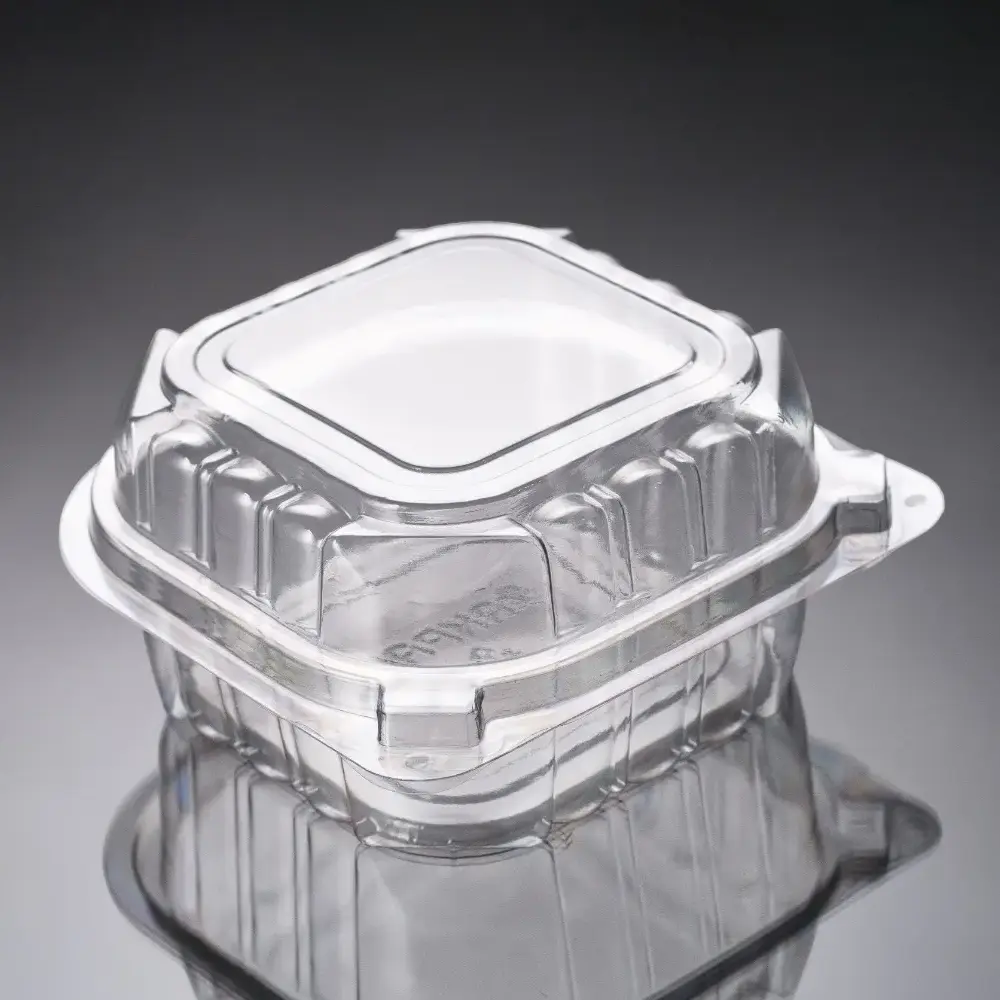 Hinged Packaging
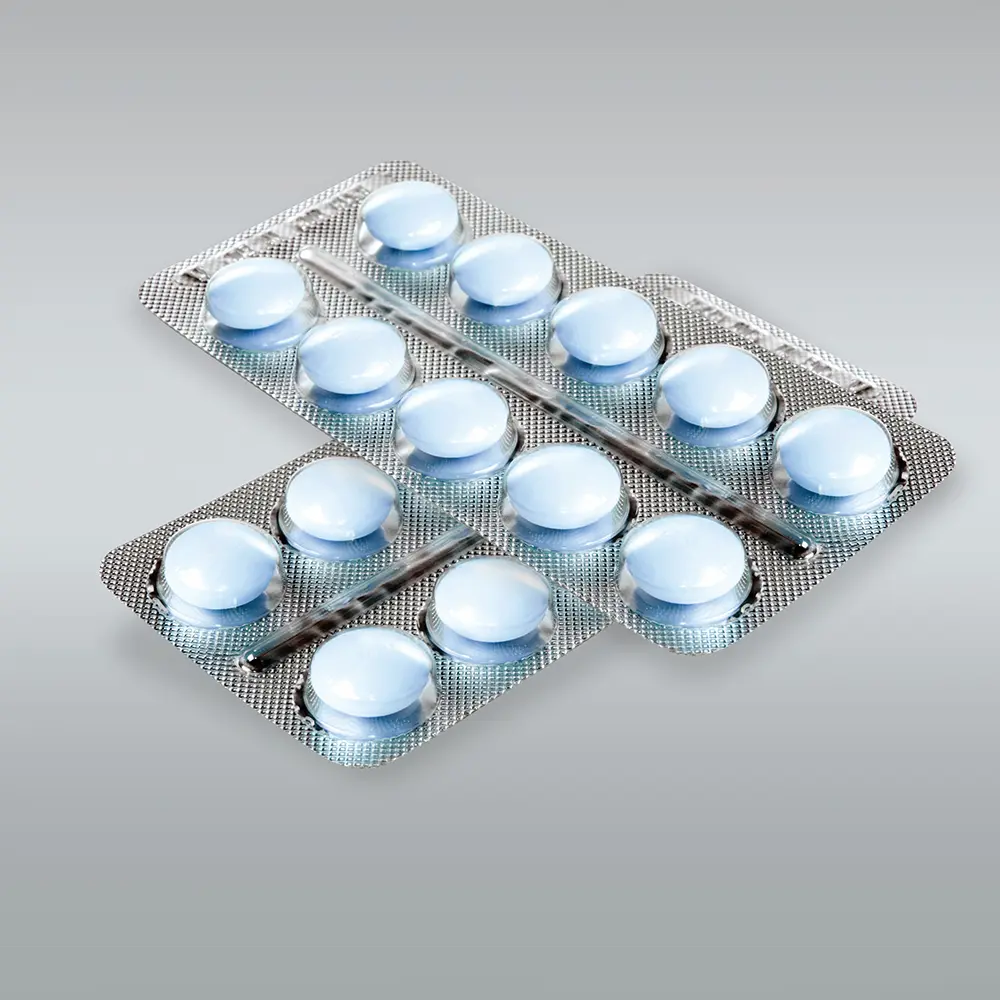 Pharma Blister Packaging
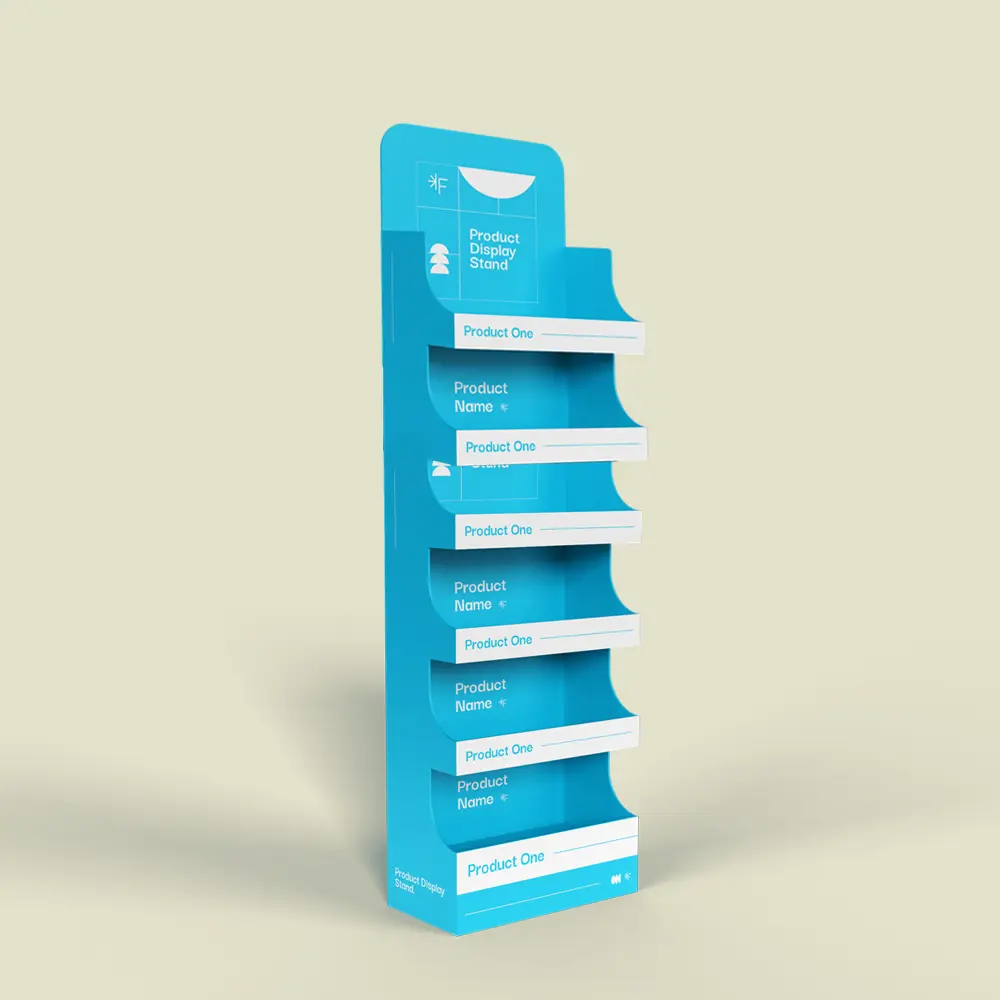 Blue & White Six Shelf Display
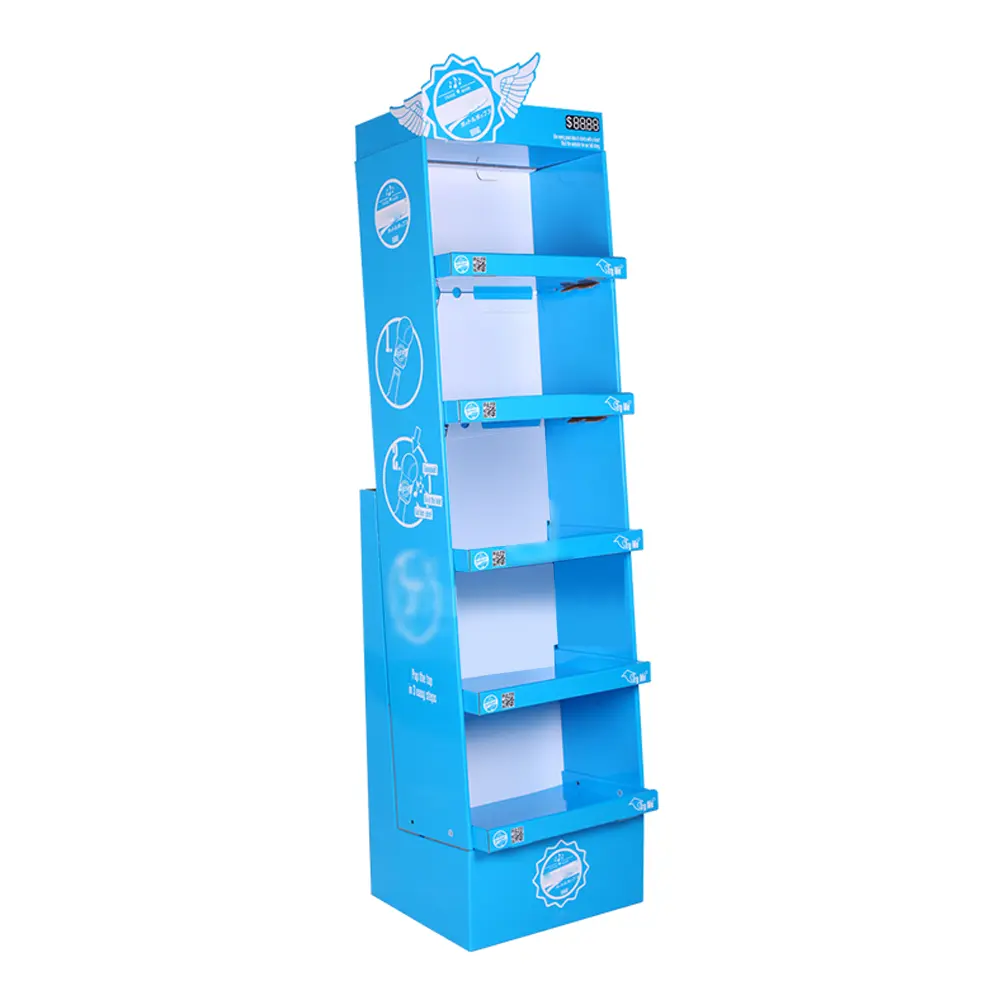 72 Cells/pocket Floor Display
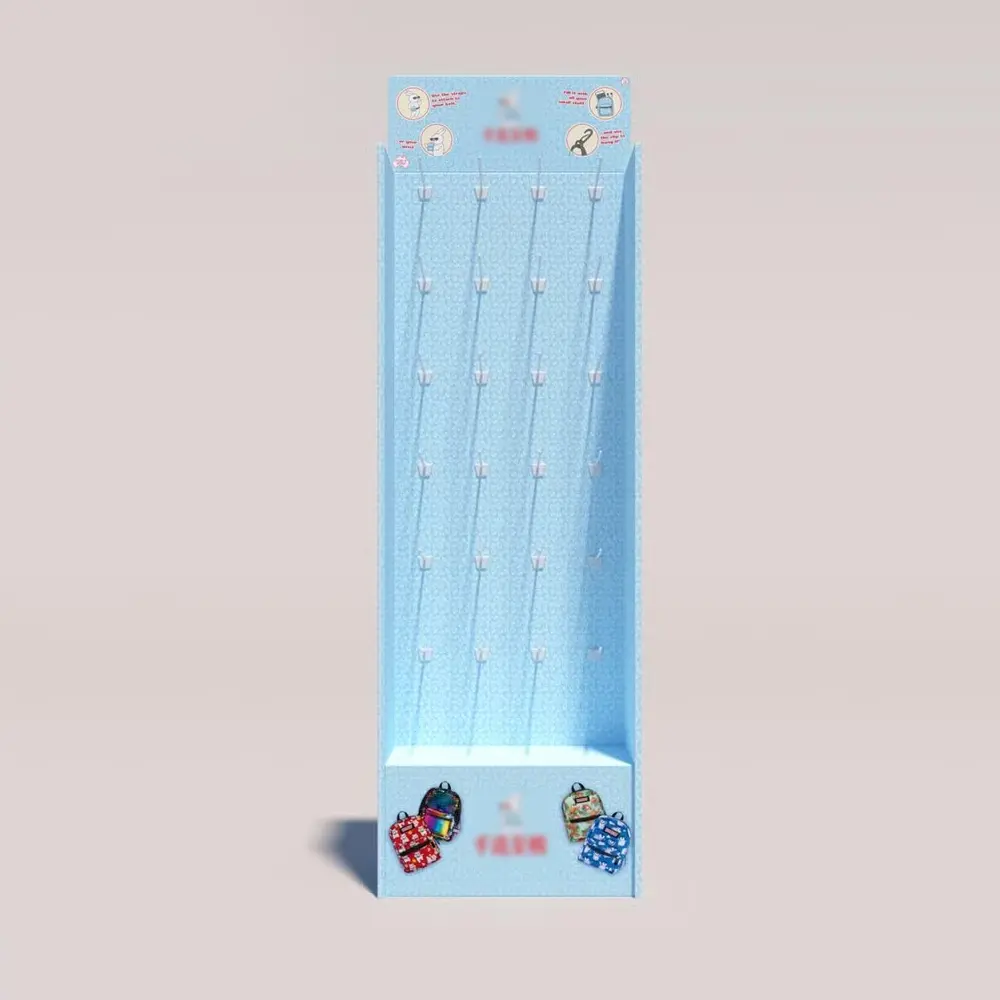 Hook/Peg Floor Display
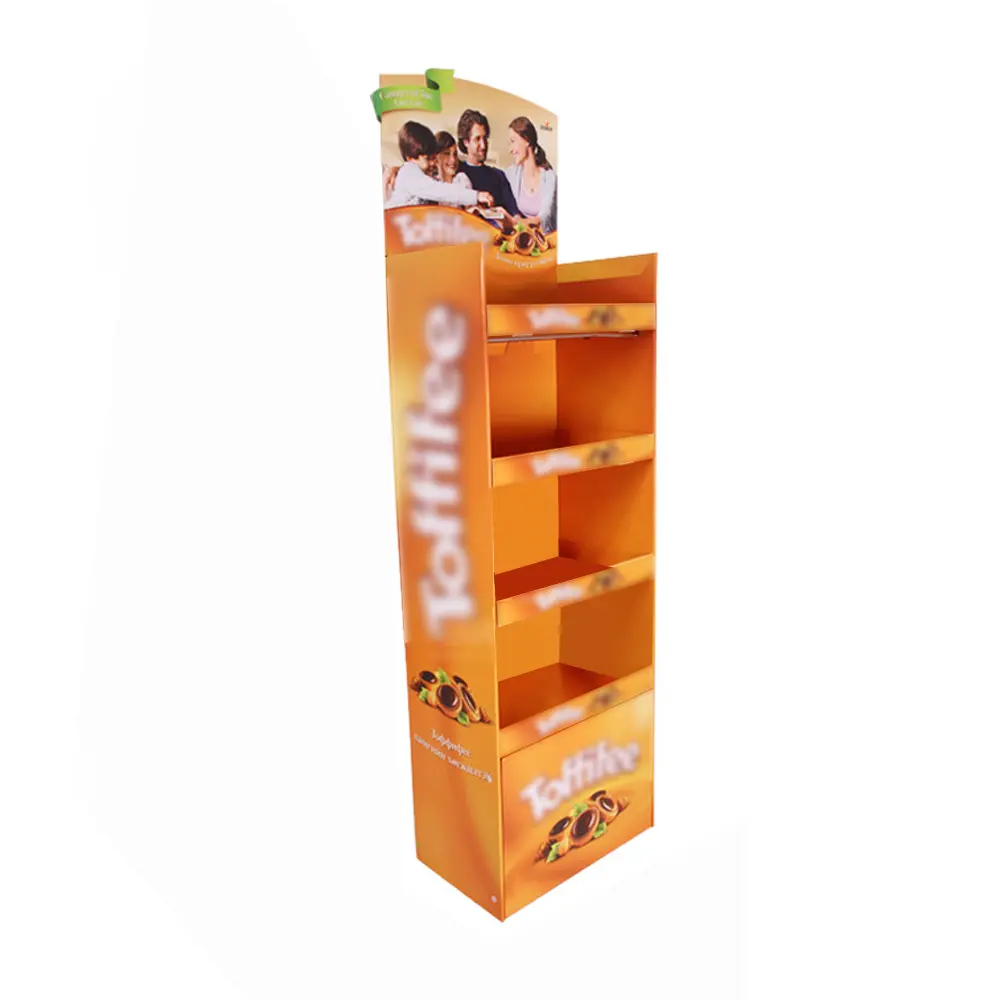 Orange Four Shelf Display
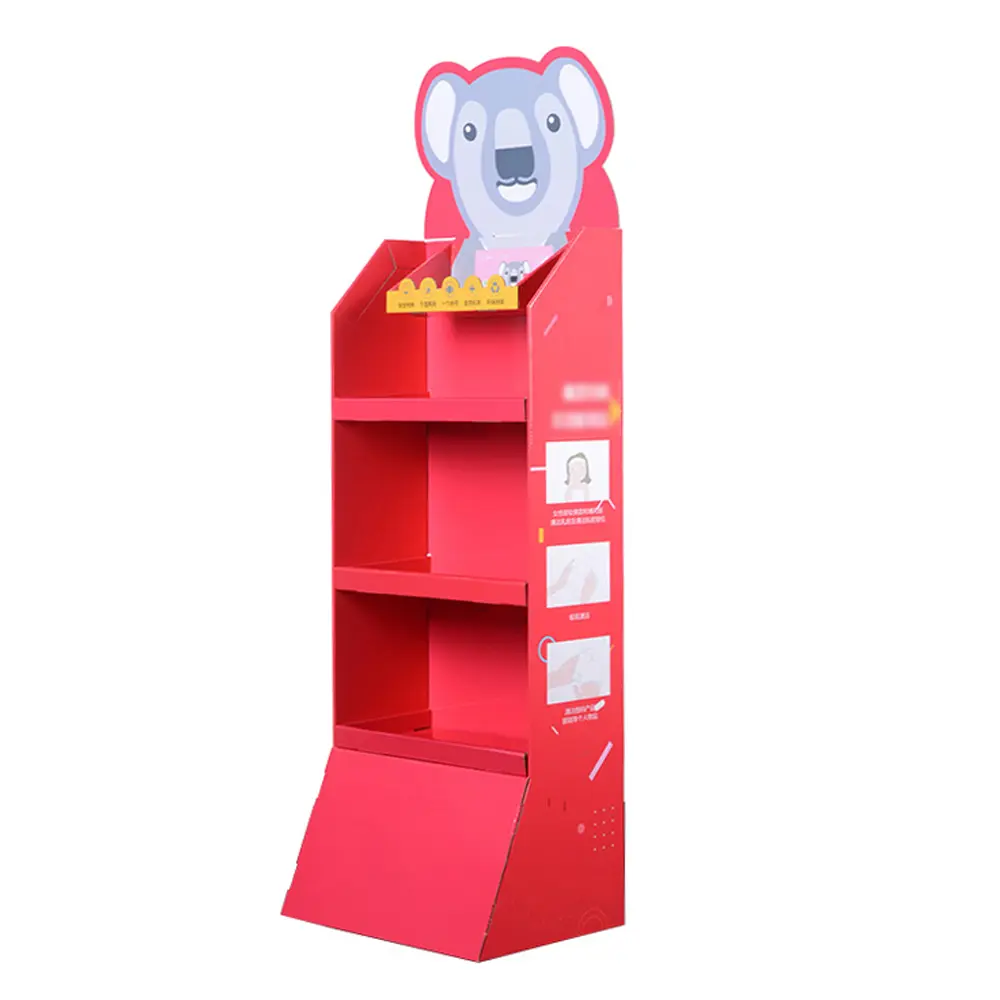 Three Tray Floor Display
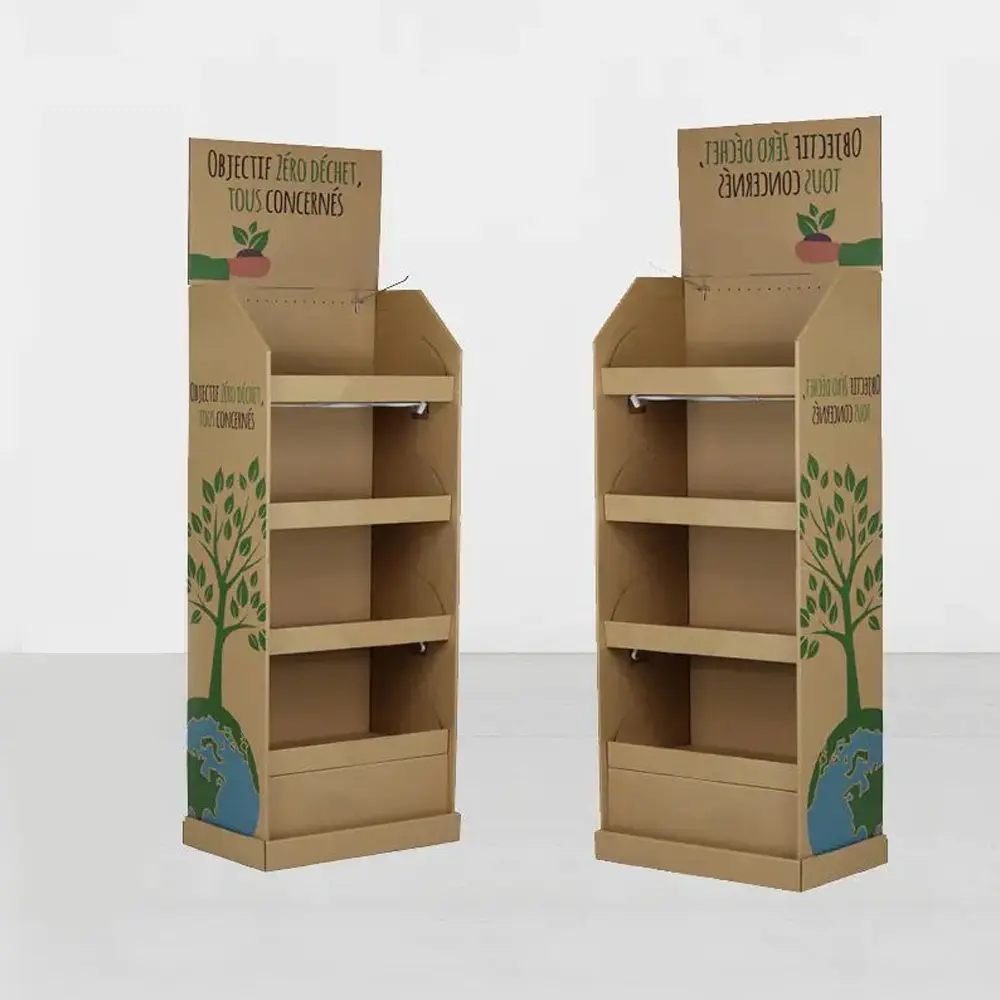 Tray Floor Display
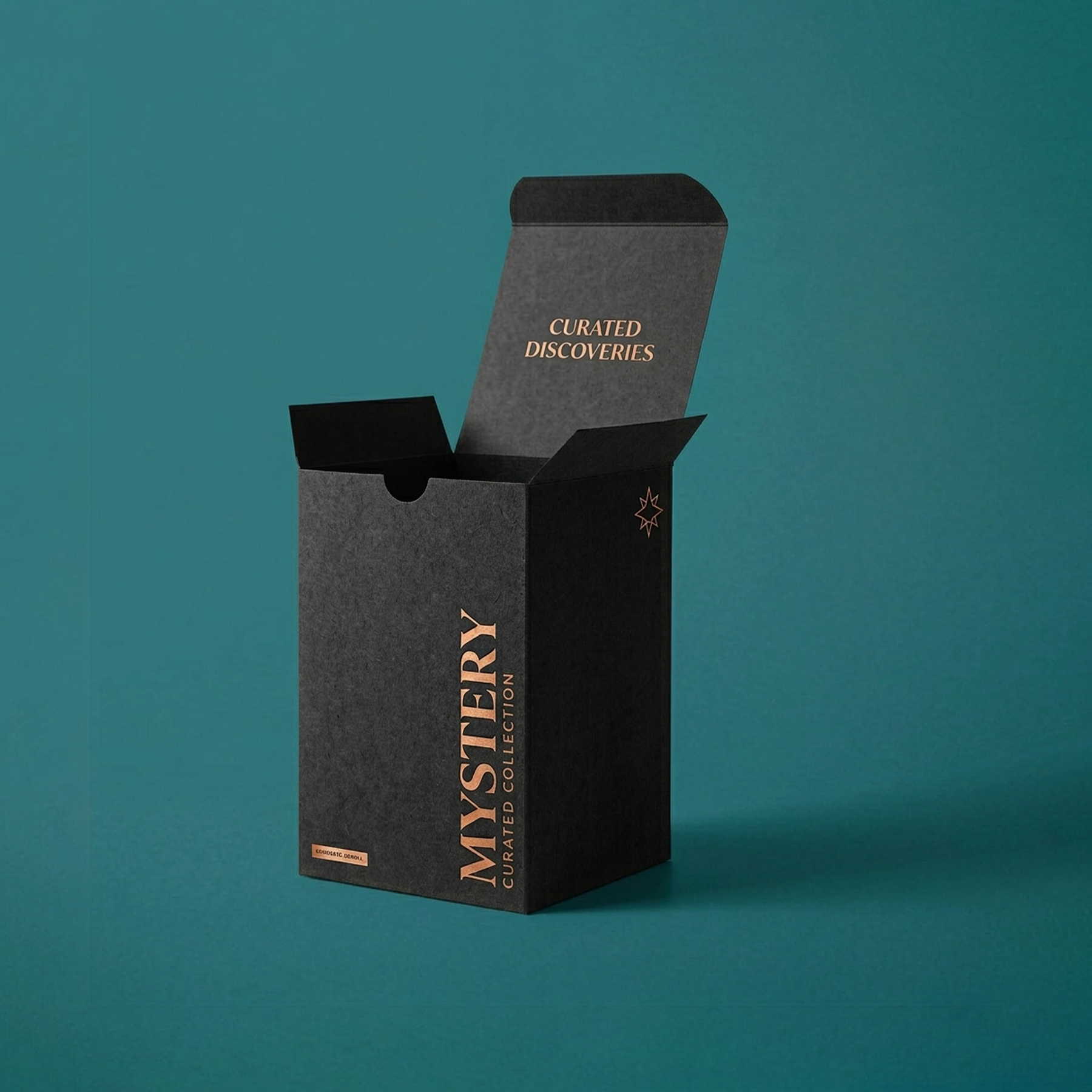 Black Kraft Boxes
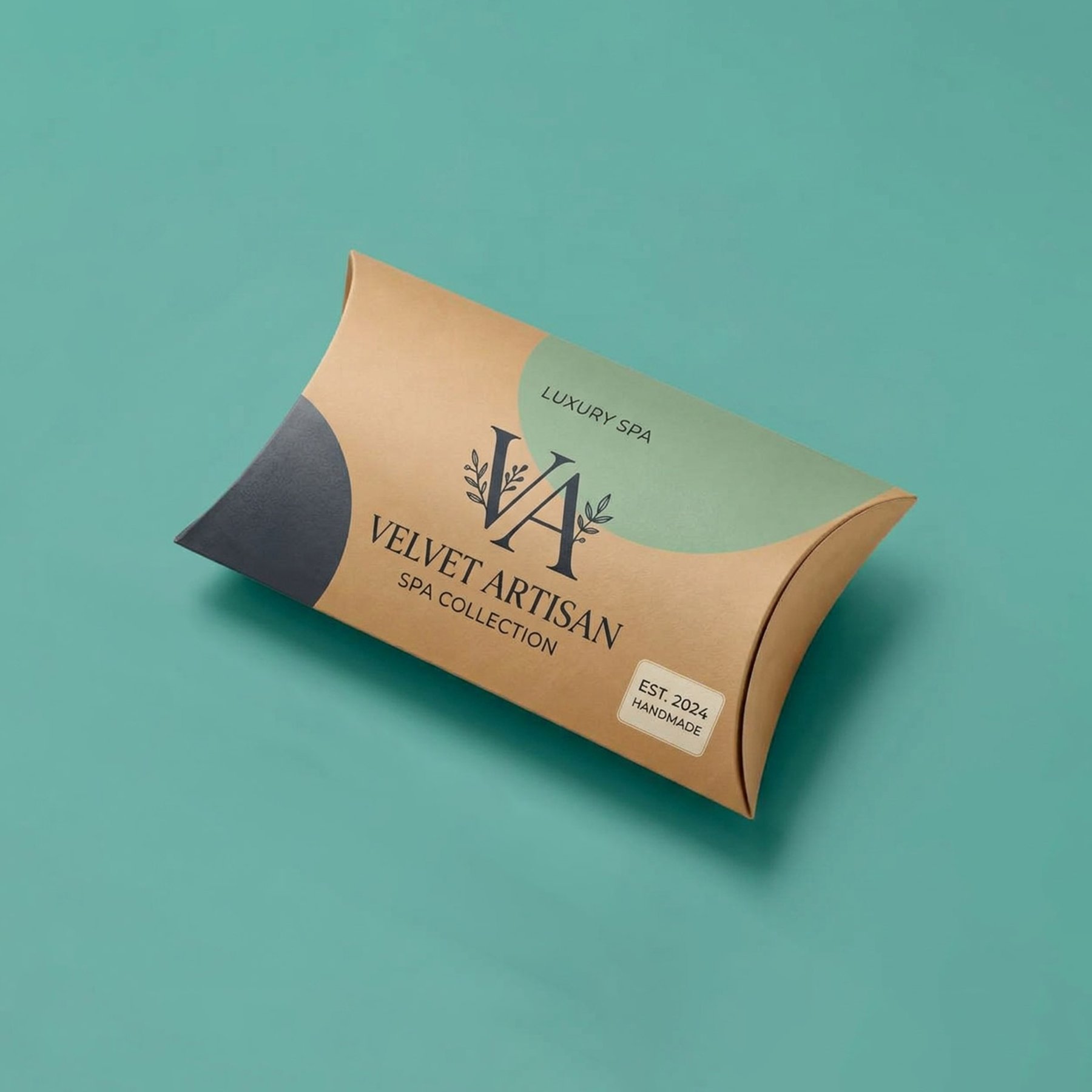 Custom Kraft Pillow Soap Boxes
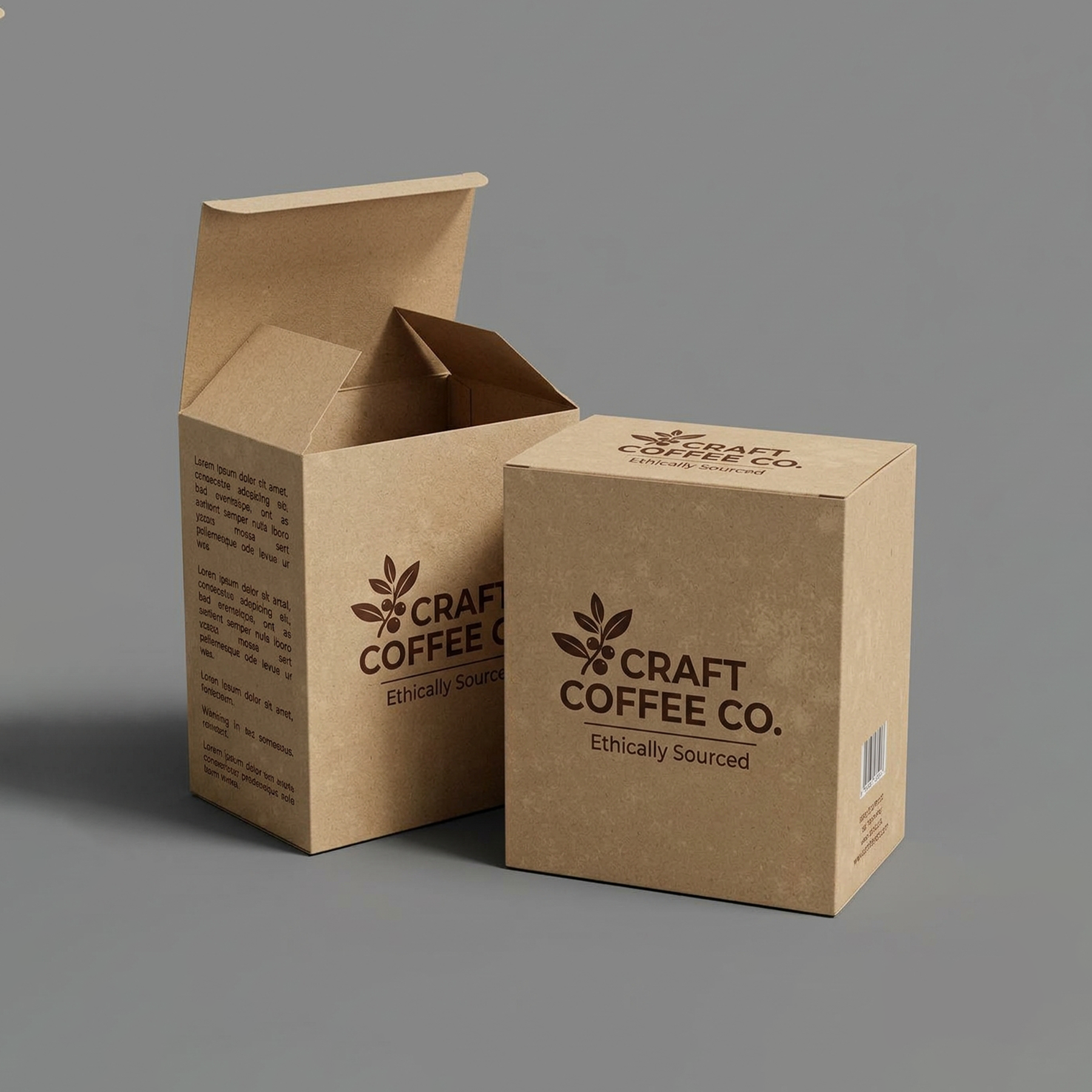 Custom Printed Kraft Packaging Boxes
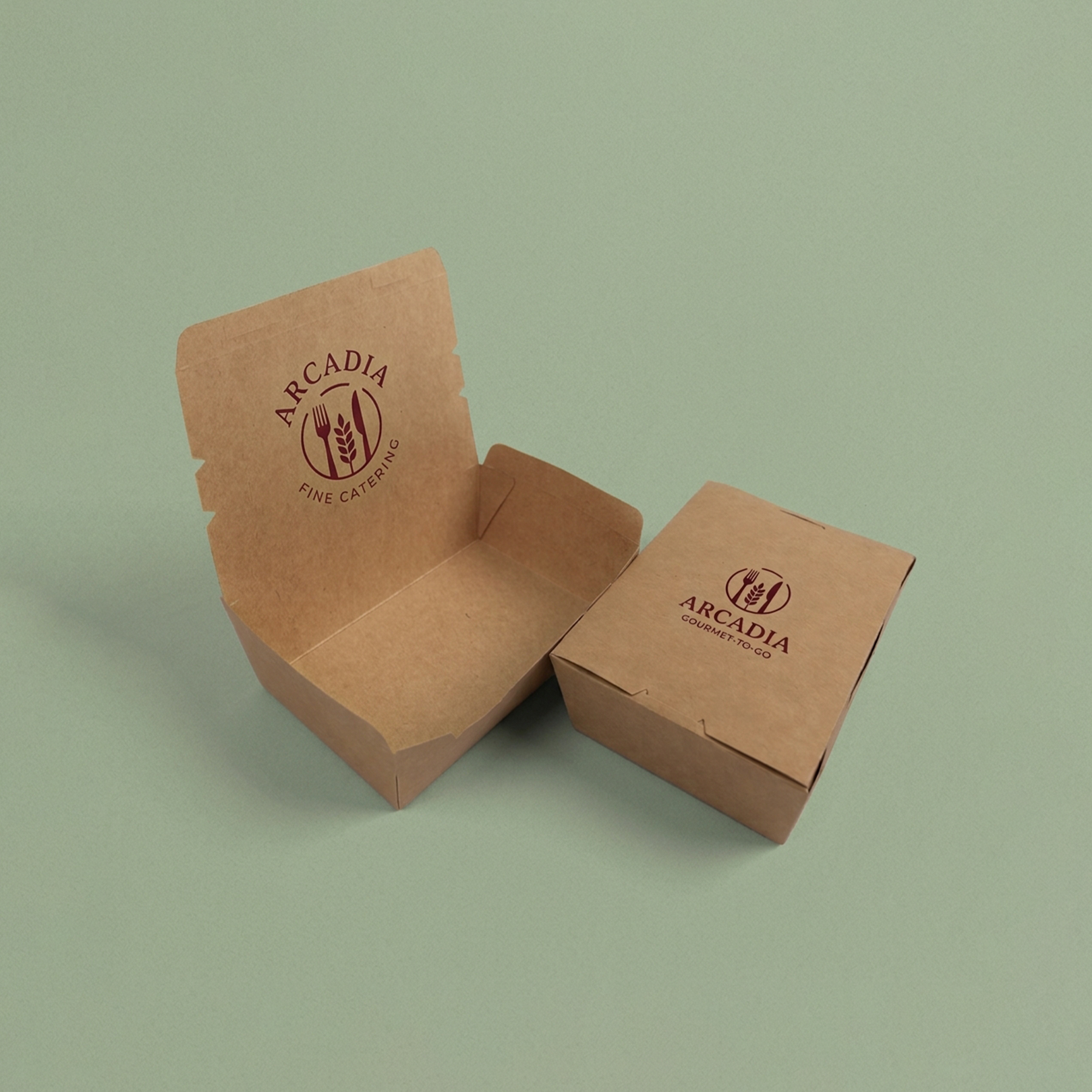 Disposable Kraft Paper Boxes
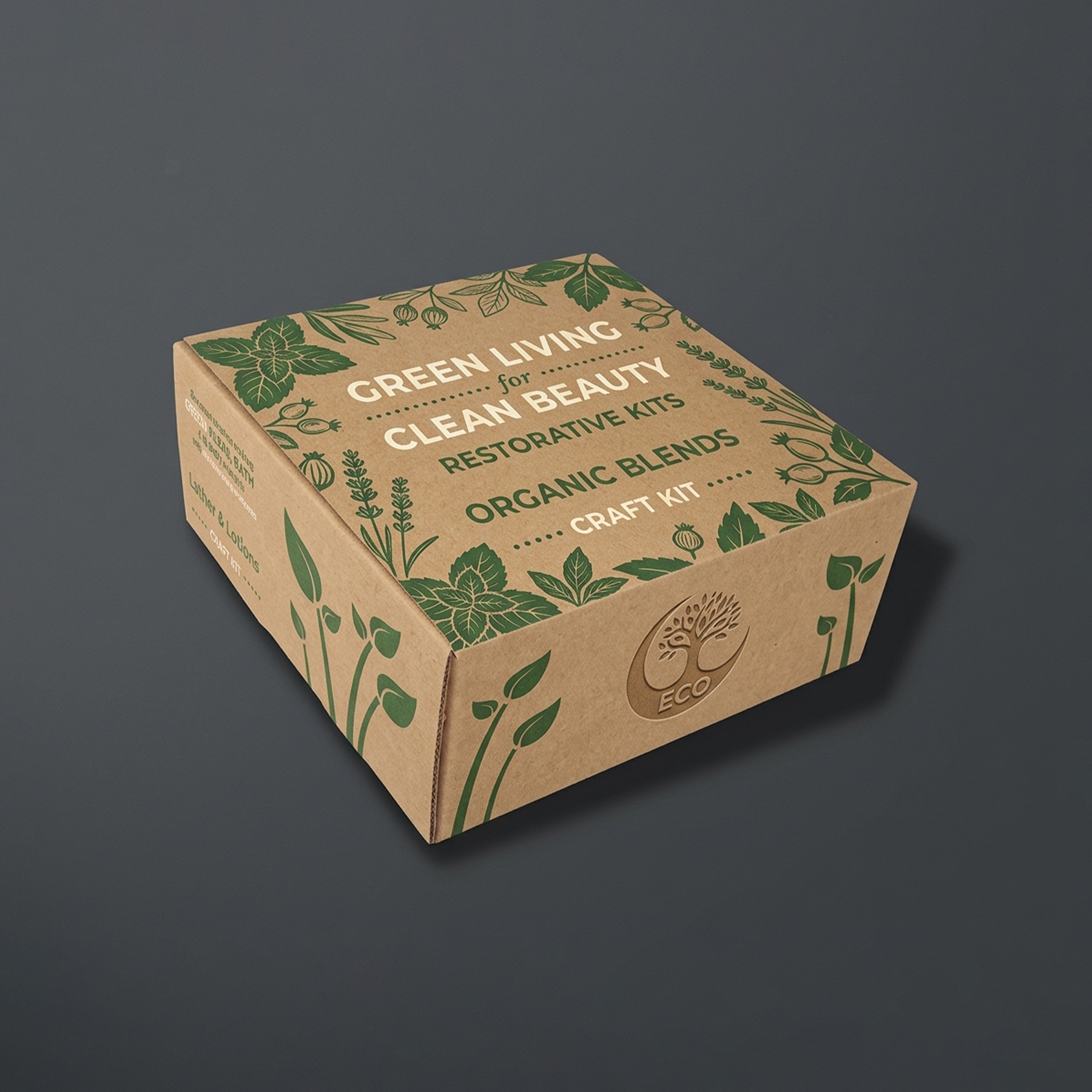 Eco-Friendly Kraft Boxes
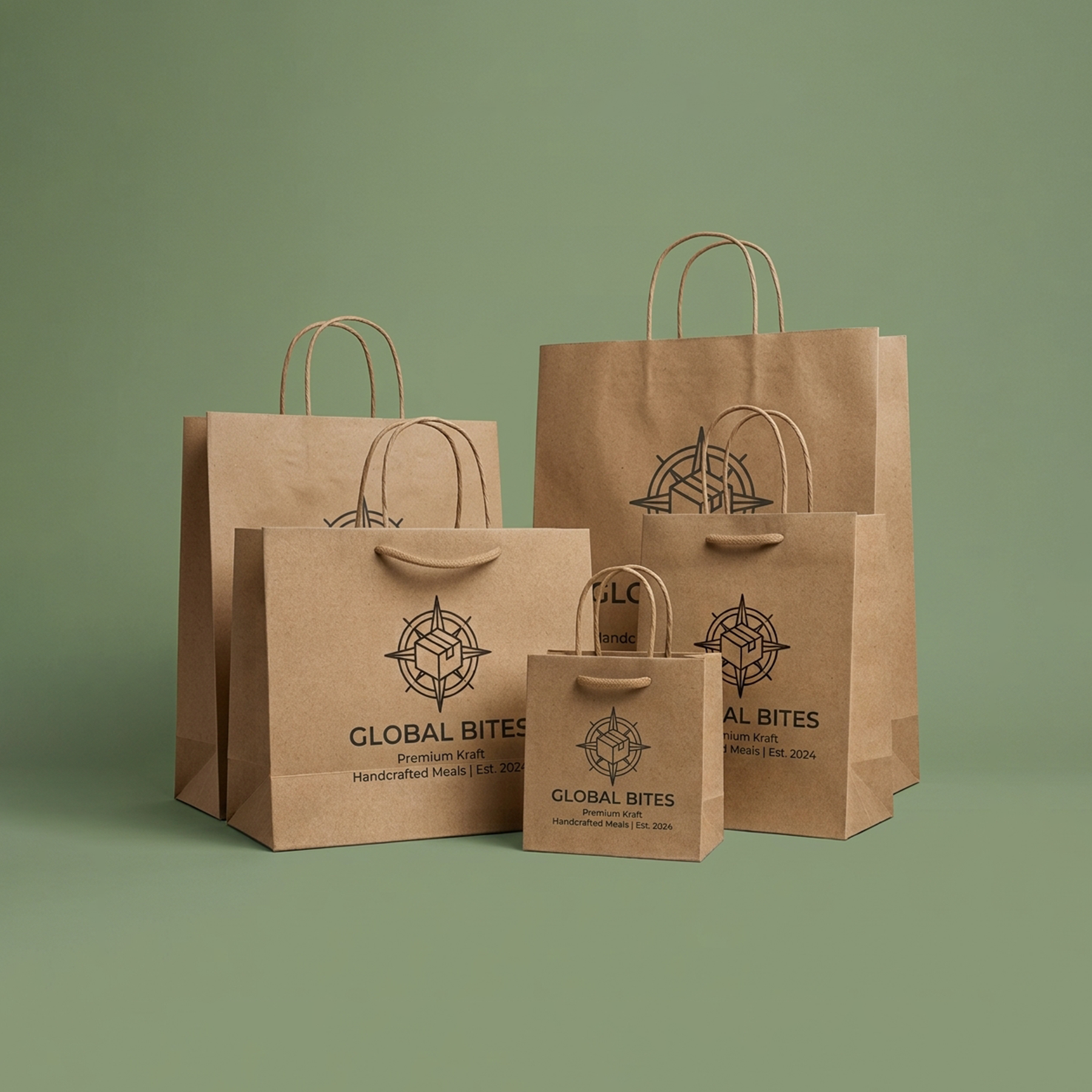 Kraft Paper Bags
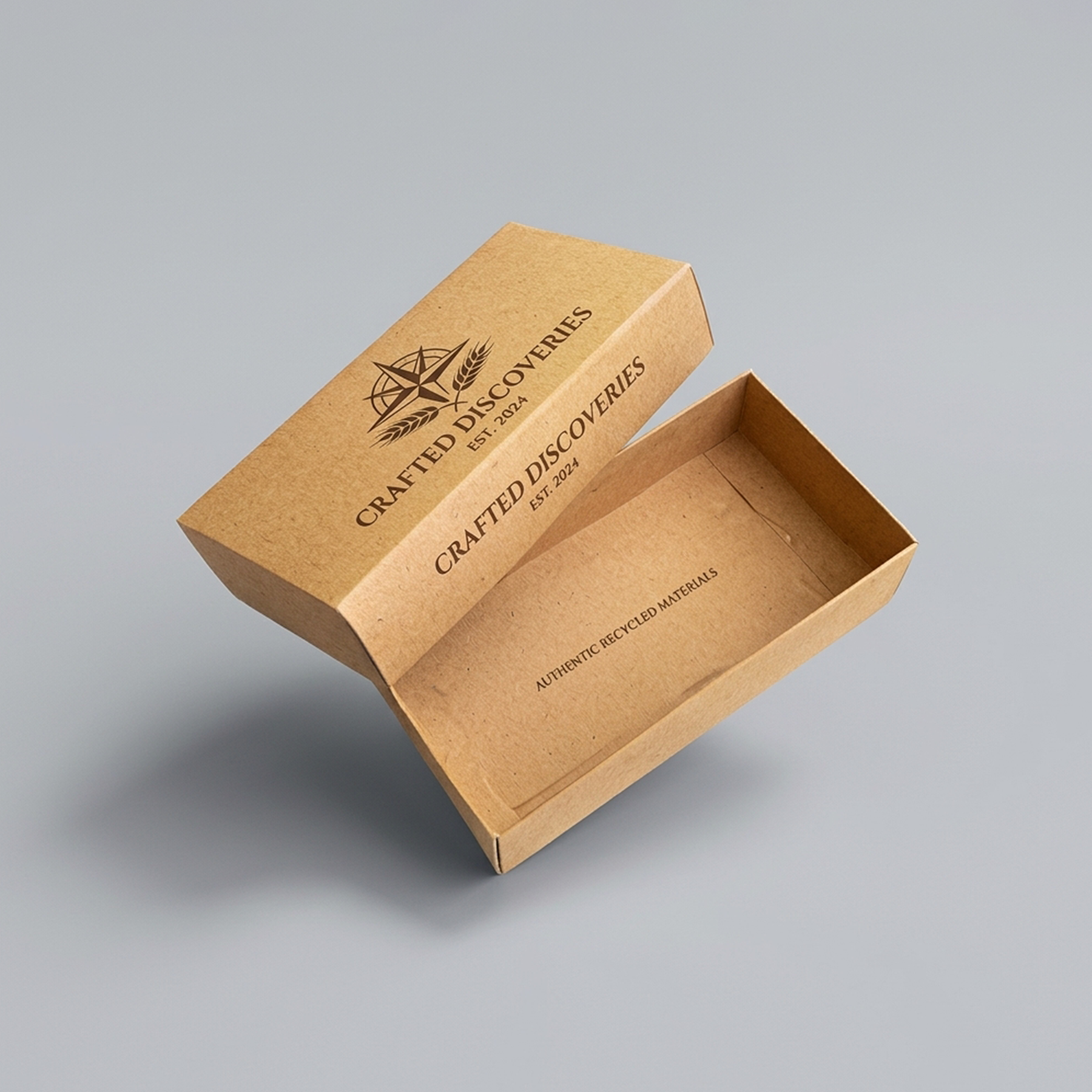 Kraft Boxes with Lids
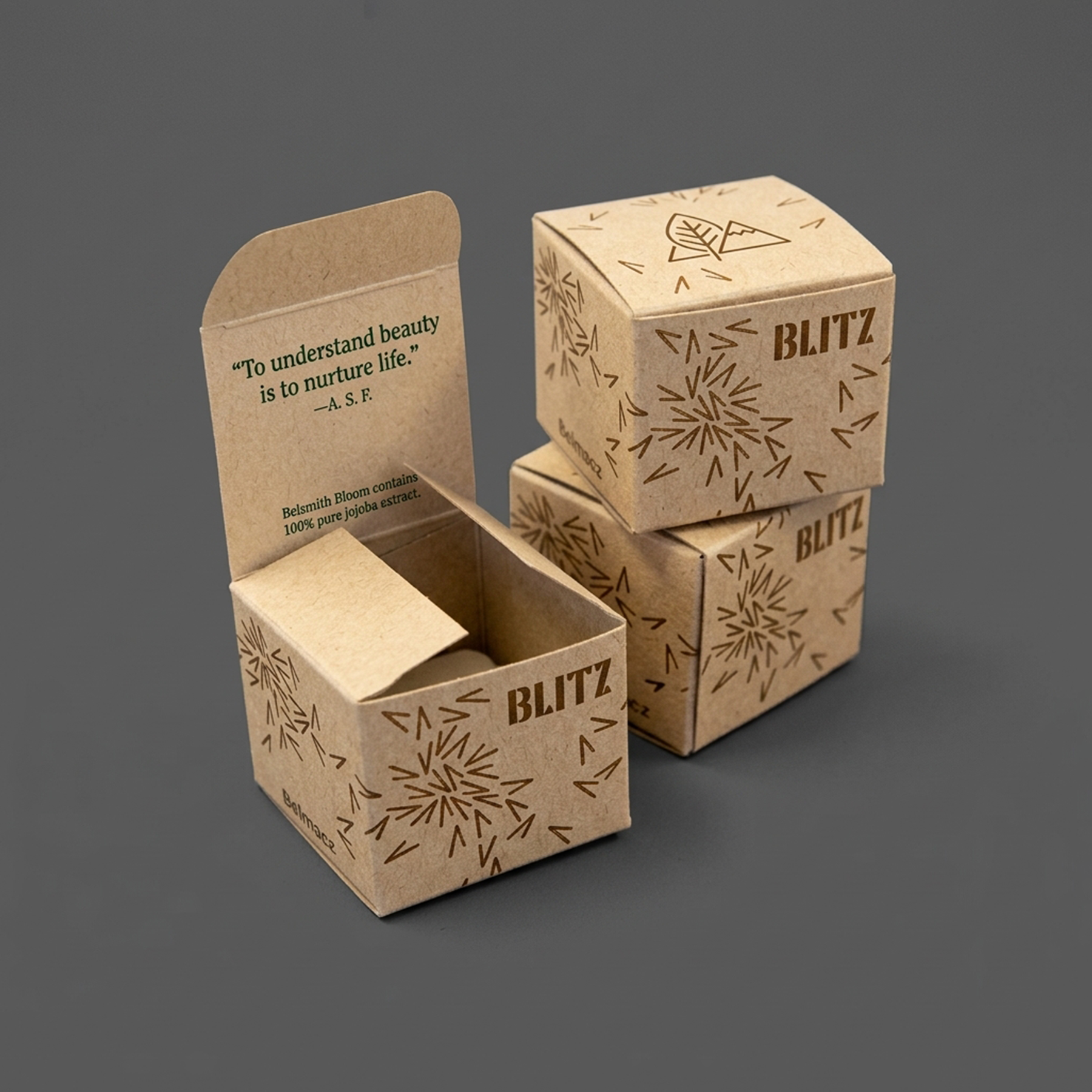 Kraft Cosmetic Boxes
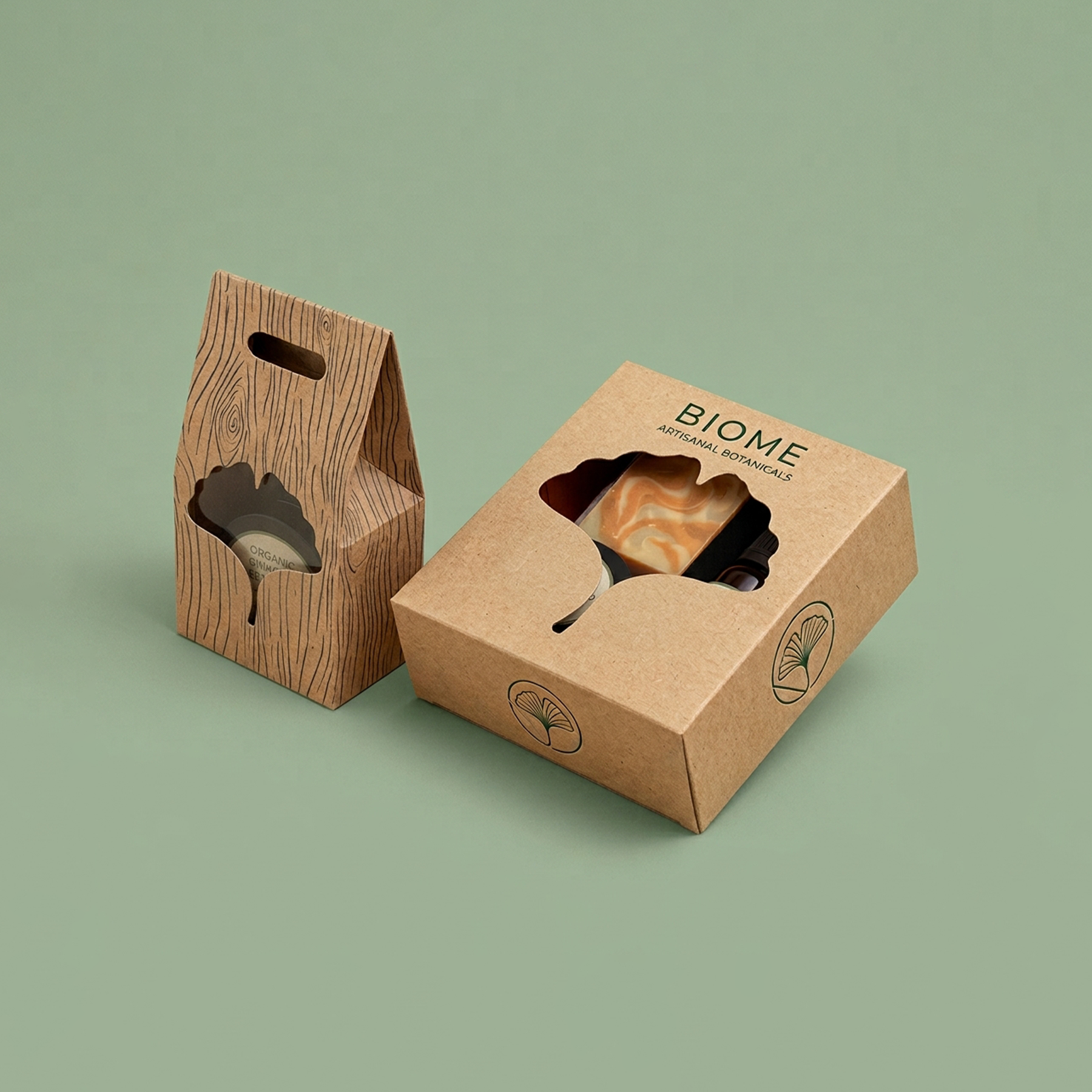 Kraft Die Cut Boxes
 1-2-3 Bottom Box
 Auto Bottom With Display Lid
 Seal End Auto Bottom
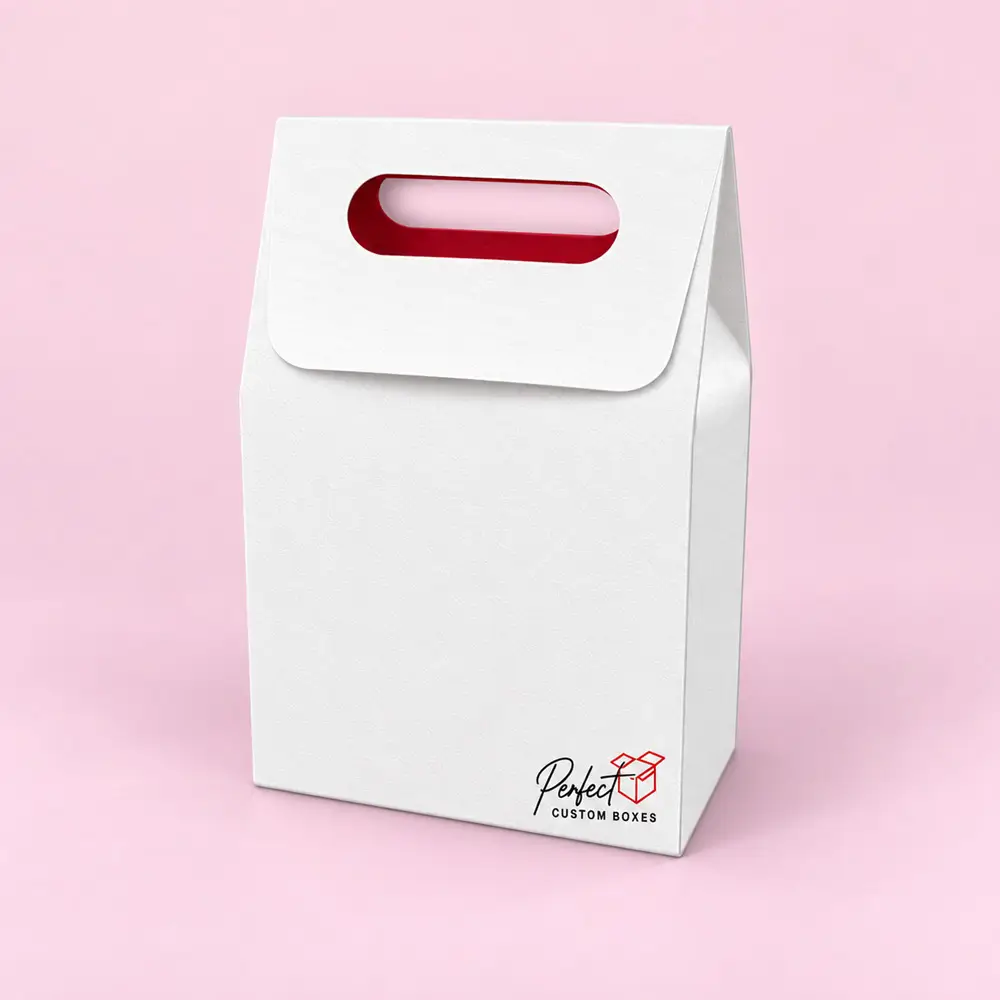 Gable Bags
 Six Corner
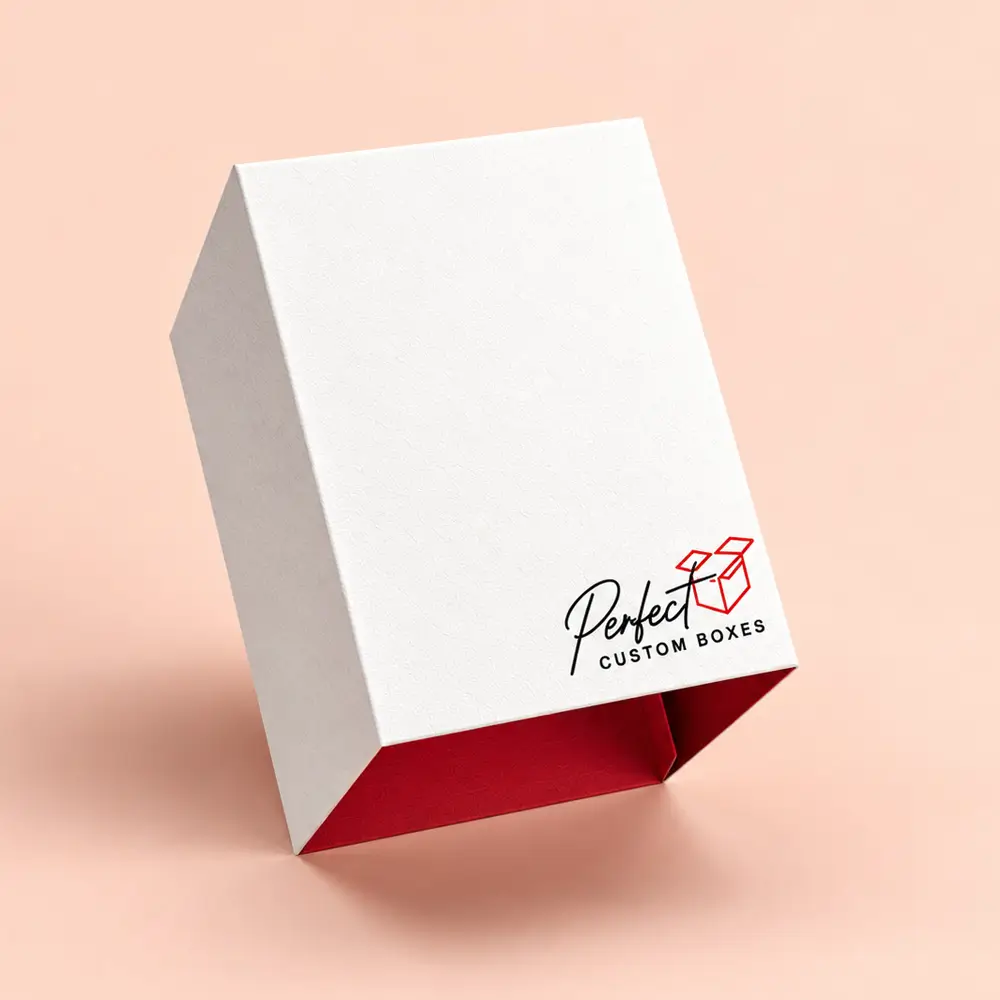 Sleeve
 Tray
 Custom Sleeve Boxes
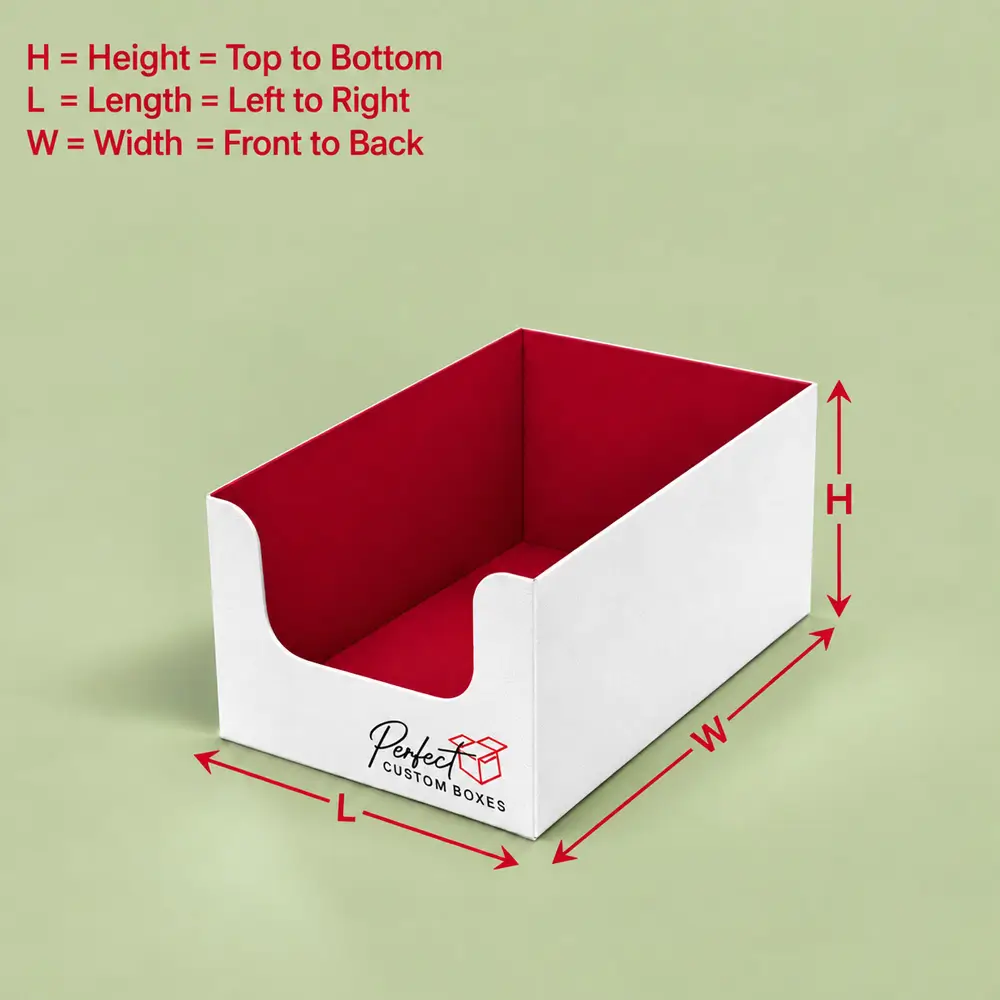 DIM
 Double Wall Tuck Front
 Gable Box Auto Bottom
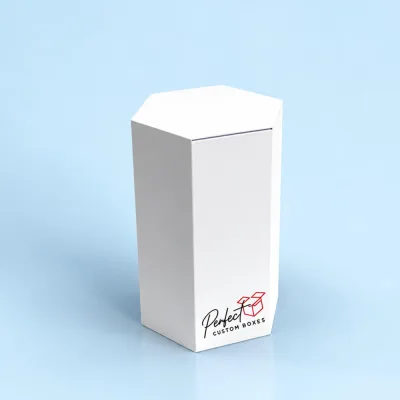 Hexagon Two Piece
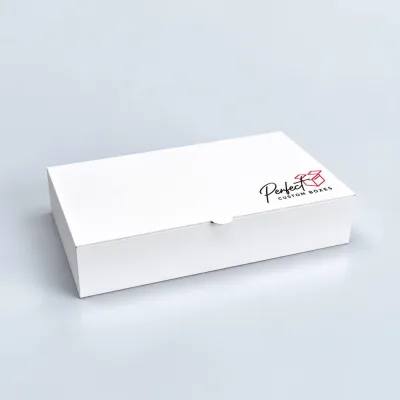 Regular Four Corner Box
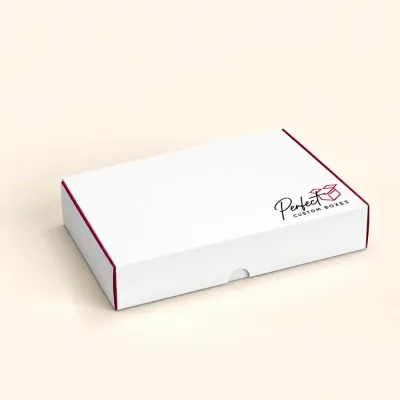 Two Piece
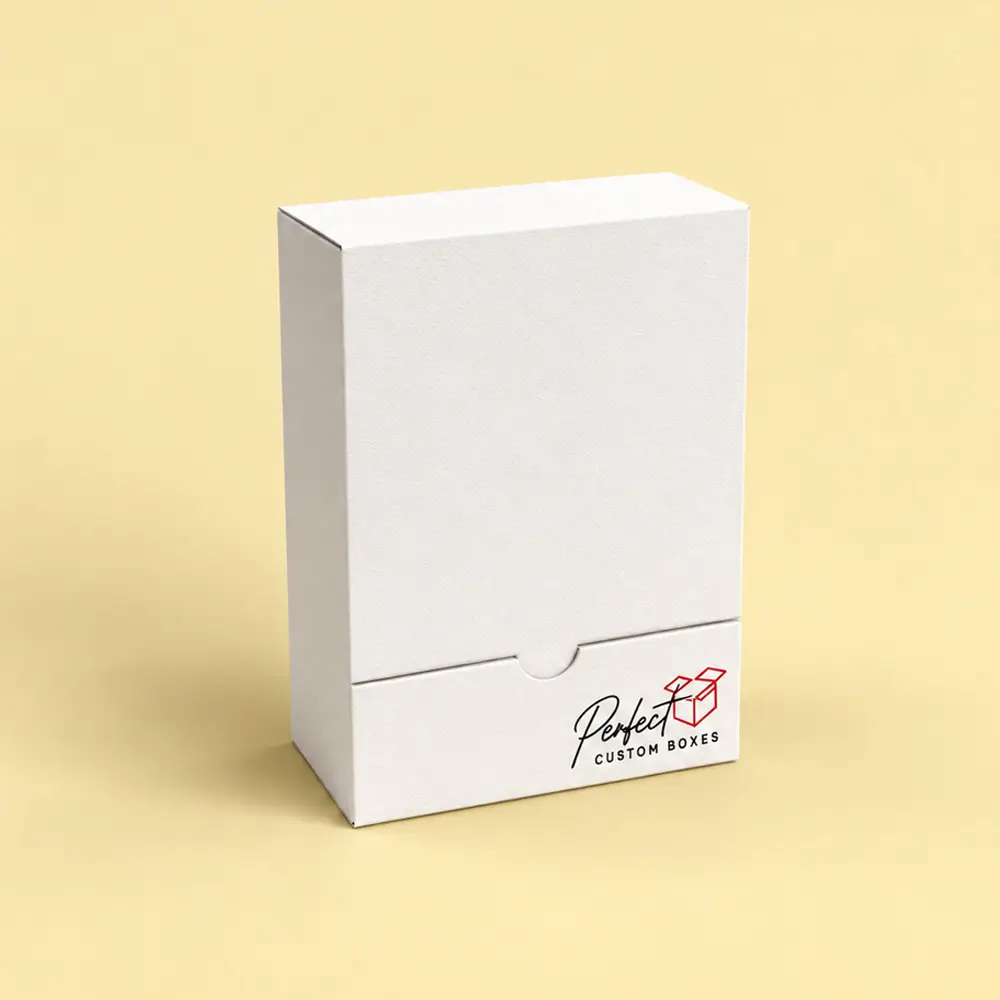 Dispenser Box
 Four Corner with Display Lid
 Pillow Box
 Reverse Tuck End
 Seal End
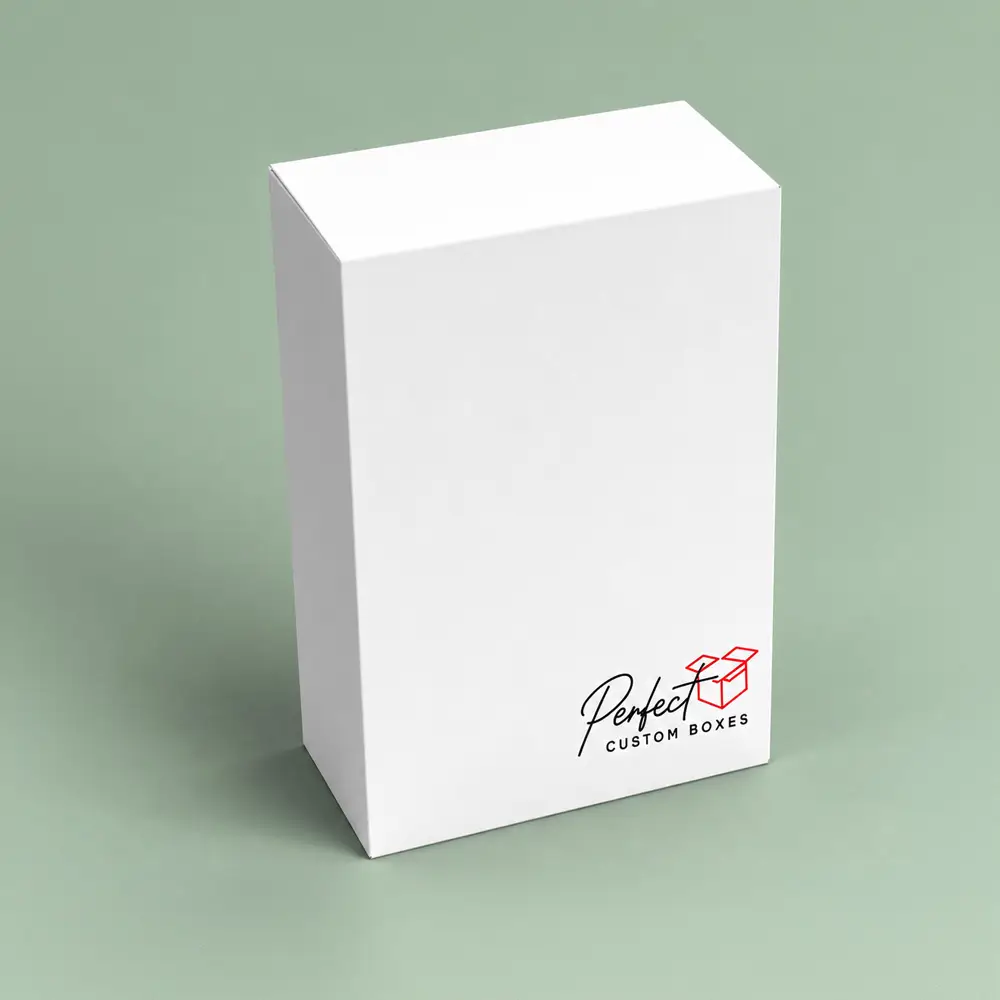 Straight Tuck End
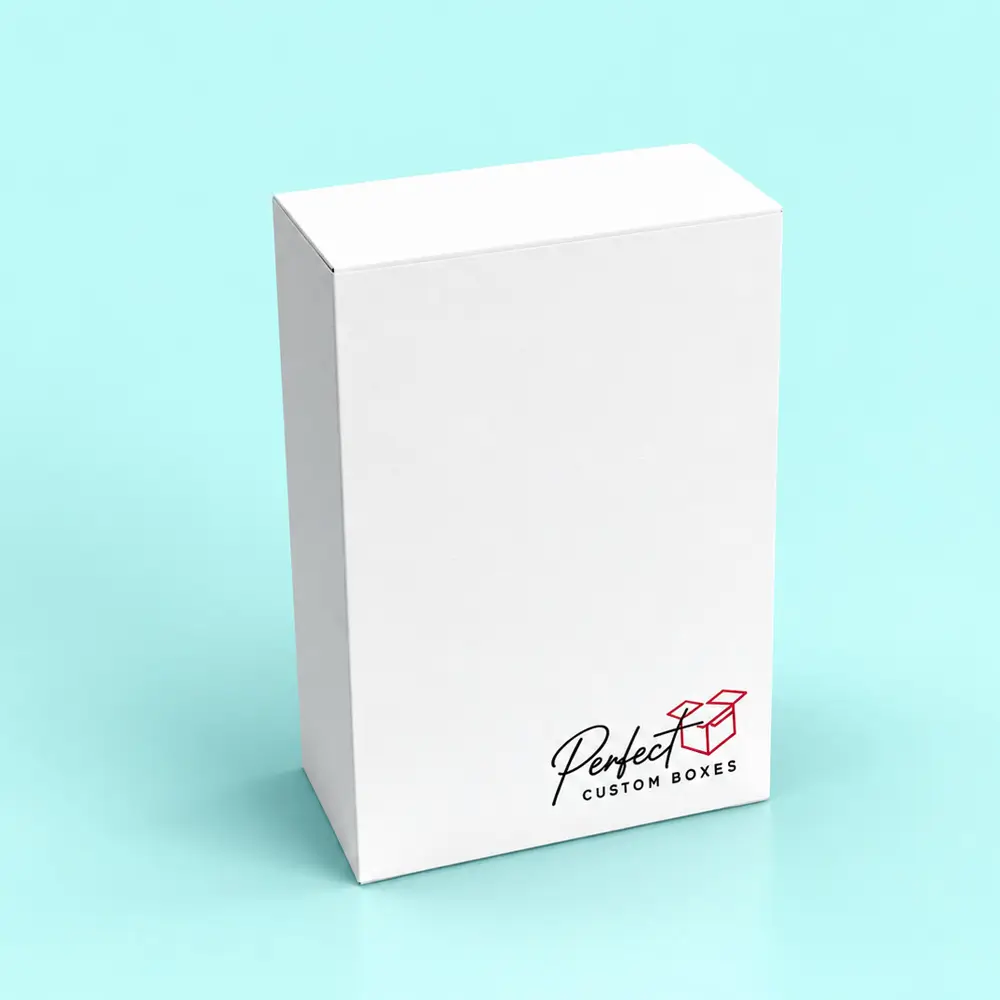 Tuck End Auto Bottom
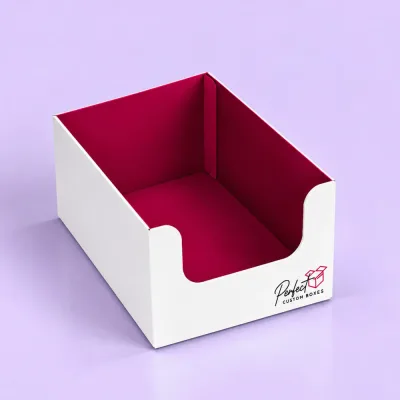 Bottom Tray
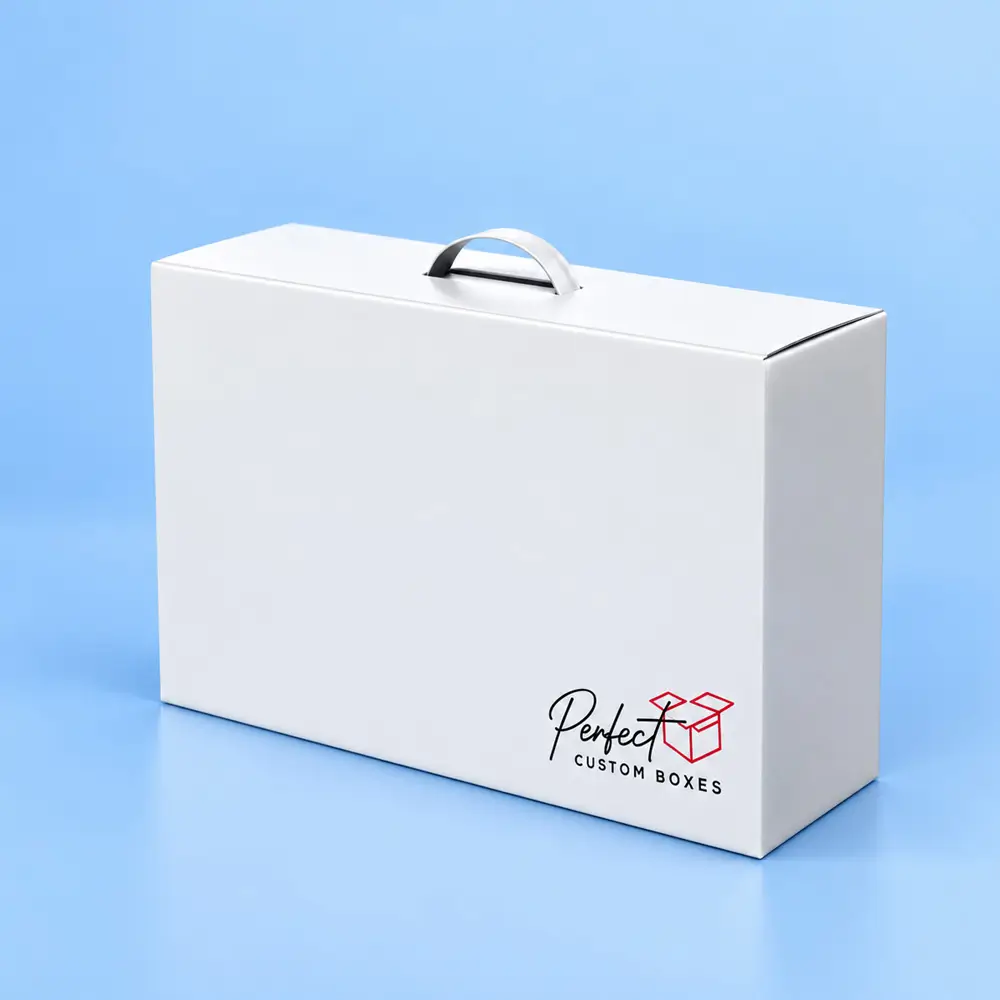 Brief Case Style
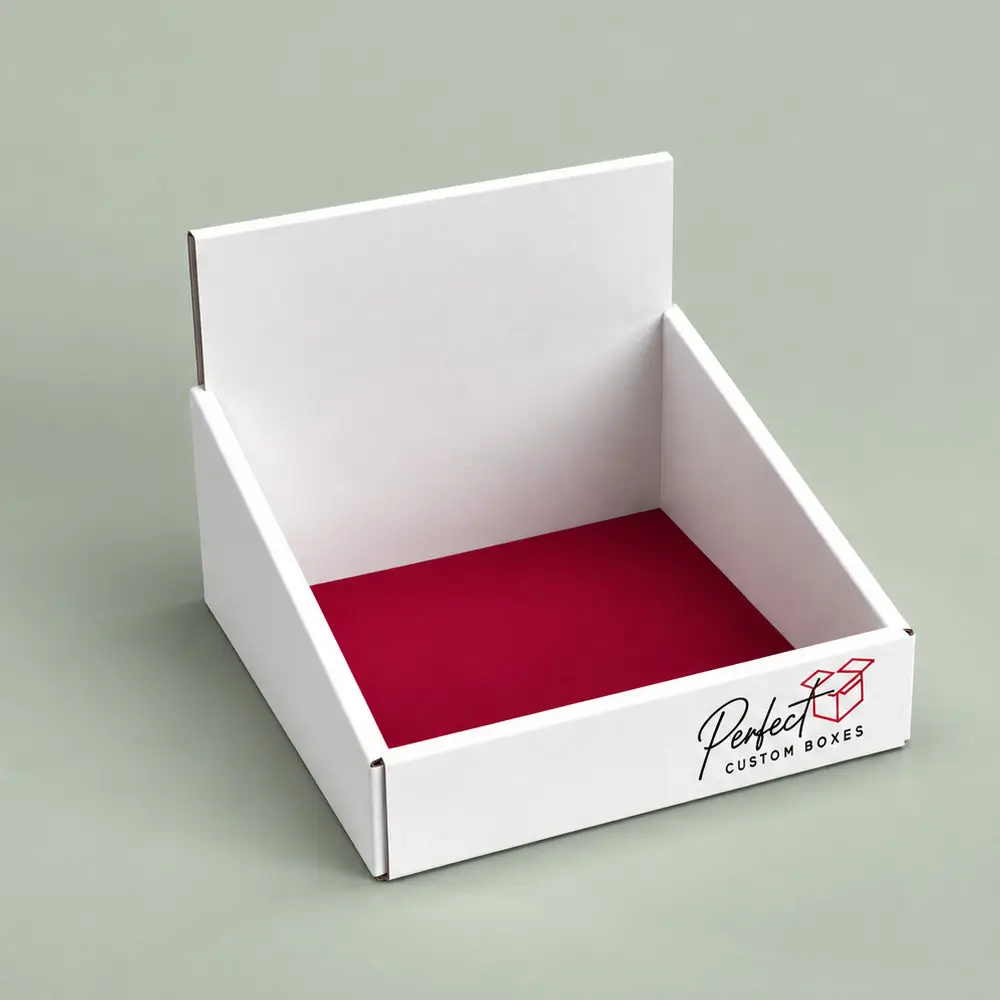 Display Box With Double Walls
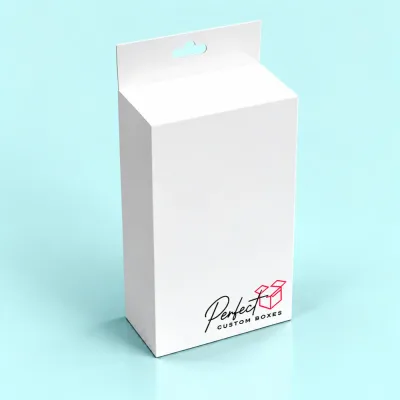 Tuck End With Hanging Tab
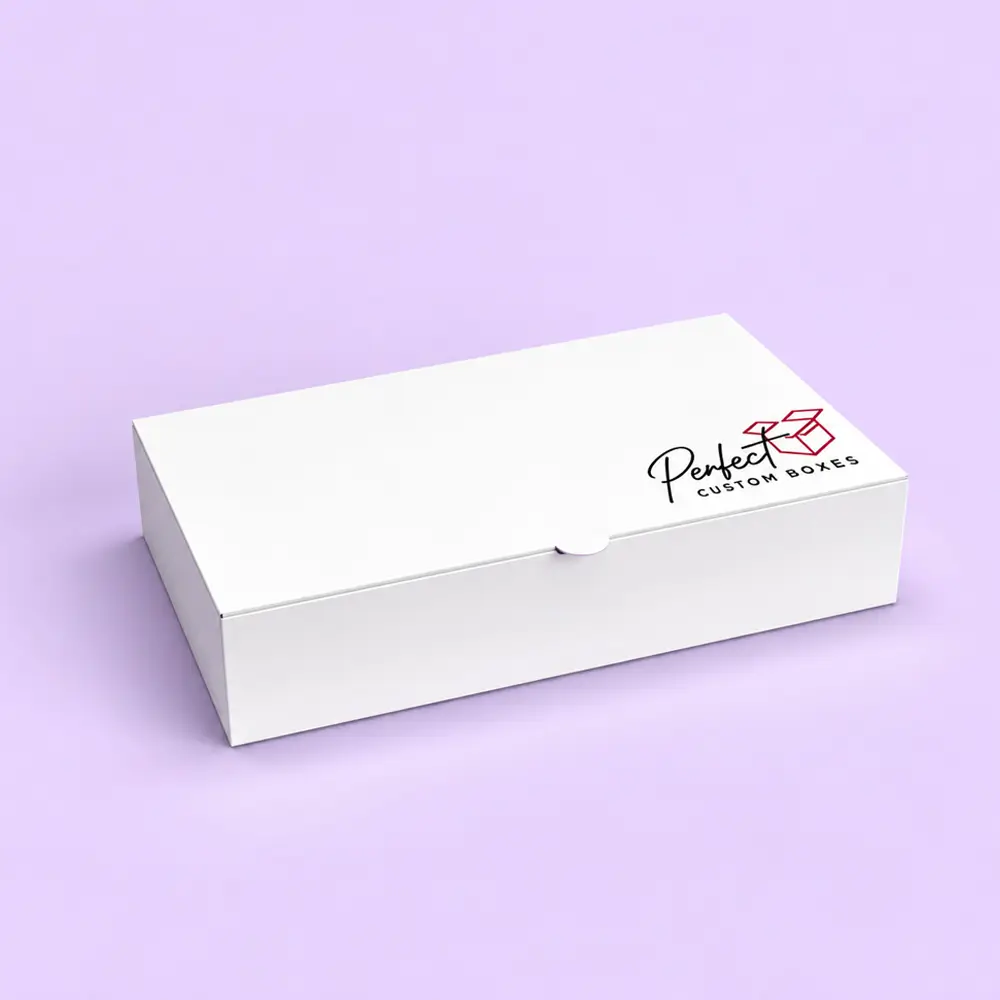 Double Locked Wall Lid
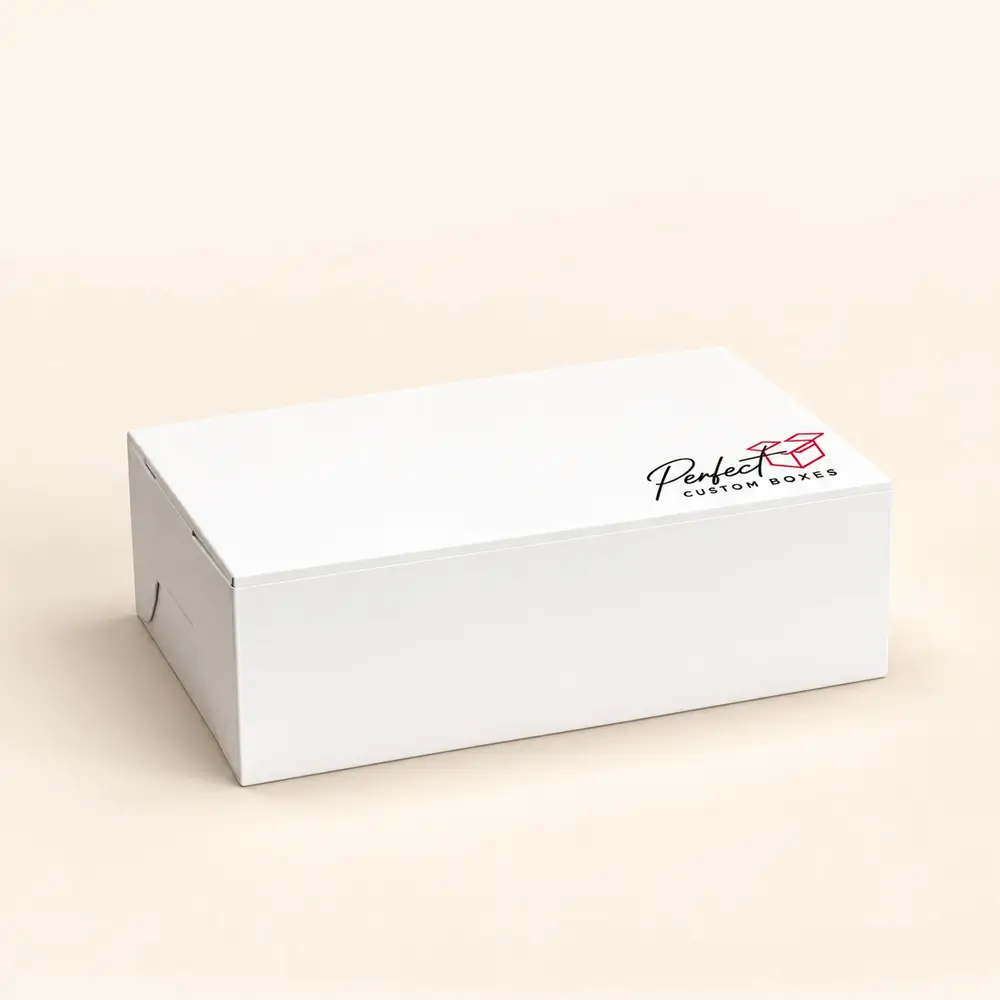 Self Lock Cake Box
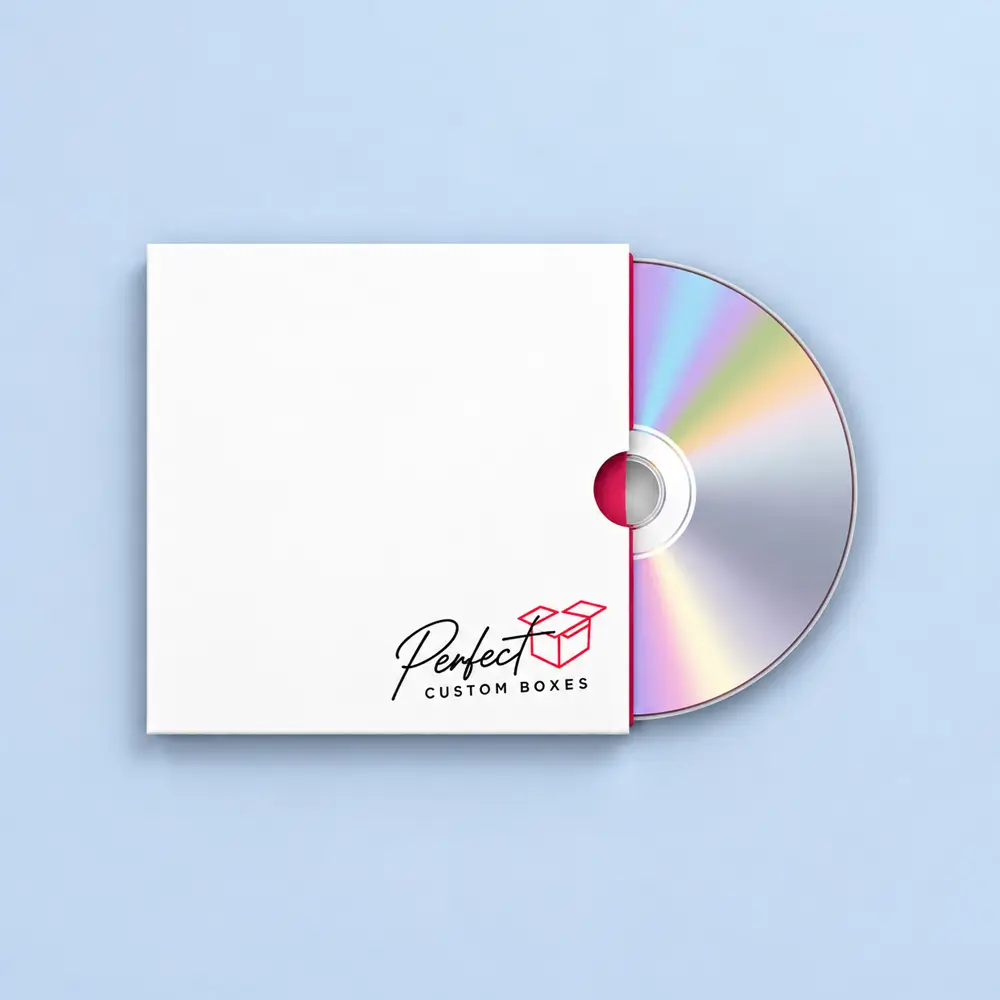 Cd Jacket
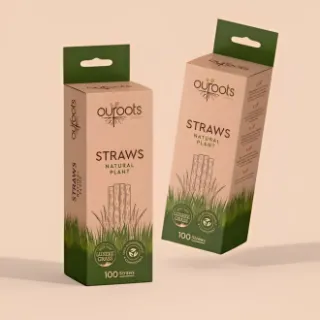 Kraft Boxes
 Corrugated Boxes
 Cardstock Boxes
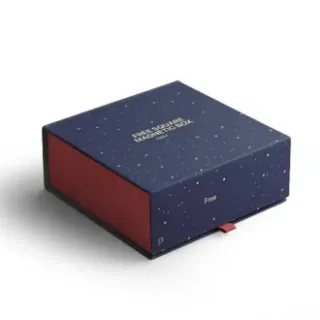 Rigid Boxes
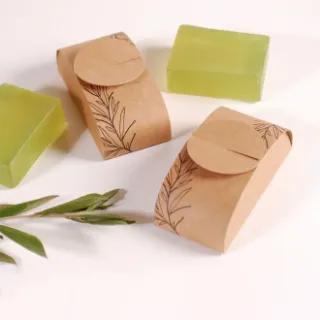 Eco Friendly Packaging
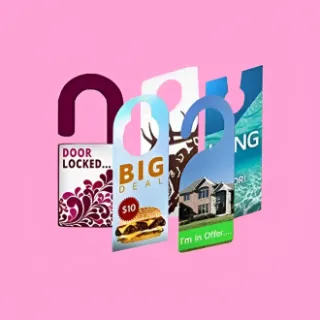 CMYK Printing
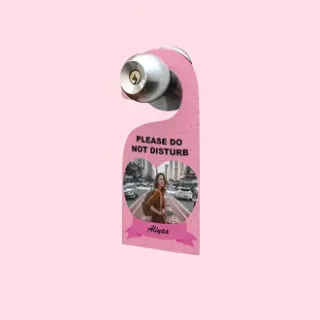 PMS Printing
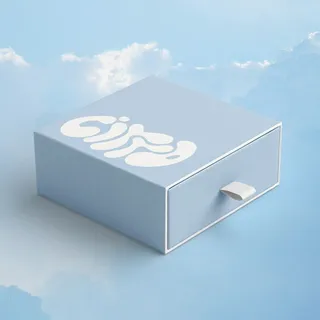 Matte Finish
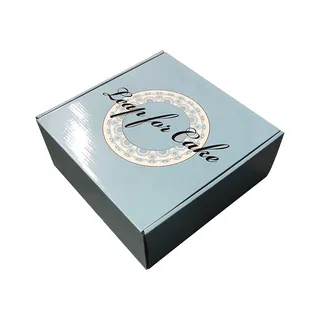 Gloss Finish
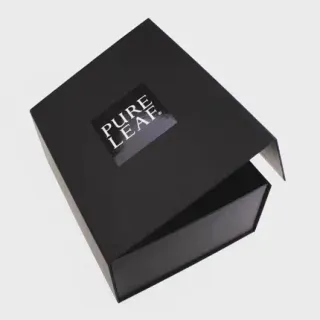 Soft Touch
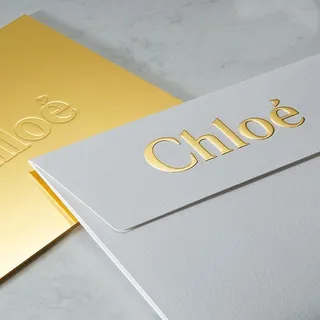 Foil Stamping
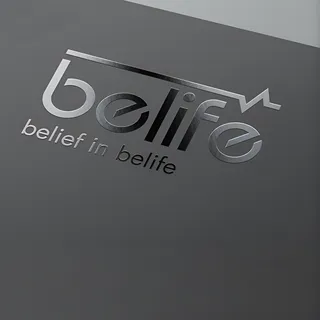 Spot UV
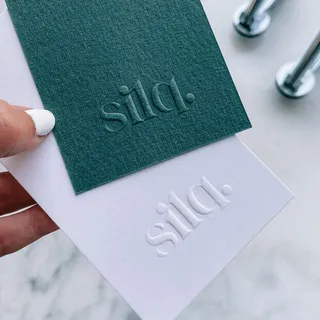 Embossing
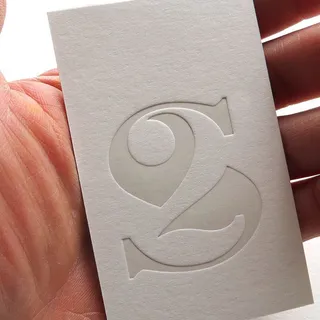 Debossing
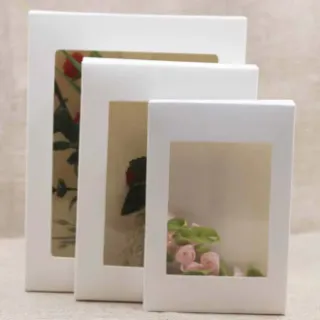 Window Cutouts
| Format | What It Holds | Best For | Typical Packaging | Action |
|---|---|---|---|---|
| UPC-A | 12 digits | Retail products sold in stores | Product boxes, retail cartons, labels | |
| EAN-13 | 13 digits | Retail products sold internationally | Product boxes, pouches, labels | |
| Code 128 | Letters, numbers and symbols | Internal SKUs, inventory and shipping labels | Shipping boxes, warehouse labels | |
| Code 39 | Capital letters, numbers and a few symbols | Simple internal tracking and asset tags | Labels and inventory tags | |
| ITF-14 | 14 digits | Outer cartons holding several retail units | Corrugated shipping cartons |
Free Packaging Tool
Free Barcode Generator for Product Packaging
Create a scannable barcode for your boxes, bags and labels in seconds. Choose a format, enter your number, and download a print-ready file. Free to use, with no signup.
- 5 barcode formats
- PNG & SVG downloads
- Automatic check digit
- No signup
Preview on a box panel
Enter a number to see your barcode here.
SVG is best for printing on packaging.
Need this barcode on your packaging? We can print it on your custom boxes, bags and labels.
Get a Free QuoteMake a Barcode in Four Steps
-
01
Choose a Format
Pick UPC-A or EAN-13 for products sold in stores, or Code 128, Code 39 or ITF-14 for inventory and shipping.
-
02
Enter Your Number
Type your barcode number or text. For UPC-A, EAN-13 and ITF-14, leave off the last digit and we’ll calculate it.
-
03
Check the Preview
Your barcode appears instantly. Show or hide the number below it and choose the bar height.
-
04
Download
Save it as SVG for sharp printing at any size, or PNG for quick use, then add it to your packaging artwork.
Which Barcode Format Do You Need?
The right format depends on where your product is sold and what the barcode needs to do.
Selling in stores? Start with UPC-A or EAN-13. Tracking stock or shipments? Code 128 is the most flexible choice.
Do You Need an Official Barcode Number?
It depends on where your product will be sold. Retailers scan UPC and EAN barcodes to look up your product in their systems, so the number has to be unique to your product. These numbers are issued by GS1, the organization that manages retail barcode standards.
This generator creates the barcode image from a number you enter. It doesn’t issue official retail numbers. If you plan to sell through stores or large marketplaces, get your numbers from GS1 first, then use this tool to create the barcodes.
GS1 Number or Your Own Code?
You Need a GS1 Number If
- Your product will be sold in retail stores
- A retailer or marketplace asks for a UPC or EAN
- You want the product recognized at any checkout
You Can Make Your Own If
- The barcode is for internal stock or inventory
- You’re labeling shipments or warehouse locations
- You’re tracking samples, kits or assets
Requirements vary by retailer and marketplace, so check with each one before you print.
Make Sure Your Barcode Scans Every Time
A barcode only works if a scanner can read it. Follow these rules when you add it to your artwork.
-
Use High Contrast Dark bars on a white or light background. Avoid red bars, which many scanners can’t read.
-
Leave Clear Space Keep an empty margin on both sides, with no text, lines or design elements.
-
Never Stretch It Resize it proportionally so the bars keep their spacing.
-
Use a Vector File The SVG download stays sharp at any size, which matters for print.
-
Test Before Printing Scan the barcode on your digital proof with a phone app or scanner before you approve it.
Where to Place It
- Product boxes and retail cartons
- A flat side or bottom panel, away from folds, flaps and glue areas
- Mylar and stand-up pouches
- The back panel, on the flattest area, away from seals and the zipper
- Labels and stickers
- Centered on a flat label, with clear space all around
- Shipping cartons
- A side panel that stays visible when cartons are stacked
From Barcode to Finished Packaging
Once you have your barcode, we can print it as part of your packaging artwork. Our designers place it on the right panel, with room for ingredient panels and product details, and you check everything on a digital proof before production.
Retail Boxes
Shelf-ready cartons with space for your UPC and product details.
View Retail Boxes
Product Boxes
Printed boxes with your barcode built into the design.
View Product Boxes
Mylar and Zipper Bags
Printed pouches with a barcode on the back panel.
View Mylar Bags
Labels and Stickers
Barcode labels for jars, bottles and plain packaging.
View Labels- No die & plate charges
- Free design support
- Free shipping
- 100% money back guarantee
Frequently Asked Questions (FAQs)
Is this barcode generator free?
Yes. It’s free to use, with no signup and no limit on the number of barcodes you create.
Which barcode format should I use for my product?
For products sold in stores, use UPC-A or EAN-13. For internal stock, inventory or shipping labels, Code 128 is the most flexible option. ITF-14 is used on outer cartons that hold several retail units.
Does this tool give me an official UPC number?
No. The tool creates the barcode image from a number you enter. Official UPC and EAN numbers for retail are issued by GS1.
What is a check digit?
The last digit of a UPC, EAN or ITF-14 barcode is a check digit, calculated from the other digits so scanners can catch errors. Enter one digit fewer than required and the tool will add it for you.
Should I download PNG or SVG?
Choose SVG for packaging. It’s a vector file, so it stays sharp at any size. PNG is fine for screens, documents and quick tests.
Is my data stored?
No. Barcodes are created in your browser, and nothing you type is sent to or saved by us.
Can you print my barcode on my packaging?
Yes. We print barcodes as part of your custom packaging artwork on boxes, bags and labels, and you approve a digital 2D and 3D proof before anything is printed.
Which file type is required for printing?
Send artwork as an AI, EPS, PSD or PDF file at a minimum of 300 dpi. If you don’t have artwork yet, our in-house design team can create it for you at no extra cost.
Ready to Put Your Barcode on Packaging?
Send us your barcode and artwork, and get a free quote with free design support.